JoFotara E-Invoicing Software for Restaurants and Retailers in Jordan
Clear every bill with JoFotara in seconds, straight from your POS. PosBytz prints the ISTD QR code, handles returns and keeps you penalty-free. JoFotara e-invoicing is free on every plan.
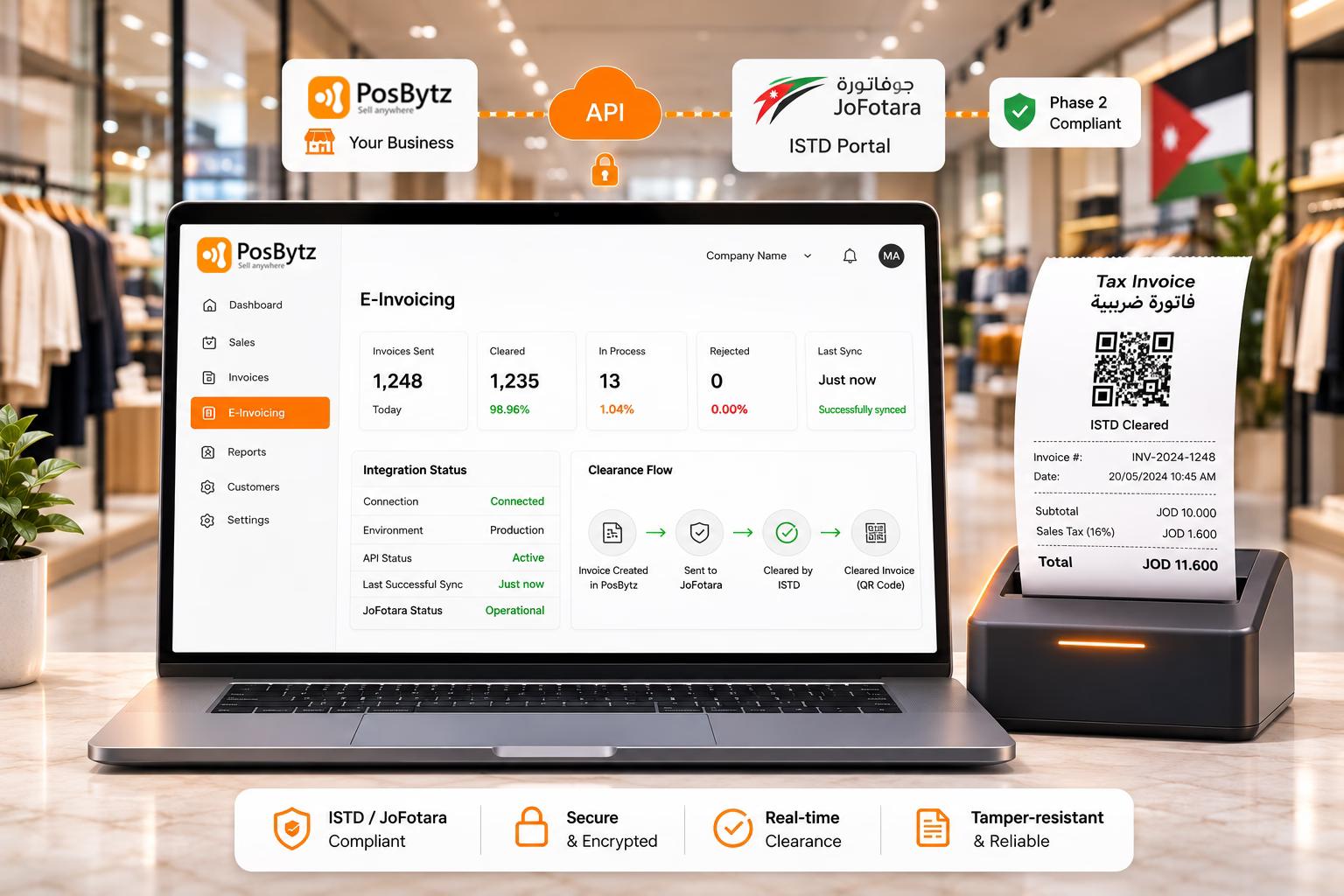
JoFotara workflow
From the till to ISTD clearance in seconds
Meet every JoFotara requirement with real-time submission, ISTD QR codes, return invoices, validation and secure archiving.
Every invoice cleared by JoFotara before it reaches the customer
PosBytz sends each invoice to JoFotara the moment you close the sale. ISTD validates it and returns the cleared invoice in seconds.
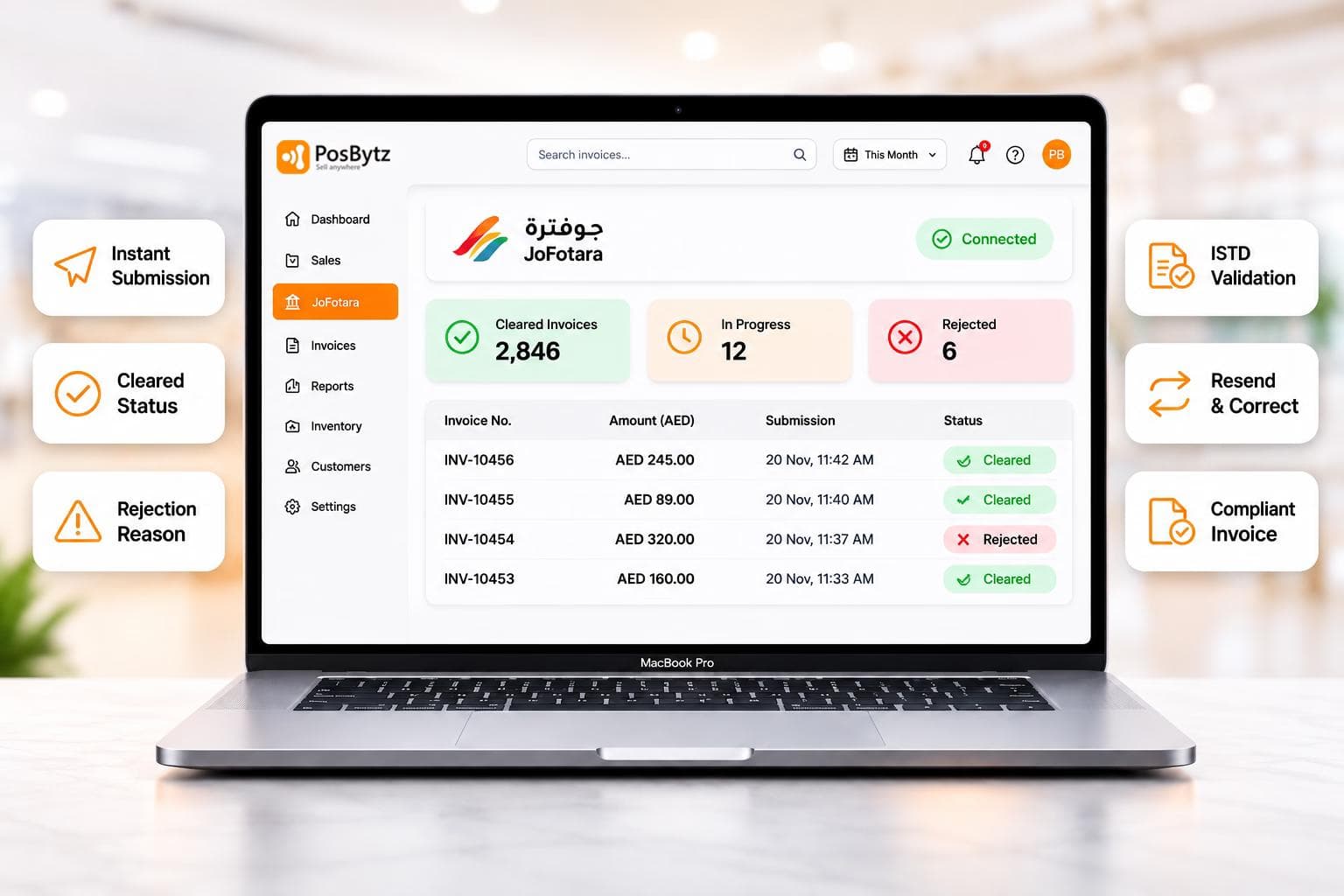
- Instant submission through the JoFotara API
- Cleared status recorded against every bill
- Rejected invoices flagged with the reason so staff can fix and resend
Clearance
Direct integration with JoFotara
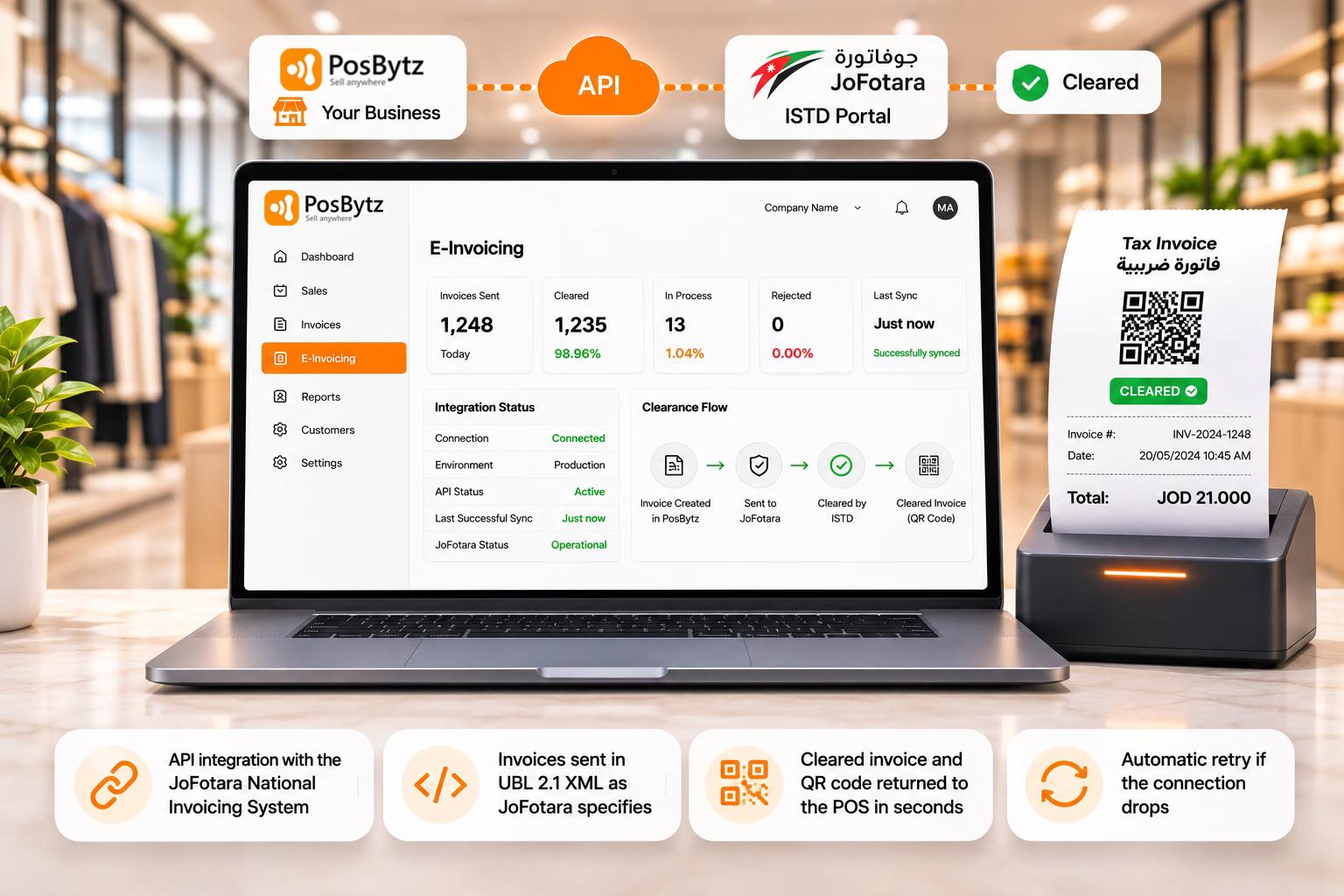
Jordan uses a clearance model: an invoice has no legal standing until ISTD validates it. PosBytz connects to JoFotara through its API and submits every invoice in UBL 2.1 XML automatically. No manual uploads to the portal.
- API integration with the JoFotara National Invoicing System
- Invoices sent in UBL 2.1 XML as JoFotara specifies
- Cleared invoice and QR code returned to the POS in seconds
- Automatic retry if the connection drops
Jordan uses a clearance model: an invoice has no legal standing until ISTD validates it. PosBytz connects to JoFotara…
Mandatory fields
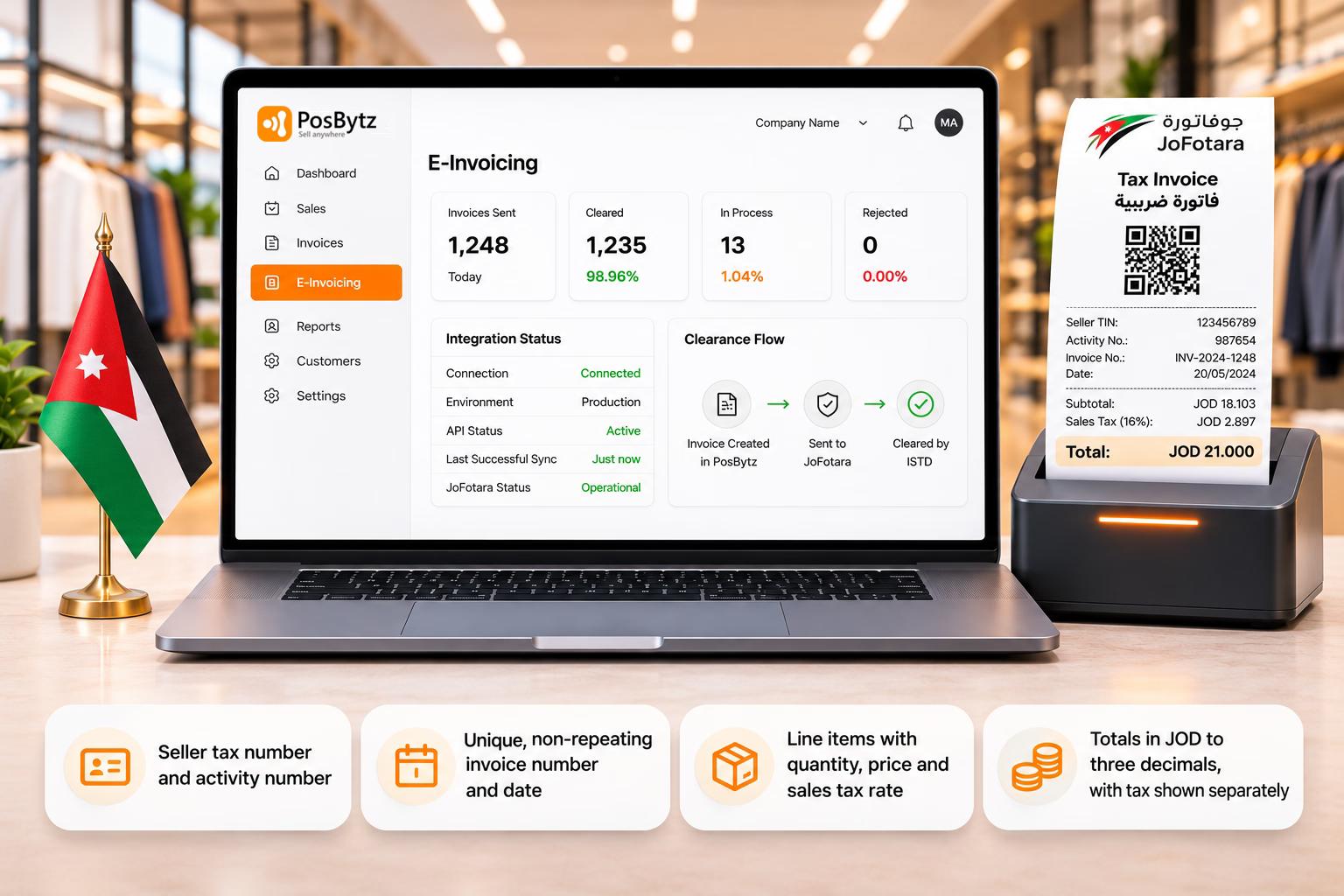
Every field JoFotara requires, filled automatically
Set up your business once. PosBytz adds the right fields to every invoice so nothing is missed at the till.
- Seller tax number and activity number
- Unique, non-repeating invoice number and date
- Line items with quantity, price and sales tax rate
- Totals in JOD to three decimals, with tax shown separately
Set up your business once. PosBytz adds the right fields to every invoice so nothing is missed at the till.
Returns and corrections
Returns handled the JoFotara way
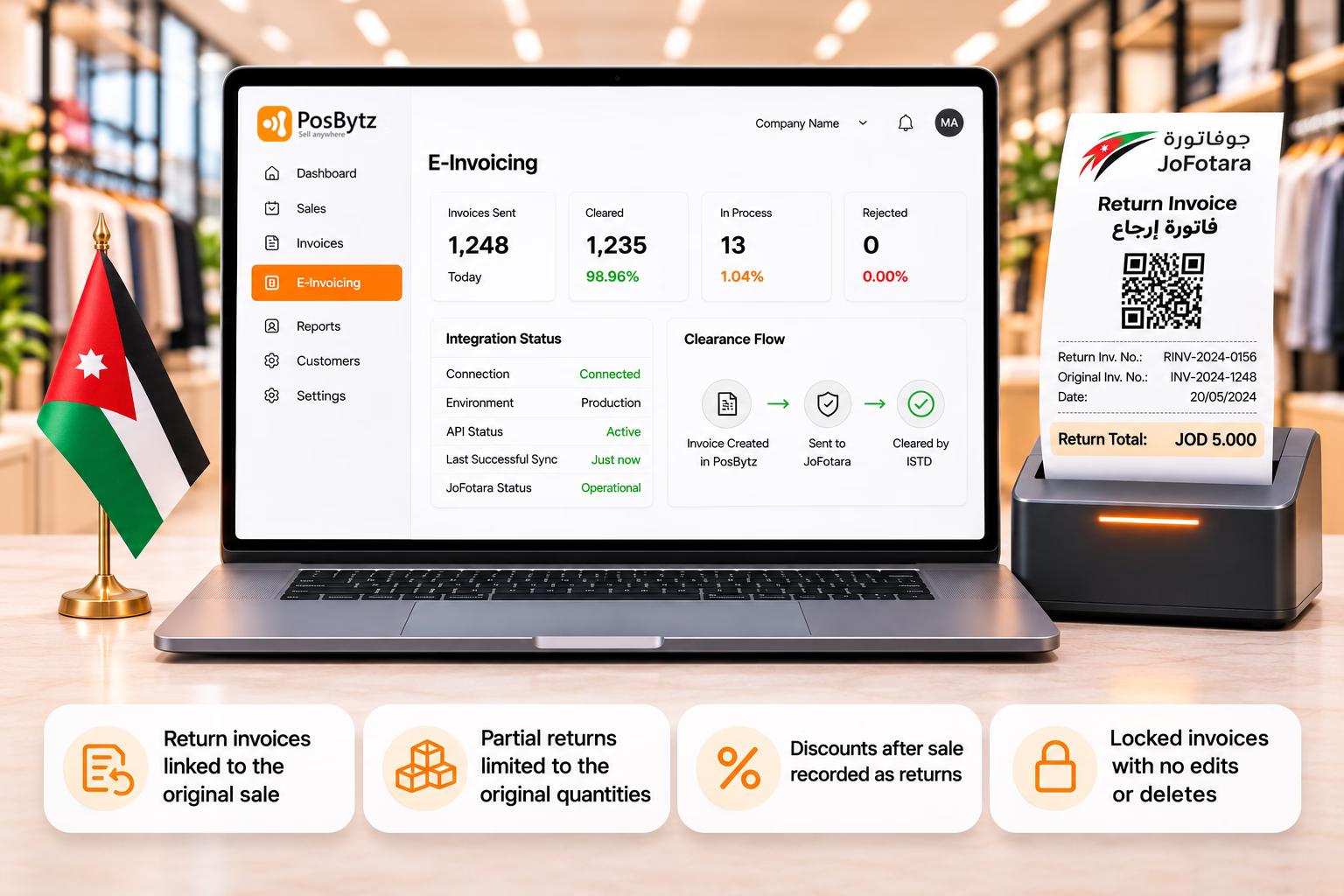
Cleared invoices can't be edited. When a guest sends back a dish or a shopper returns an item, PosBytz issues a return invoice linked to the original and clears it with ISTD.
- Return invoices linked to the original sale
- Partial returns limited to the original quantities
- Discounts after sale recorded as returns
- Locked invoices with no edits or deletes
Cleared invoices can't be edited. When a guest sends back a dish or a shopper returns an item, PosBytz issues a return…
Sales tax
Jordan sales tax calculated on every line
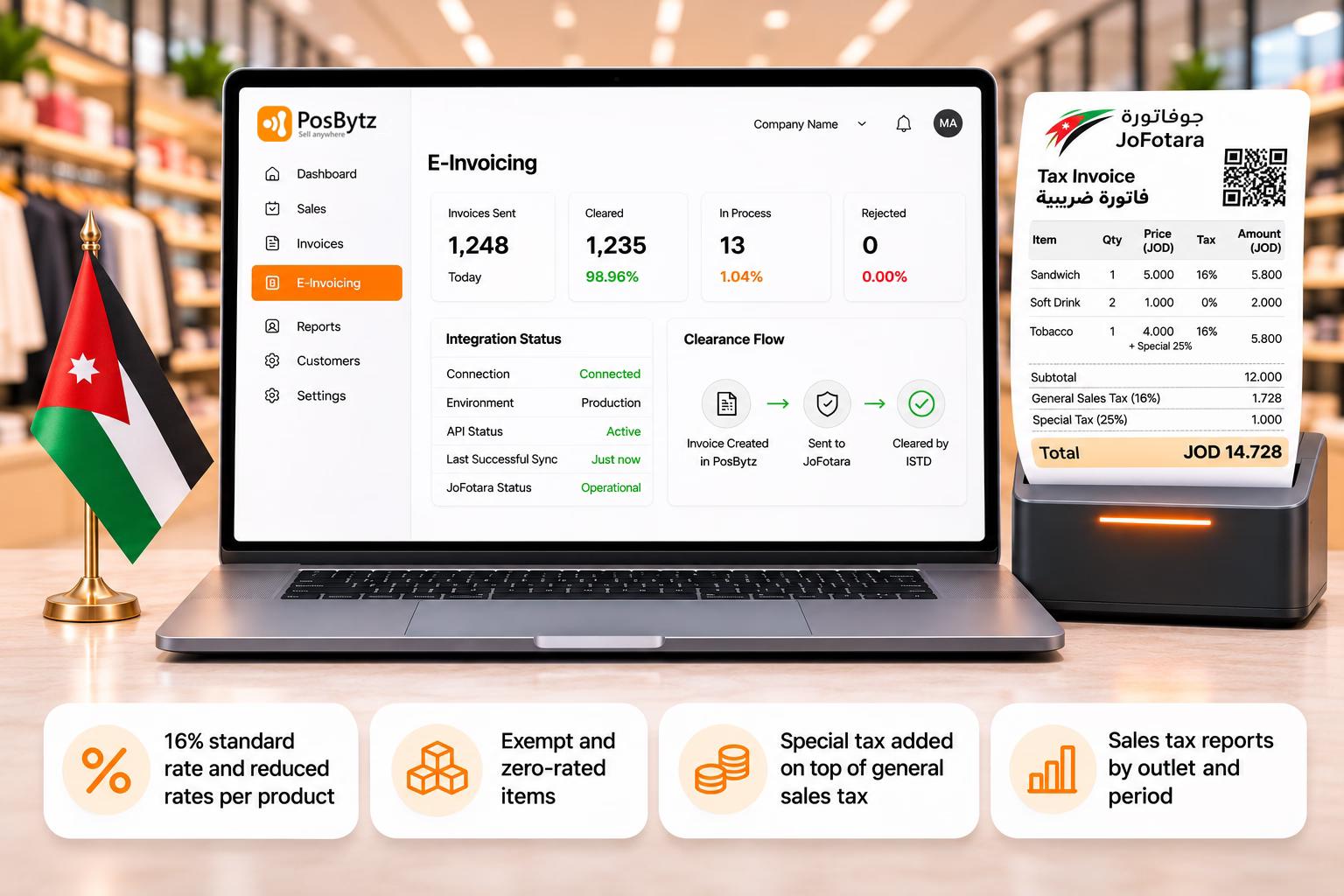
Apply the 16% general sales tax, reduced rates, zero rates and exemptions per item, plus special tax where it applies.
- 16% standard rate and reduced rates per product
- Exempt and zero-rated items
- Special tax added on top of general sales tax
- Sales tax reports by outlet and period
Apply the 16% general sales tax, reduced rates, zero rates and exemptions per item, plus special tax where it applies.
Compliance features
Built as a JoFotara-ready e-invoicing solution
JoFotara API
Every sale is sent to JoFotara through its API the moment you close the bill, and ISTD clears it in seconds, with no manual portal uploads.
ISTD QR codes
PosBytz prints the QR code ISTD returns on every cleared invoice, on receipts or A4, so customers and auditors can scan and verify it.
Bilingual invoices
Every invoice shows Arabic and English side by side, with a full Arabic POS interface for cashiers and printing on receipt or A4 printers.
Auto validation
Seller and buyer tax numbers, line items, tax rates and JOD totals are checked before submission, so ISTD rejections don't slow the counter.
Return invoices
Cleared invoices can't be edited, so refunds, voids and discounts after a sale are issued as return invoices linked to the original bill.
Multi-outlet
Run every branch from one account, with each outlet's JoFotara activity number, invoice sequence and sales tax reports kept separate.
Works on any device
Bill and clear invoices from Android tablets, iPads, Windows PCs or any browser, with no special hardware needed to connect to JoFotara.
Offline mode
Keep selling when the internet drops. Invoices are queued on the device and sent to JoFotara for clearance as soon as you're back online.
Cloud archive
Every cleared invoice, QR code and ISTD response is stored and backed up in the cloud, searchable by date, outlet or number for audits.
Get started in five steps
How to start issuing JoFotara e-invoices with PosBytz
Create your account.
Sign up for a 14-day free trial. No credit card needed.
Get your JoFotara credentials.
Log in to the JoFotara portal and generate your client ID, secret key and activity number.
Connect JoFotara to PosBytz.
Enter the credentials in PosBytz settings, with your business name in Arabic and English and your tax number.
Add your menu or products.
Import from Excel or CSV with prices and sales tax rates.
Ring up your first sale.
PosBytz sends it to JoFotara, prints the ISTD QR code and archives the cleared invoice.
FAQ
JoFotara E-Invoicing FAQ
What is JoFotara?
Is e-invoicing mandatory in Jordan?
Who must comply with JoFotara?
What is the JoFotara e-invoicing timeline?
Does a PDF, handwritten bill or Excel invoice count in Jordan?
Is PosBytz integrated with JoFotara?
What do I need to connect PosBytz to JoFotara?
How do I handle returns and refunds under JoFotara?
What are the penalties for not using JoFotara?
Does PosBytz print Arabic invoices?
How much does JoFotara e-invoicing cost with PosBytz?
Stay compliant with JoFotara from your first sale
Clear every restaurant bill and retail receipt with ISTD in real time, straight from your POS.