PhonePe POS Integration
Turn every billing counter into a PhonePe payment point. Connect your PhonePe merchant account to PosBytz, and each bill gets a dynamic UPI QR code for the exact amount. Payments are confirmed automatically and recorded against the right store and terminal.
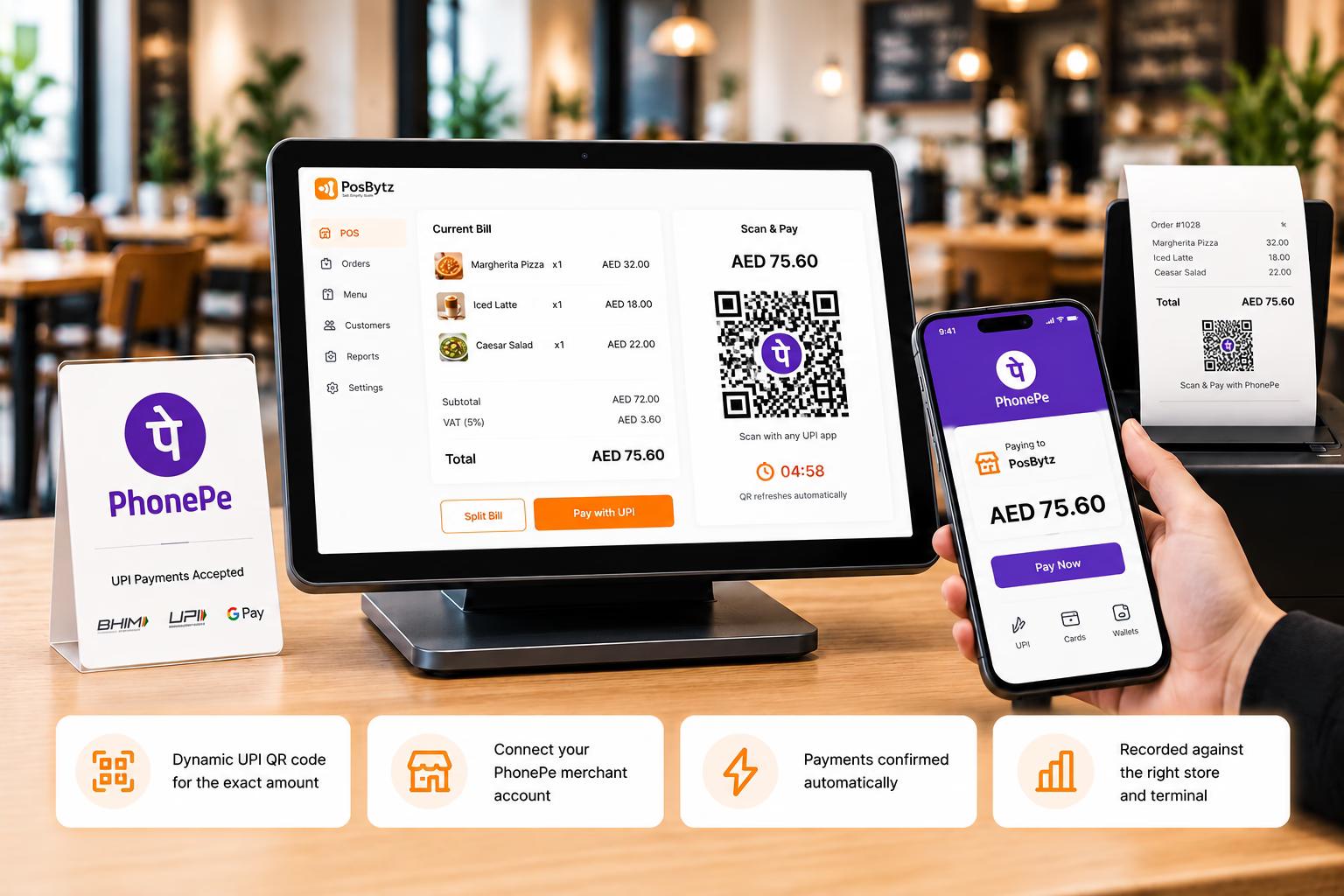
Simple Configuration
Set up PhonePe with your merchant details
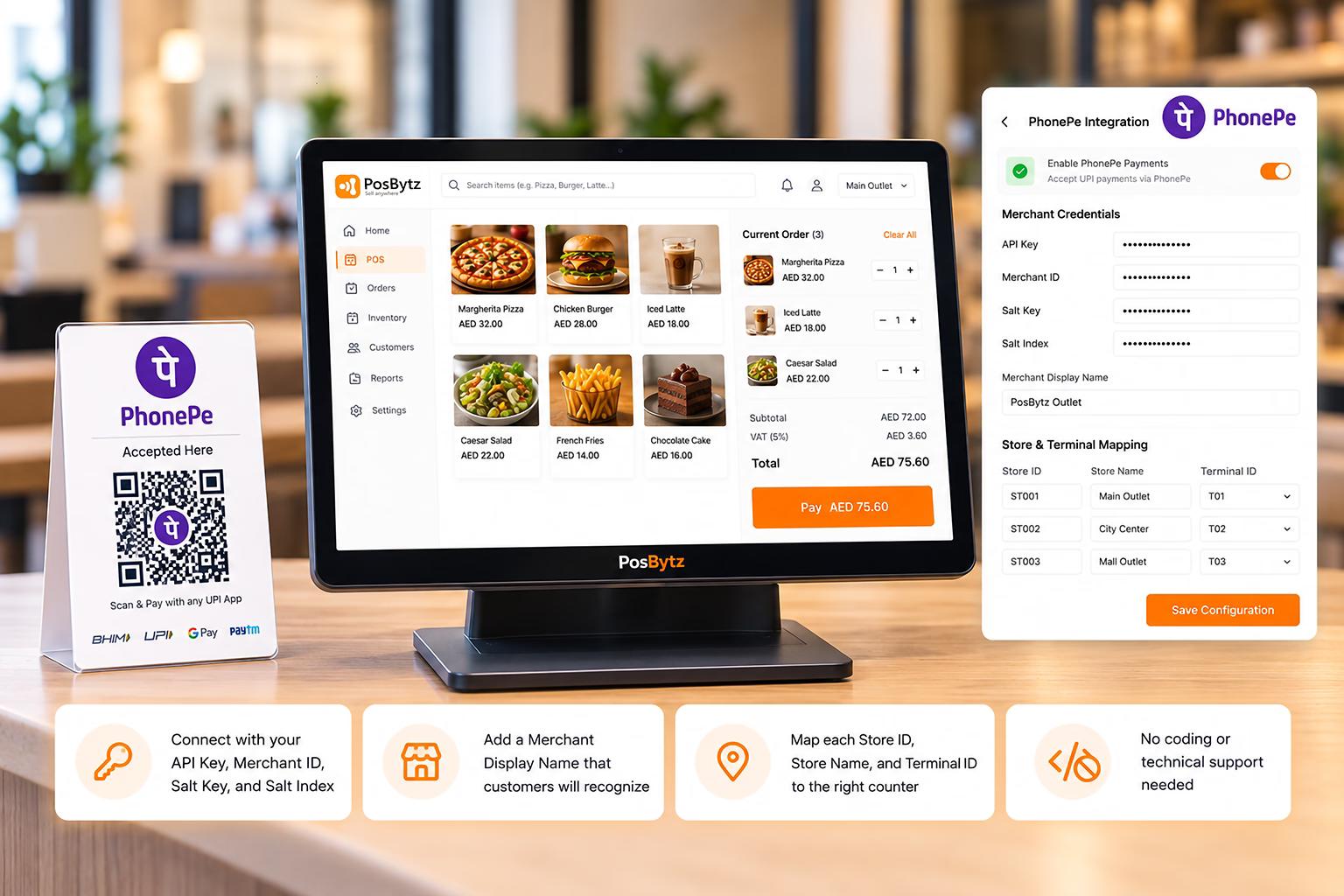
Enter the credentials shared by the PhonePe business team, and PosBytz takes care of the rest. Once saved, PhonePe appears as a payment option on your billing screen.
- Connect with your API Key, Merchant ID, Salt Key, and Salt Index
- Add a Merchant Display Name that customers will recognize
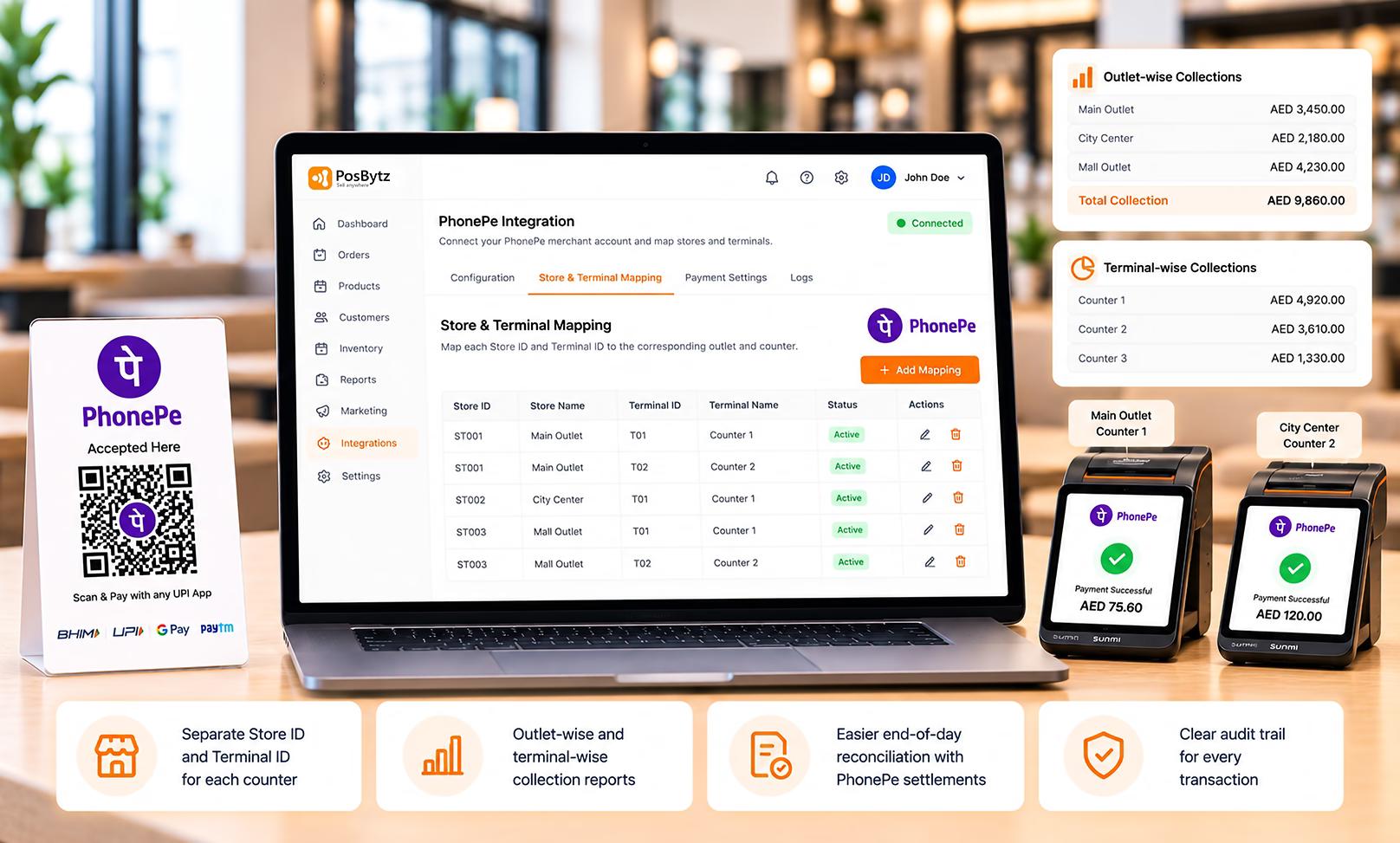
- Map each Store ID, Store Name, and Terminal ID to the right counter
- No coding or technical support needed
Dynamic UPI QR
A fresh QR code for every bill
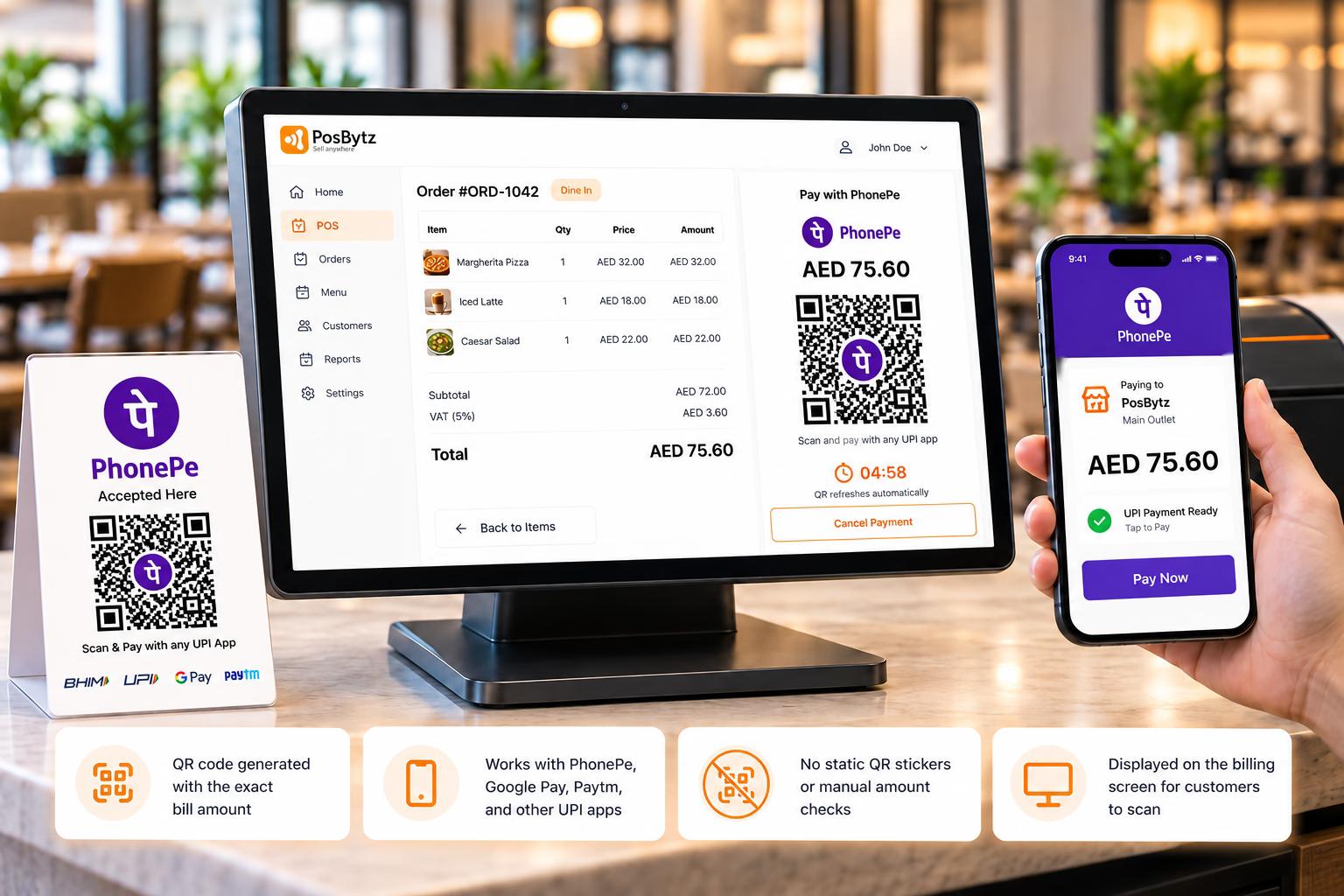
When the cashier selects PhonePe, PosBytz creates a dynamic UPI QR code with the bill amount already filled in. Customers scan it with any UPI app and pay without typing a single number.
- QR code generated with the exact bill amount
- Works with PhonePe, Google Pay, Paytm, and other UPI apps
- No static QR stickers or manual amount checks
- Displayed on the billing screen for customers to scan
Auto Payment Confirmation
Know the moment a payment succeeds
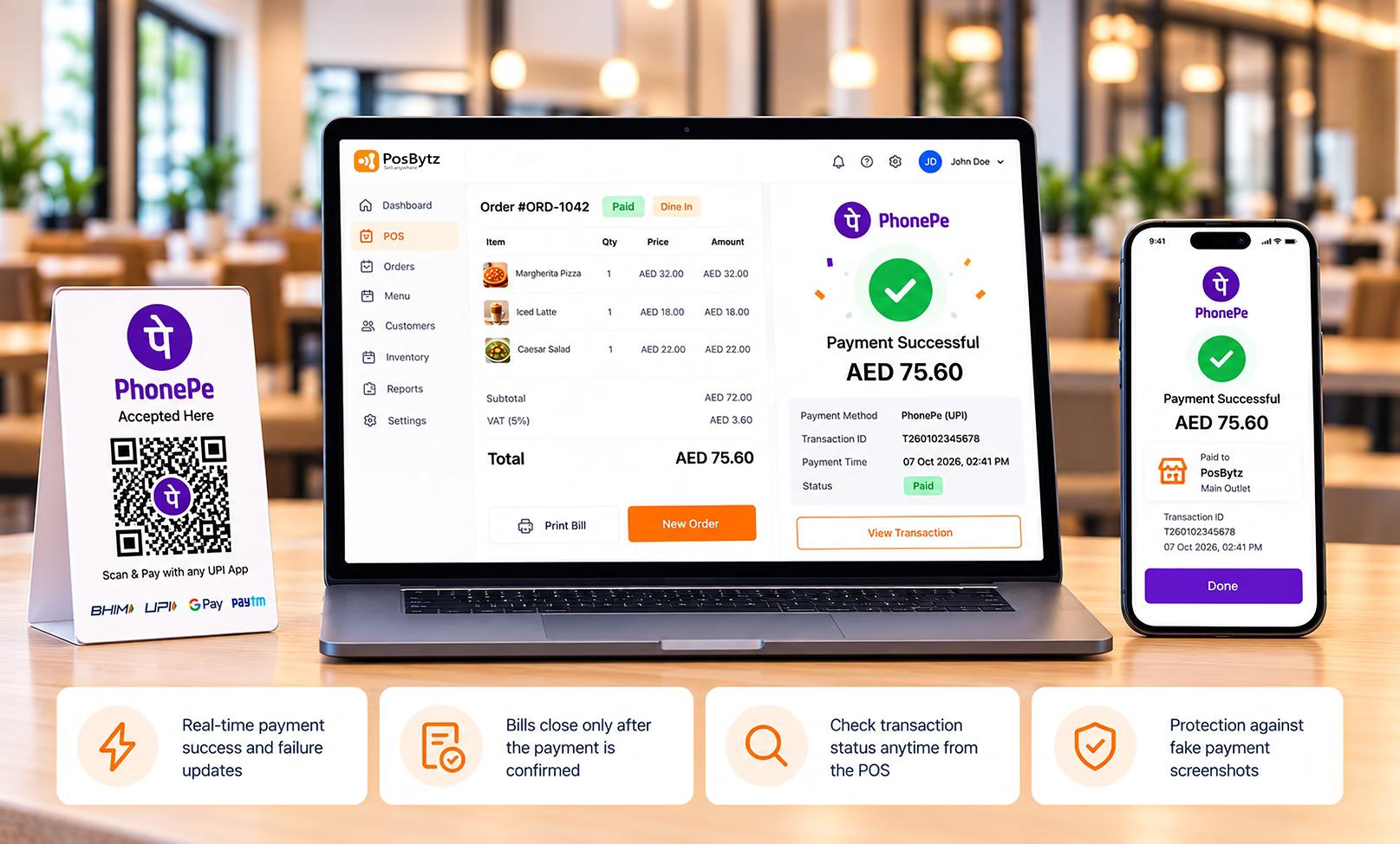
No more asking customers to show payment screenshots. PosBytz receives the payment status directly from PhonePe and marks the bill as paid automatically.
- Real-time payment success and failure updates
- Bills close only after the payment is confirmed
- Check transaction status anytime from the POS
- Protection against fake payment screenshots
Store and Terminal Mapping
Track payments by store and counter
With Store ID and Terminal ID mapping, every PhonePe transaction is linked to the outlet and counter where it happened. Your reports stay accurate, even across many locations.
- Separate Store ID and Terminal ID for each counter
- Outlet-wise and terminal-wise collection reports
- Easier end-of-day reconciliation with PhonePe settlements
- Clear audit trail for every transaction
Smoother UPI payments at every counter
Shorter Queues
Dynamic QR codes carry the exact bill amount, so customers scan and pay in seconds while your cashier moves straight to the next order.
No More Screenshot Checks
Payments are confirmed directly by PhonePe, so your staff never has to verify screenshots or SMS alerts before handing over the order.
Fewer Payment Errors
Customers don’t type amounts, which means no underpayments, no overpayments to refund, and no time wasted fixing mismatched bills
Accurate Store Reports
Store ID and Terminal ID tagging shows exactly which outlet and counter collected each payment, making daily cash-up quick and reliable.
Accept Any UPI App
One QR code works with PhonePe and every other UPI app, so you never lose a sale because a customer prefers a different payment app.
Easy Reconciliation
Each PhonePe transaction is saved with its bill in PosBytz, so matching your daily collections with PhonePe settlements takes minutes.
FAQ
Frequently Asked Questions
What do I need to connect PhonePe with PosBytz?
You need a registered PhonePe merchant account. Keep these details ready: API Key, Merchant ID, Merchant Display Name, Salt Key, Salt Index, Store ID, Store Name, and Terminal ID. The PhonePe business team shares these credentials after your merchant registration.
Connect your tools in one click
Sync accounting, e-commerce, delivery, and payments — all from one dashboard.