Razorpay Payment Gateway Integration
Accept online payments on your PosBytz ordering website and apps. With Razorpay integration, customers pay with UPI, cards, net banking, or wallets at checkout, and every payment is linked to its order automatically.
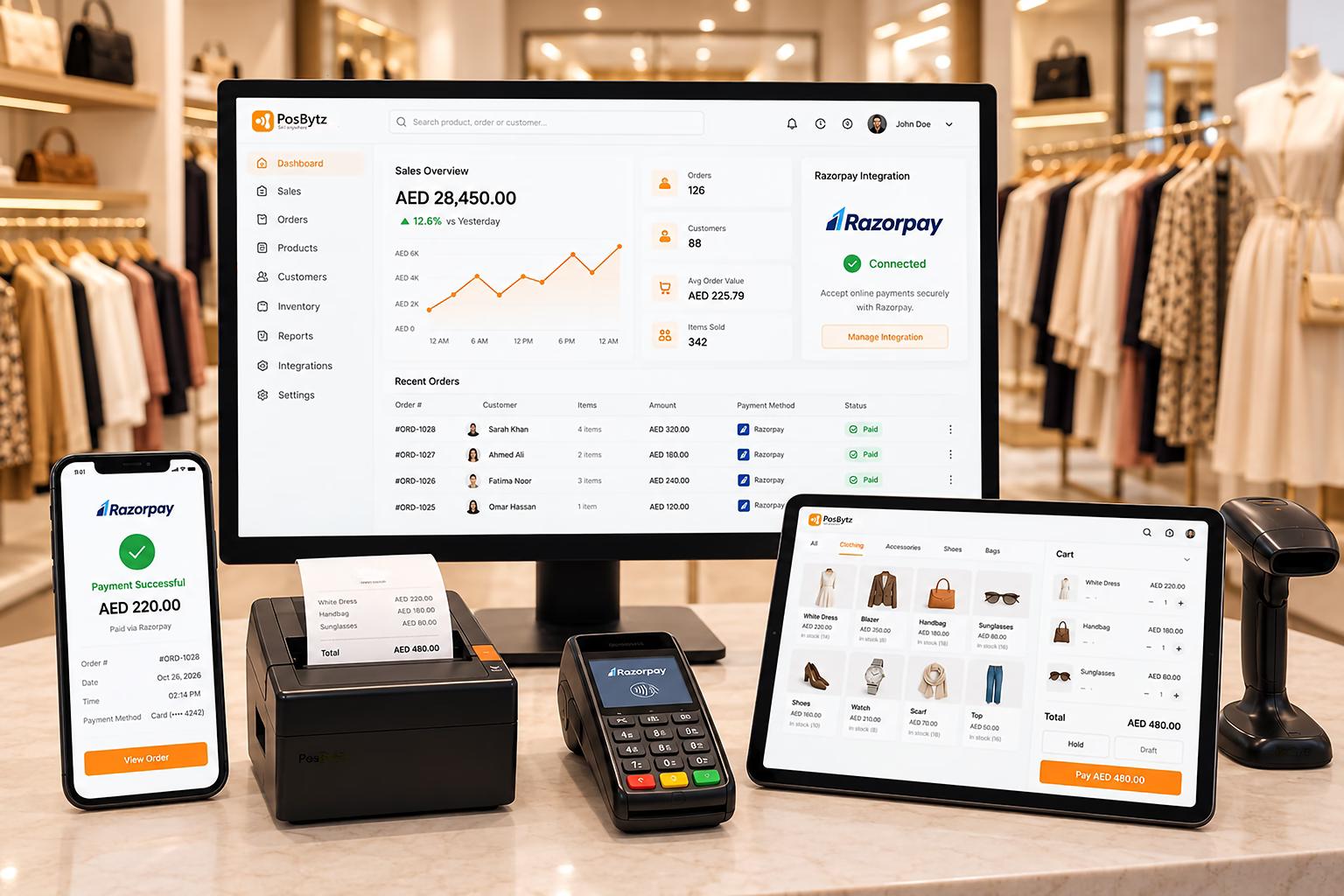
Quick Setup
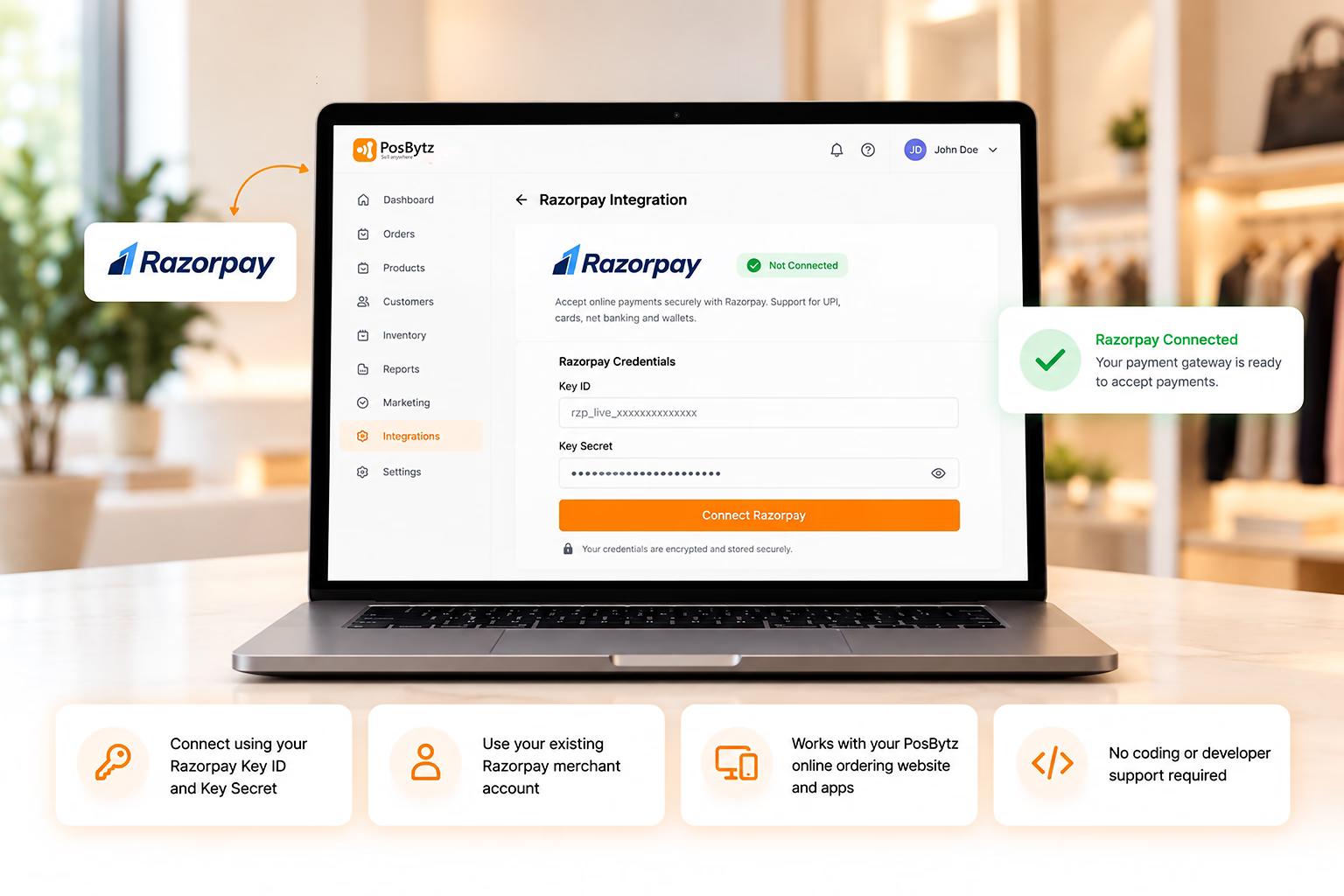
Set up Razorpay integration in minutes
All you need is your Razorpay Key ID and Key Secret. Enter them once in PosBytz, and your online ordering website and apps are ready to accept payments.
- Connect using your Razorpay Key ID and Key Secret
- Use your existing Razorpay merchant account
- Works with your PosBytz online ordering website and apps
- No coding or developer support required
Online Checkout
Razorpay payment integration for online orders
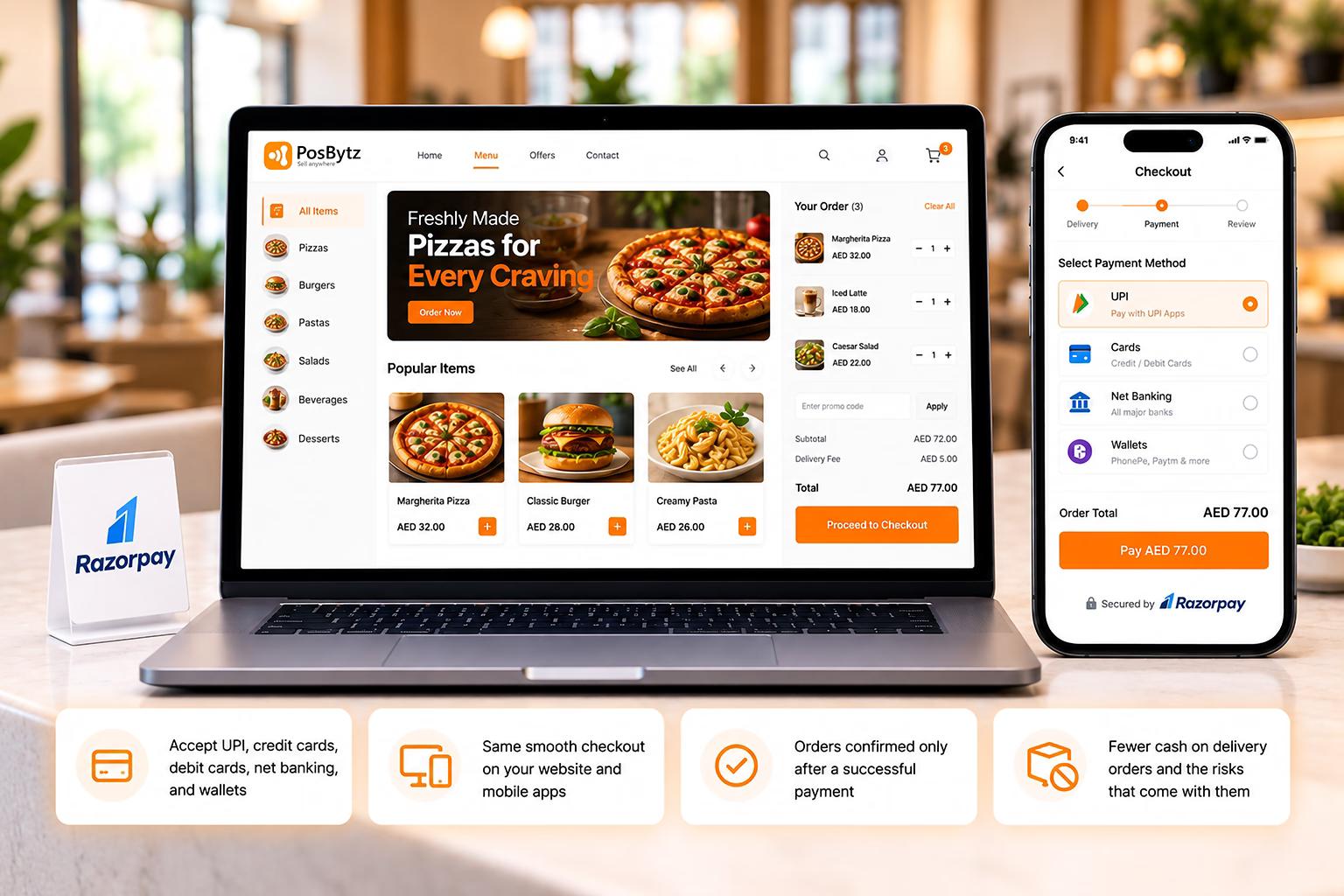
Customers who order from your website or app can pay instantly at checkout. They choose their preferred payment method, and the order is confirmed as soon as the payment succeeds.
- Accept UPI, credit cards, debit cards, net banking, and wallets
- Same smooth checkout on your website and mobile apps
- Orders confirmed only after a successful payment
- Fewer cash on delivery orders and the risks that come with them
Payment Reconciliation
Every payment matched to the right order
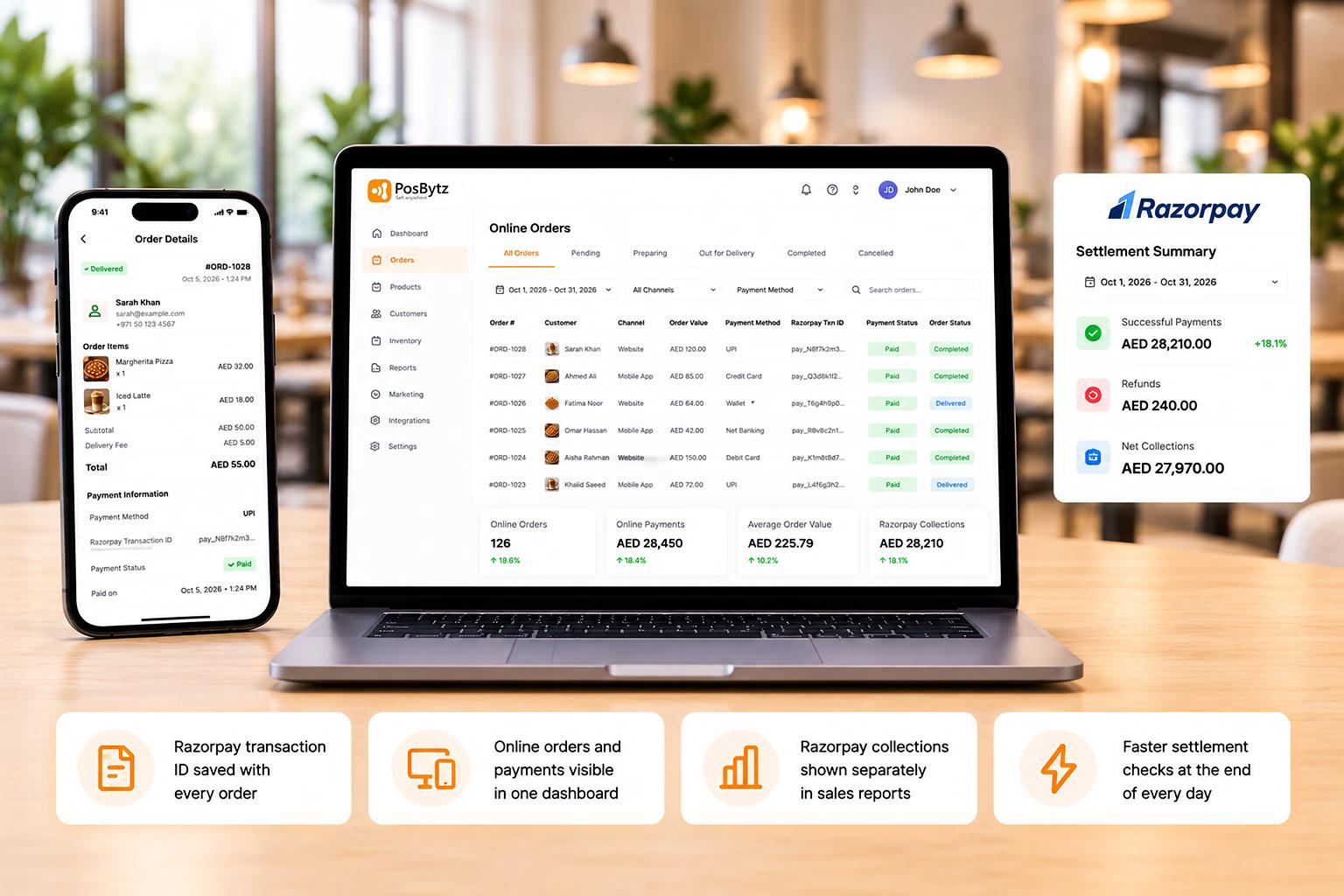
The Razorpay payment gateway integration records each transaction against its order in PosBytz. Your online collections are always ready to compare with Razorpay settlements, without any spreadsheets.
- Razorpay transaction ID saved with every order
- Online orders and payments visible in one dashboard
- Razorpay collections shown separately in sales reports
- Faster settlement checks at the end of every day
Payment Control
Stay in control of every online payment
If a payment fails or the customer leaves before paying, the order is not marked as paid. Customers can retry the payment, and your team can see the payment status of every order.
- Orders marked as paid only after payment confirmation
- Customers can retry failed payments at checkout
- Payment status visible for every online order
- Clear payment history for audits and disputes

What Razorpay integration does for your online business
More Completed Orders
A smooth checkout with familiar payment options helps customers finish paying quickly, so fewer carts are abandoned at the last step.
Fewer COD Risks
Prepaid orders through Razorpay cut down on fake orders, failed deliveries, and the cash handling that comes with cash on delivery.
Every Payment Option Covered
Accept UPI, credit cards, debit cards, net banking, and wallets, so customers on your website or app always find a way to pay that suits them.
Accurate Order Records
Every Razorpay payment is saved with its order, so matching online collections with Razorpay settlements takes minutes, not hours.
Website and App Ready
One Razorpay connection works across your PosBytz online ordering website and mobile apps, so you manage online payments from one place.
Secure Transactions
With Razorpay payment gateway integration, payments run on a PCI DSS compliant gateway, keeping card and UPI details protected at every step.
FAQ
Frequently Asked Questions
What do I need for Razorpay integration with PosBytz?
You need an active Razorpay merchant account and your API credentials: the Key ID and Key Secret. You can generate both from the API Keys section of your Razorpay Dashboard.
Connect your tools in one click
Sync accounting, e-commerce, delivery, and payments — all from one dashboard.