What Is POS Security? How to Secure POS Software in 2026
POS system from the rising threats of a POS attack. Let's look at the best POS cyber security practices and applications for your system.
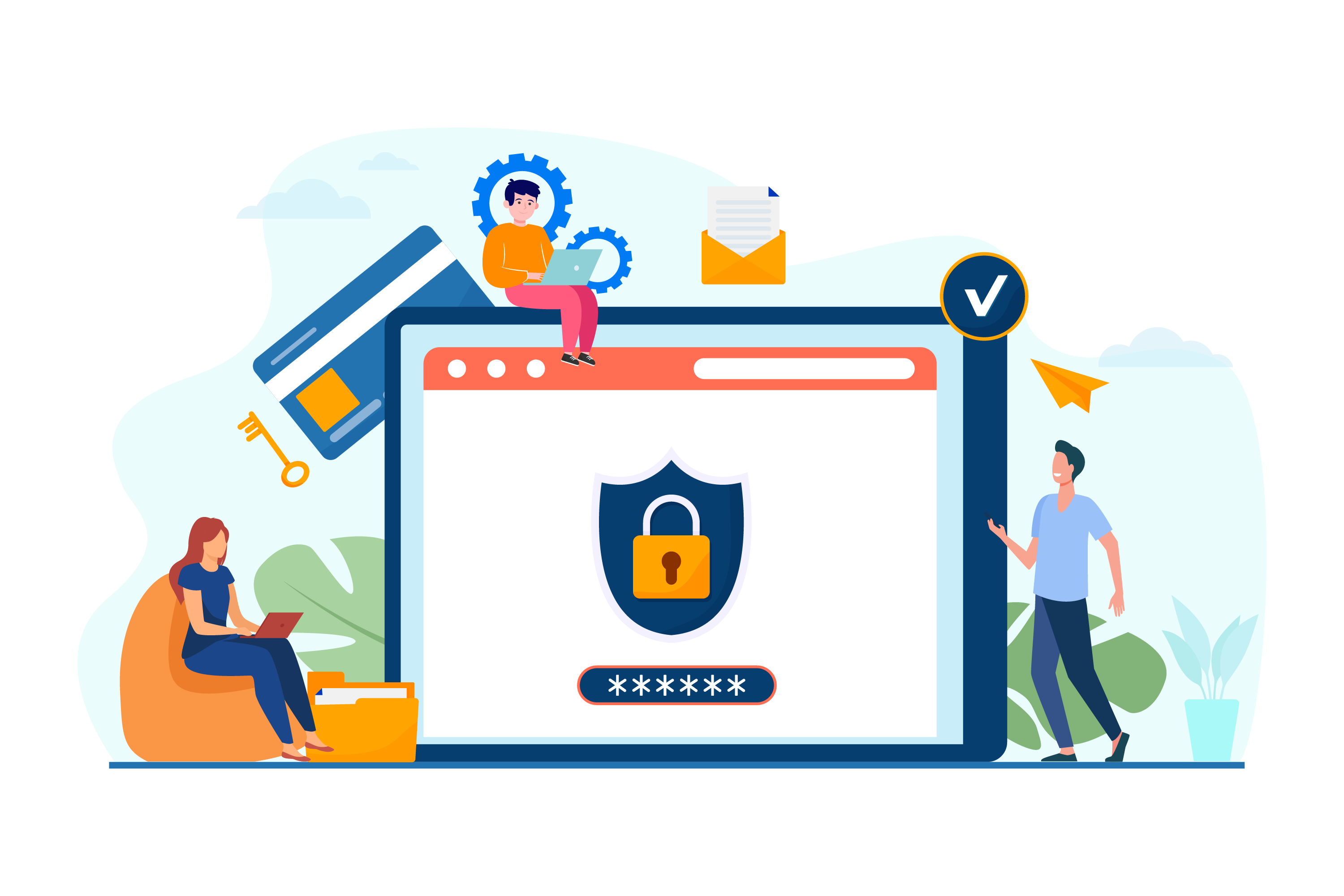


With the rapid growth of POS transactions, security vulnerabilities are also growing. Multiple cyberattacks on the POS system occur every minute in restaurants and retail outlets.
Point-of-sale malware has become one of the biggest sources of stolen financial payment card information. You will be shocked to know about the mega-breach of 2013–2015 that compromised nearly 100 million payment cards in the US. The scenario is roughly the same as it has been up to this point; even cybercriminals have sharpened their methods to pave the way for the deployment of POS malware.
What Is POS Security and Why Does It Matter?
Every POS application handles a large amount of sensitive data, from personal customer details to card information. POS security refers to the safeguards, encryption, and access controls that stop unauthorized users and malware from reaching that data. It protects the back-end of your system so transactions can be completed safely and electronic payment data stays out of the wrong hands.
POS software security matters because a single breach can lead to direct financial loss, regulatory penalties, legal exposure, and lasting reputational damage. Since your system stores confidential information like usernames, passwords, and payment details, treating POS security as optional is no longer realistic for any restaurant or retail business.
The Evolving Threat Landscape (2020–2026)
While the mega-breaches of previous decades set the alarm, the years between 2020 and 2026 have seen even more sophisticated POS Software Security challenges. As of 2026, the shift toward contactless payments and cloud-based systems has forced cybercriminals to move toward advanced memory-scraping malware and API-based attacks.
Notable Recent Breaches:
- The 2022 DoorDash Incident: A targeted phishing attack compromised the personal information of certain customers and drivers, building on a prior breach in 2019 that affected 4.9 million users.
- Supply Chain Disruptions (2024-2026): Recent years have seen a rise in attacks targeting third-party integrations, leading to widespread shipment thefts and productivity losses.
- Ransomware Evolution: As of 2026, ransomware is a primary tool for shutting down retail networks, demanding heavy payments to revive hijacked POS Software Security environments.
As a result, the question should not be why these attacks continue to occur. Rather, it should be about how to secure POS software from the rising threats of a POS attack. Let’s look at the best POS Security practices and applications for your system.
How Do POS Attacks Work?
Hackers typically look for weaknesses in firewalls or gaps in POS Software Security controls to launch social engineering attacks. A common method involves stolen login credentials or phishing emails containing malicious links. Once a link is clicked, malware can be deployed into the POS system's memory, where it scrapes card data during processing.
Two things make this harder to pull off on a well-secured system:
- Encryption and code signing prevent tampering with the software itself, so malicious code can't be quietly inserted into the POS application.
- EMV chip readers make card data far harder to clone than magnetic stripe swipes did, since the customer's card details are never fully exposed during the transaction.
PCI DSS Compliance and POS Software Security
Any business that stores, processes, or transmits card data needs to meet the Payment Card Industry Data Security Standard (PCI DSS), and the rules changed meaningfully in 2025. PCI DSS 4.0 became the only active version after PCI DSS 3.2.1 was retired, and its remaining "future-dated" requirements became mandatory on March 31, 2025.
For POS software security, the practical changes worth knowing about include:
- Wider multi-factor authentication (MFA): MFA is now expected for all employees accessing cardholder data, not just administrators.
- Stronger password policies: A 12-character minimum with proper complexity is now the baseline.
- Automated log monitoring: Manual log reviews are no longer considered sufficient; automated review of system logs is expected for components handling card data.
- Reduced PCI scope through tokenization and encryption: Tools like point-to-point encryption (P2PE) and tokenization help limit how much raw card data your systems ever touch.
Non-compliance carries real consequences, including the risk of losing the ability to process card payments until a full reassessment is completed. If your POS provider handles this compliance work for you, it's worth confirming exactly what's covered.
What Is the Process of POS Security?
Hackers are constantly on the lookout for potential weaknesses in firewalls or holes in the POS Software Security features to launch social engineering attack methods. They sometimes use old login credentials or send emails attached with malicious links. Once recipients click on the link, malware gets deployed into the POS system memory to steal information from terminals.
How POS cyber security applications help:
These applications are designed to prevent data breaches and theft via advanced encryption and code signing that efficiently prevents tampering.
The usage of chip readers makes it more difficult for hackers to replicate card data since the customer doesn’t swipe their card during the transaction. This prevents the deployment of dangerous POS malware.
How to Secure POS Software: A Step-by-Step Checklist
Follow these best practices for how to secure POS software:
- Install a trustworthy security solution to safeguard sensitive data.
- Train employees on security policies and potential POS Software Security risks.
- Educate new hires and customers about unknown links or email attachments.
- Keep all operating systems and POS applications updated with the latest patches.
- Regularly review system logs for strange or unexplained activity.
- Use strong, unique account names and complex passwords, changing them regularly.
- Ensure all Wi-Fi and internet connections are secured and uniquely named.
Cloud POS vs Traditional POS: Which Is Easier to Secure?
Traditional on-premise POS systems put the burden of patching, backups, and network security entirely on the merchant. A cloud-based POS software shifts much of that responsibility to the provider, since updates, encryption, and infrastructure security are typically managed centrally and pushed out automatically rather than depending on someone manually updating each terminal.
That said, cloud POS still needs the same fundamentals: strong access controls, MFA, and staff training. The advantage is that patching and infrastructure hardening happen faster and more consistently, which matters given how quickly new attack methods surface. If you're comparing options, this breakdown of cloud POS systems is a useful starting point for evaluating security features alongside pricing and functionality.
Conclusion
Data breach numbers get more concerning every year, and POS systems remain a frequent target because of the payment data they handle. Safeguarding that data starts with the fundamentals: encryption, access control, employee training, and staying current with standards like PCI DSS 4.0. A cloud-based POS software like PosBytz that works across Mobile, Tablet, and Desktop on Windows, Android, and iOS can help carry some of that security burden through centralized updates and built-in safeguards.
Frequently Asked Questions
Can a POS system be hacked?
Yes. Hackers can gain access to confidential customer data, including encrypted information, if vulnerabilities go unpatched. Several major breaches have affected millions of merchants and customers, which is why ongoing firewall monitoring and software updates are essential rather than optional.
What is a POS attack?
A POS attack is malicious activity, usually malware, that steals financial data from a system's temporary memory by exploiting POS Software Security gaps. This often happens during the brief moment card data is decrypted for processing.
What are the basic security procedures for POS?
At minimum, a POS setup should use strong and unique account credentials, changed regularly, along with secured Wi-Fi and internet connections. Businesses should also install antivirus and POS security software, keep systems patched, and enable multi-factor authentication wherever it's supported.
Is cloud POS more secure than an on-premise POS?
Cloud POS shifts most patching, encryption, and infrastructure security work to the provider, which often means faster updates and fewer gaps than manually maintained on-premise servers. However, security still depends on how well access controls, passwords, and staff training are managed on the merchant's side.
Does my POS system need to comply with PCI DSS?
If your business stores, processes, or transmits card data in any way, PCI DSS applies to you. As of March 2025, PCI DSS 4.0's full set of requirements, including expanded MFA and stronger password rules, became mandatory for all merchants and service providers involved in card payments.
Stop Cyber Threats Before They Start
Don’t leave your customer data to chance in 2026. Switch to PosBytz—the most secure, cloud-based retail POS system designed to safeguard your transactions across every device.
Start Your Free Trial Talk to an Expert
No credit card required. Setup in less than 5 minutes.
Related Resources
About the author

Kamalakannan
CTO, PosBytz
Kamalakannan is the CTO of PosBytz, where he leads product and engineering for the company's all-in-one POS and ERP platform. He writes about the technology decisions behind building reliable, scalable software for restaurants and retail businesses.



