Phase 1 · Generation
In force since 4 December 2021
You must issue and keep invoices electronically, from software that cannot edit or delete an invoice without leaving a trace. Simplified (B2C) invoices need a QR code.
Free ZATCA-compliant e-invoicing for small businesses. Issue bilingual invoices with QR codes from any device, and switch on Phase 2 when your wave arrives.
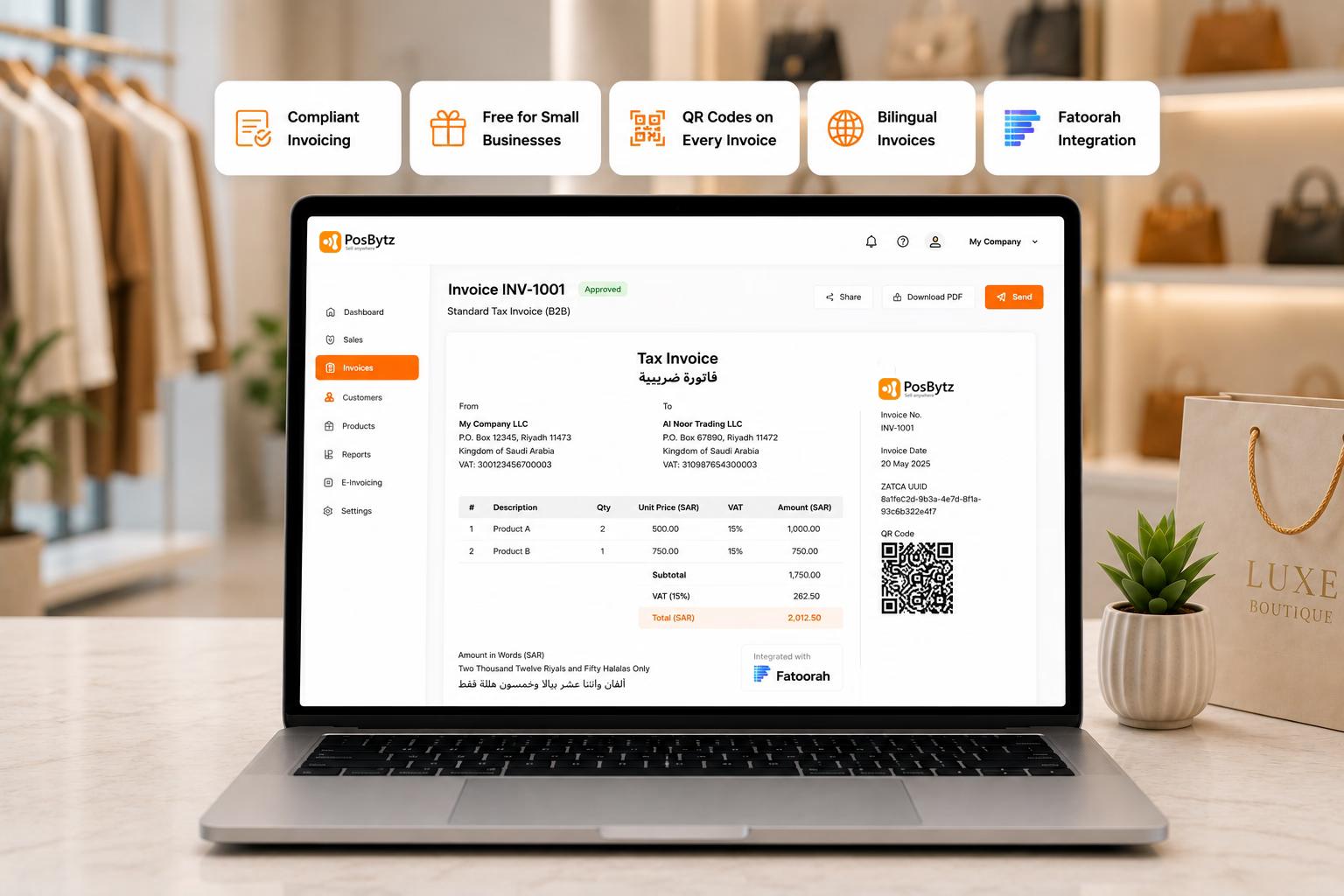
Yes. ZATCA's e-invoicing (Fatoorah) rules apply to every business registered for VAT in Saudi Arabia. Small businesses are not exempt.
The requirements roll out in two phases
In force since 4 December 2021
You must issue and keep invoices electronically, from software that cannot edit or delete an invoice without leaving a trace. Simplified (B2C) invoices need a QR code.
Rolling out in waves
Connect your software to ZATCA's Fatoora platform. B2B standard invoices are cleared before sending; B2C simplified invoices are reported within 24 hours.
Handwritten invoices, Word or Excel templates, and PDFs you can edit afterwards don't meet the rules, even for a one-person business.
Who Qualifies
Whether you run a single restaurant or a small retail shop, if you are VAT-registered in Saudi Arabia, you must issue e-invoices. Business size does not exempt you. PosBytz makes compliance accessible with a free tier for small businesses.
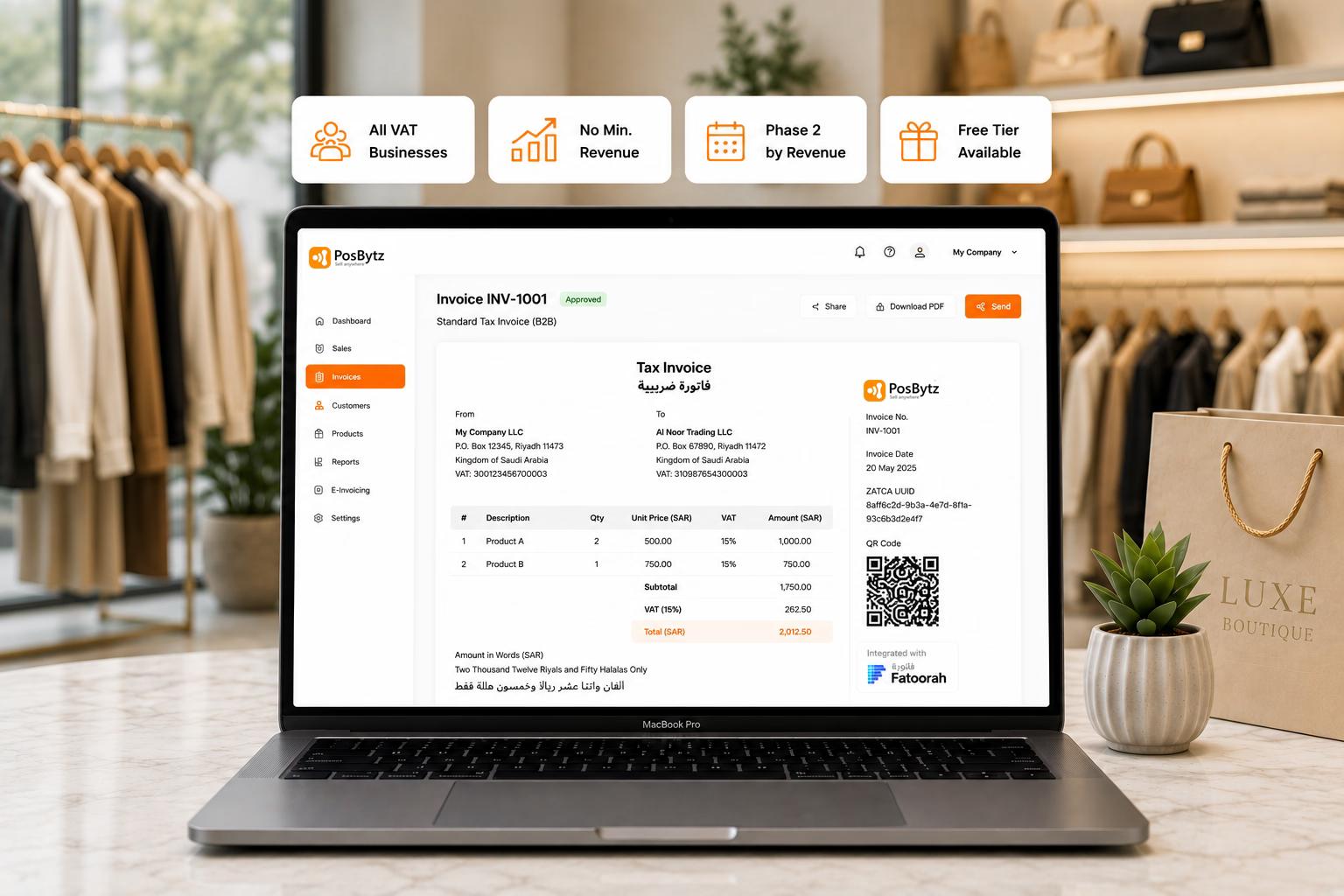
Free Tier
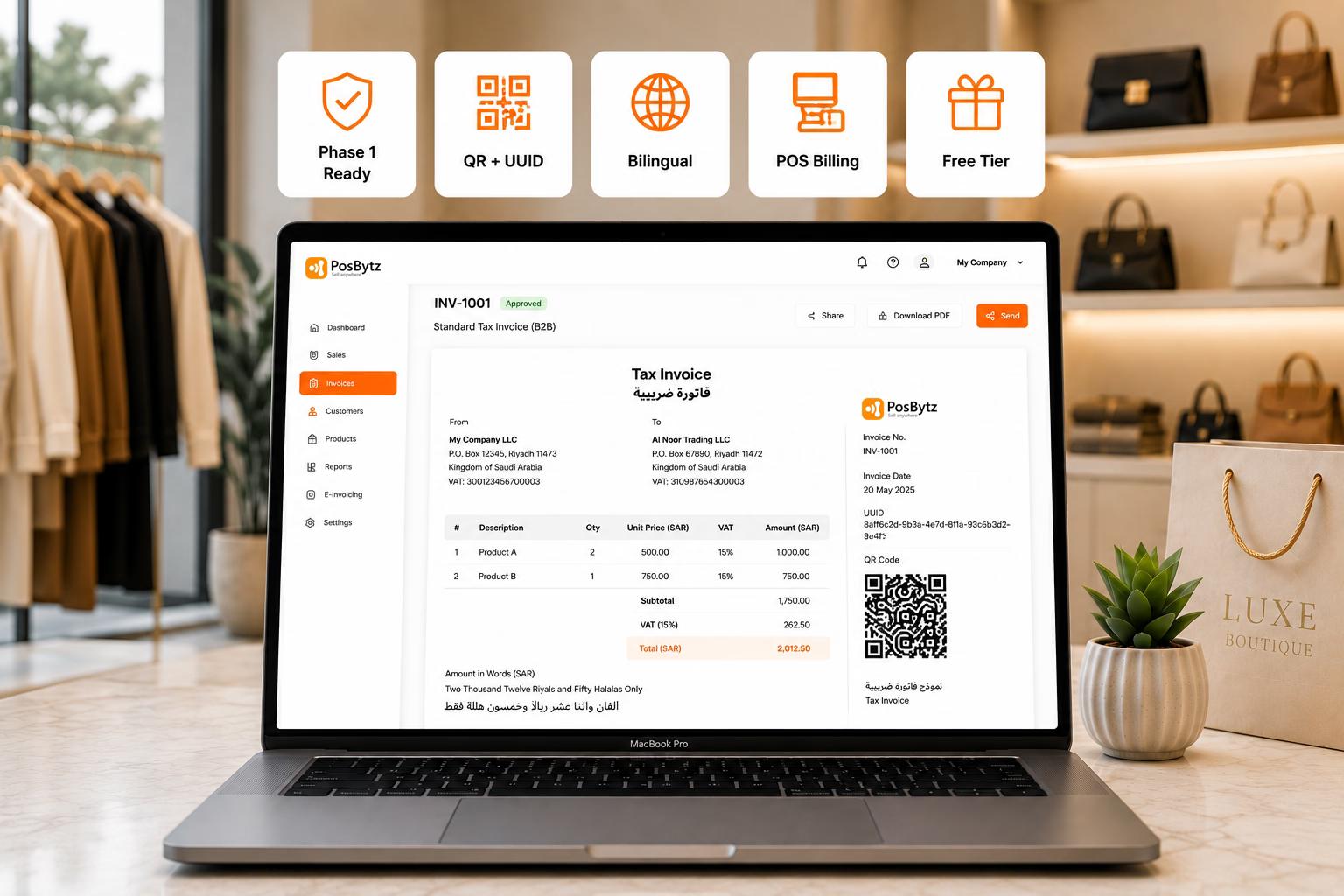
Our e-invoicing software free plan includes ZATCA Phase 1 compliant invoice generation, QR codes, bilingual formatting, and basic POS functionality. Upgrade when you need multi-outlet management, advanced reporting, or accounting features.
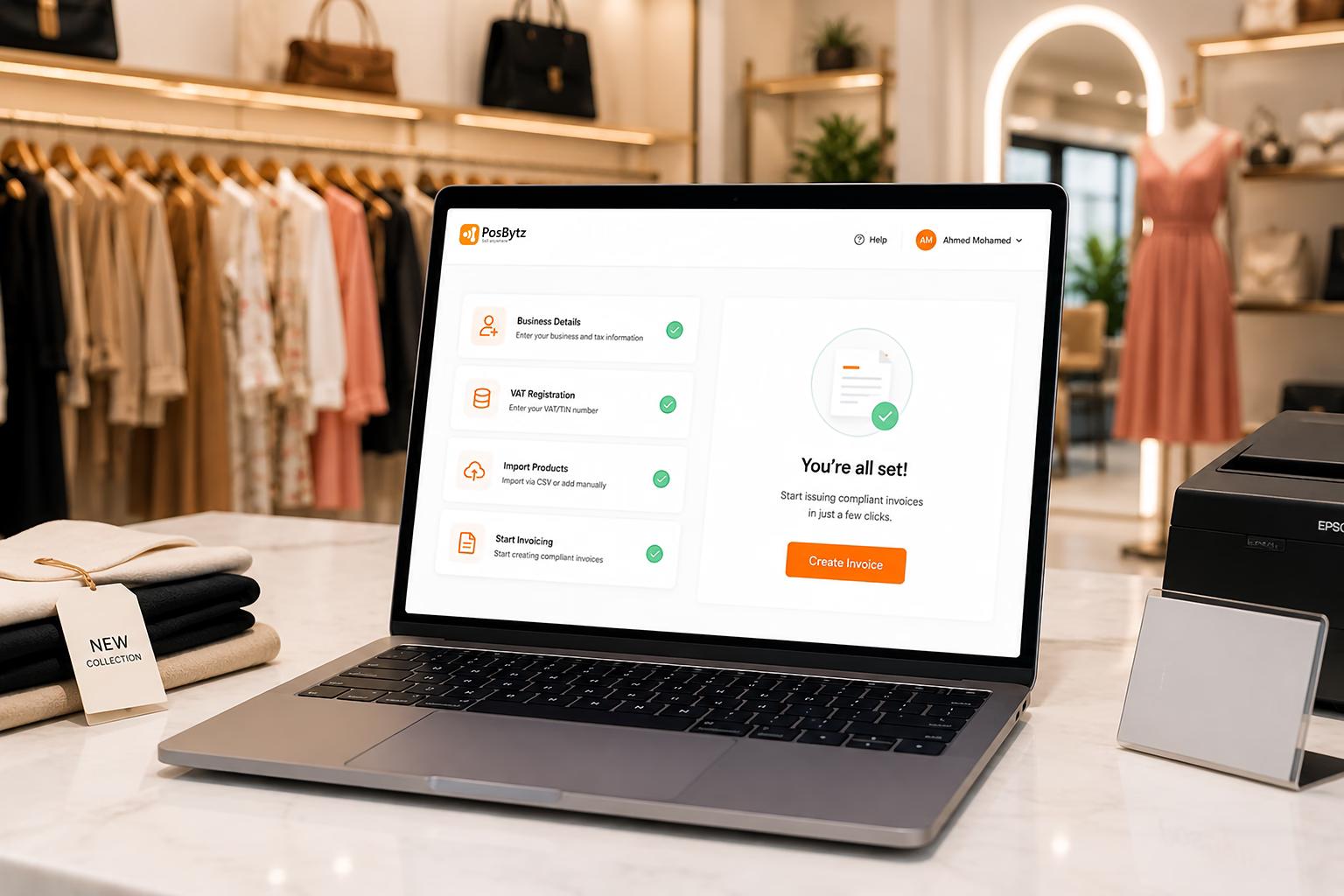
Simple Setup
Register, add your business details and TIN, import your products, and start issuing compliant invoices. PosBytz handles the formatting, QR codes, and validation automatically.
Upgrade Path
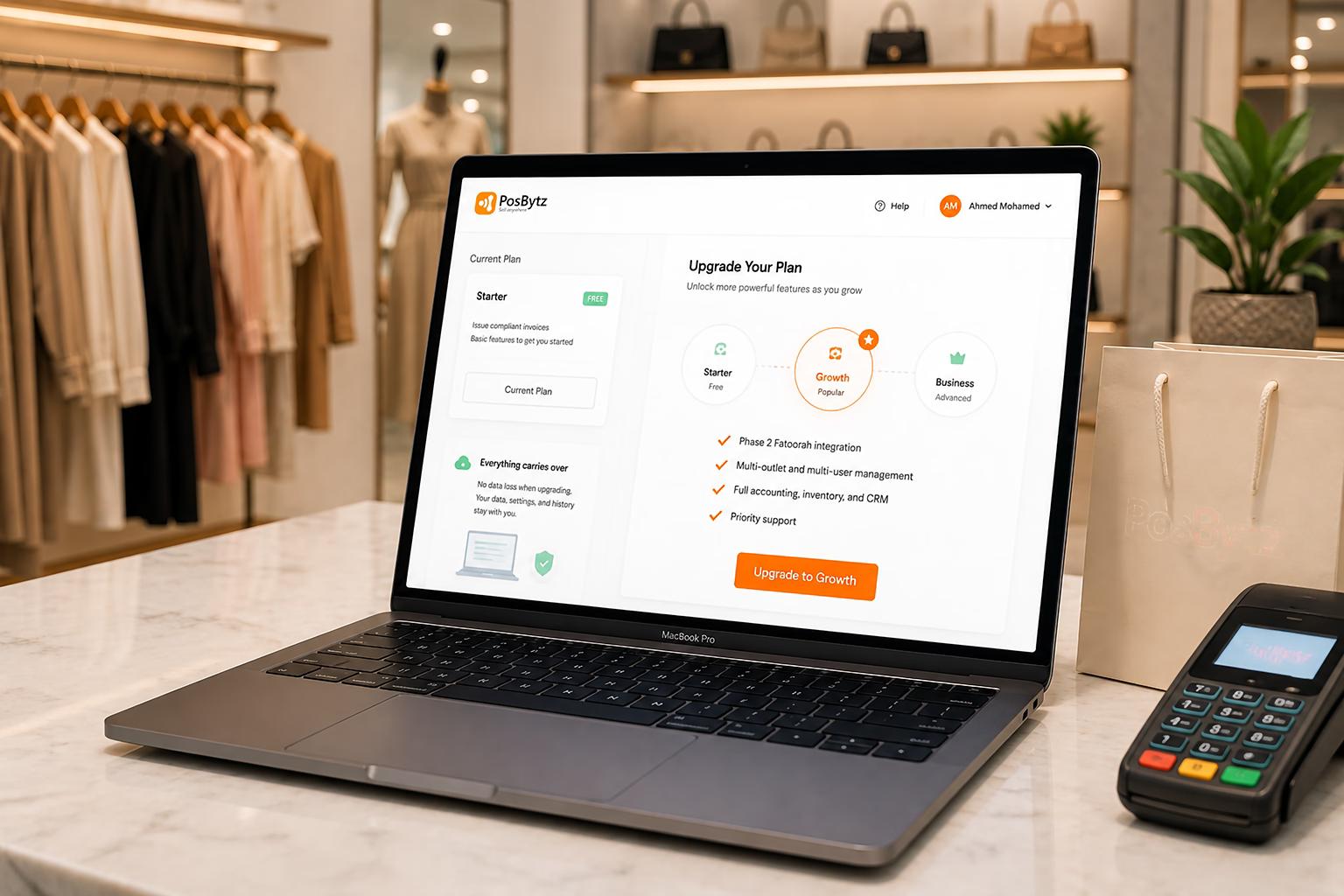
Start free and upgrade when you need Phase 2 Fatoorah integration, multi-outlet management, inventory tracking, accounting, or CRM. No data migration — everything carries over.
| Phase 1 – Generation | Phase 2 – Integration | |
|---|---|---|
| Applies to | All VAT-registered businesses | Businesses in a ZATCA wave (by revenue) |
| Since / deadline | 4 December 2021 | Wave by wave; see below |
| What your software must do | Issue electronic invoices; QR code on simplified invoices; no editing or deleting of issued invoices | Everything in Phase 1, plus XML (UBL 2.1) invoices, cryptographic stamp, invoice hash, and connection to Fatoora |
| B2B standard invoices | Issued electronically | Cleared by ZATCA before you send them |
| B2C simplified invoices | Issued electronically with QR code | Reported to ZATCA within 24 hours |
| PosBytz plan | Free plan | Paid plans |
| Wave | Your VAT-subject revenue exceeded | In any of | Integrate with Fatoora by |
|---|---|---|---|
| Wave 24 | SAR 375,000 | The revenue years ZATCA set for the wave | 30 June 2026 |
| Wave 25 | SAR 187,500 | 2022, 2023, 2024 or 2025 | 1 February 2027 |
What this means for you: Wave 25 brings almost every VAT-registered business into Phase 2 by 1 February 2027. The free plan covers you for Phase 1 today. If your revenue crossed SAR 187,500 in any year from 2022 to 2025, plan your switch to Phase 2 before your deadline. ZATCA also notifies businesses in each wave directly.
Source: ZATCA wave announcements, summarised by KPMG and Grant Thornton. Checked October 2026.
Our free e-invoicing software gives you everything you need to issue Phase 1 compliant invoices and run a small counter. Upgrade when you need Fatoora integration, more outlets or a full back office.
| Feature | Free plan | Paid plans |
|---|---|---|
| ZATCA Phase 1 compliant tax invoices (simplified and standard) | Yes | Yes |
| ZATCA QR code on every invoice | Yes | Yes |
| Arabic + English bilingual invoices | Yes | Yes |
| Credit and debit notes | Yes | Yes |
| Basic POS billing and product list | Yes | Yes |
| Share invoices by WhatsApp, email or SMS | Yes | Yes |
| Cloud storage and backup of every invoice | Yes | Yes |
| Phase 2: Fatoora integration (clearance and reporting) | No | Yes |
| Multiple outlets and users | No | Yes |
| Inventory, accounting, CRM, HR and payroll | No | Yes |
| Advanced reports | No | Yes |
Most free invoice tools only make invoices. PosBytz is a ZATCA compliant POS, so the invoice is created when you ring up the sale. Your cashier doesn't have to type it in again later.
Generated automatically on every invoice in the format ZATCA specifies.
Both languages on every bill, and printable on receipt or A4 printers.
Android, iPad, Windows or any browser. No special hardware.
Send the invoice to your customer by WhatsApp, email or SMS.
Missing VAT number, buyer details or other required fields are flagged before you issue the invoice.
Invoices are stored and backed up automatically, ready for a ZATCA audit.
Get started in five steps
Step 01
Sign up with your email or phone number. No credit card is needed.
Step 02
Enter your business name in Arabic and English, address, commercial registration (CR) and 15-digit VAT number.
Step 03
Import them from Excel/CSV, or add them one by one with prices and VAT rates.
Step 04
Ring up a sale. PosBytz adds the QR code, the bilingual layout and the VAT breakdown automatically.
Step 05
Print on a receipt printer, or send by WhatsApp or email.
When your wave arrives, upgrade in the same account:
See ZATCA Phase 2 e-invoicingBefore you pick any free tool, check five things:
Since switching to PosBytz, our order accuracy improved by 40% and kitchen wait times dropped by 25%. The multi-outlet management is seamless — I can monitor all three branches from my phone.
Ahmed Al-Rashidi
Operations Manager · Sultan Restaurant
Full ZATCA compliance — Phase 1 generation and Phase 2 Fatoorah integration.
Cloud POS that works on any device — generate compliant invoices from any browser.
Affordable POS system designed for small businesses with e-invoicing built in.
FAQ
Yes. PosBytz has a free plan for small businesses. It issues ZATCA Phase 1 compliant tax invoices with QR codes in Arabic and English, and includes basic POS billing. Phase 2 (Fatoora integration) is available on paid plans.
Generate compliant invoices from your POS. Phase 1 and Phase 2 ready.