Cloud POS System for Restaurants & Retail Businesses
Looking for a Cloud POS System that works on any device? Access billing, inventory, sales, and reports from any browser with real-time sync, automatic updates, and offline billing support. No installation or downloads required.
Cloud POS workflow
From billing to reports
Manage device-agnostic POS, integrations, inventory, accounts, CRM, HR, payroll, and reporting from one cloud-based system.
Cloud POS thats works Offline & Online
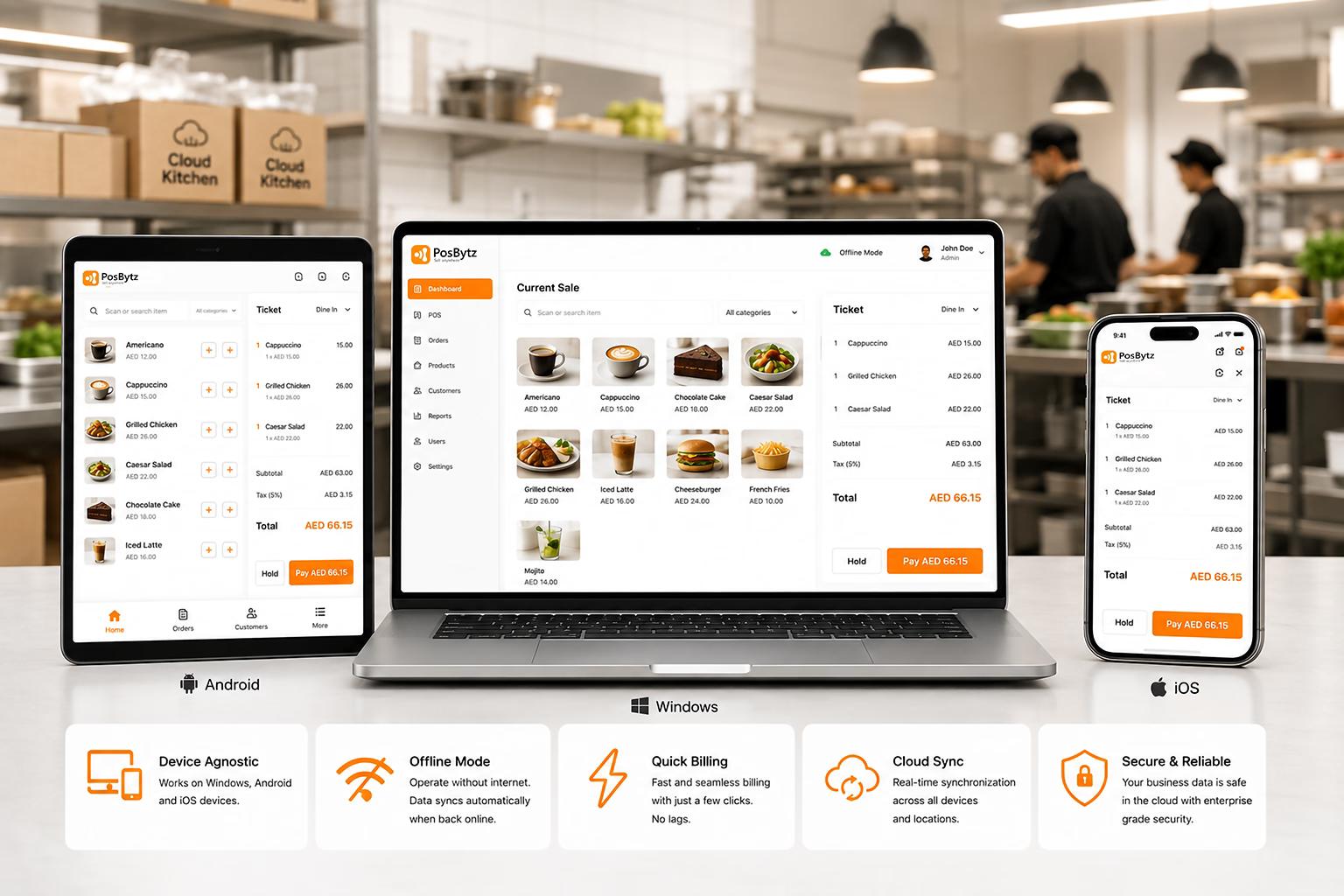
Device Agnostic: Works in any device Windows , Android and IOS devices. Offline Mode: Operate during internet is offline, Data is then synchronized with the cloud when connectivity is restored. Quick billing with just few clicks no lags.
- Device Agnostic: Works in any device Windows , Android and IOS devices.
- Offline Mode: Operate during internet is offline, Data is then synchronized with the cloud when connectivity is restored.
- Quick billing with just few clicks no lags.
Zero Install
Sign in and sell from any browser
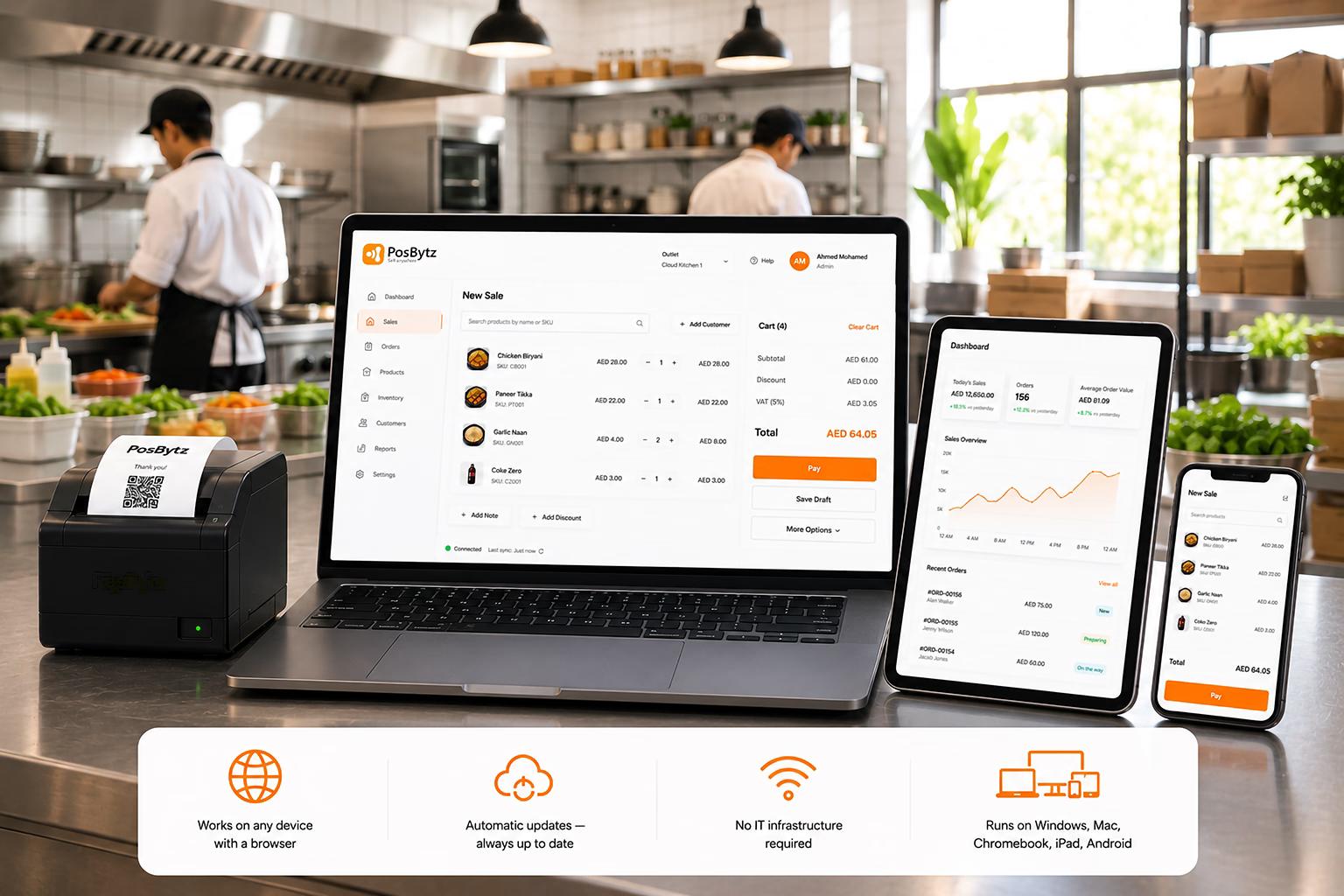
No software to install or maintain. Works on Windows, Mac, Chromebook, Android, iPad — any device with a modern browser. Updates happen automatically.
- Works on any device with a browser — no app install needed
- Automatic software updates — always on the latest version
- No IT infrastructure required — just internet and a login
- Runs on Windows, Mac, Chromebook, Linux, iPad, Android
Real-Time Sync
Every outlet, always in sync
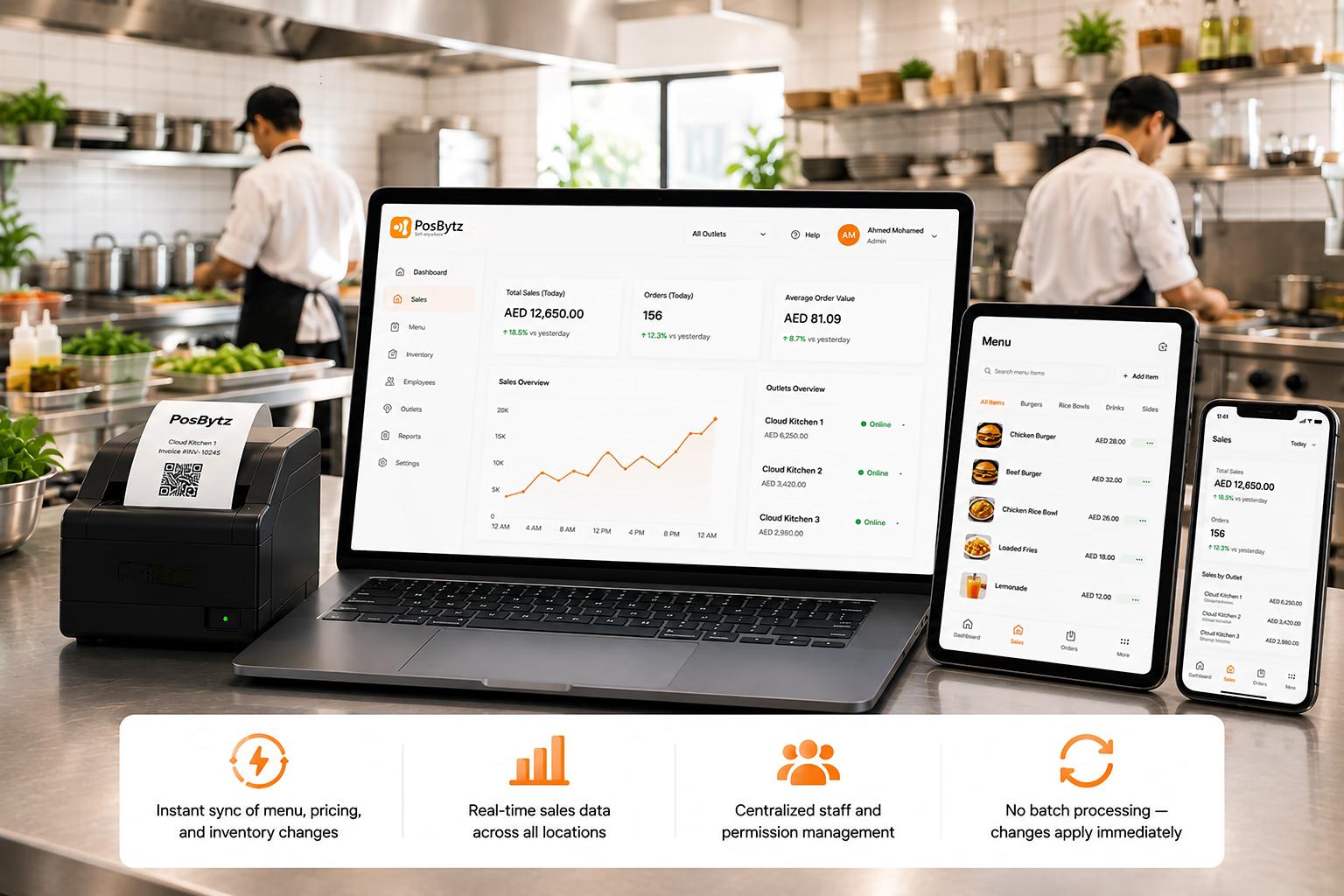
Changes to menu, pricing, inventory, and staff permissions sync instantly across all outlets. No batch uploads, no overnight processing.
- Instant sync of menu, pricing, and inventory changes
- Real-time sales data across all locations
- Centralized staff and permission management
- No batch processing — changes apply immediately
Offline Mode
Cloud POS with Offline Billing Capability
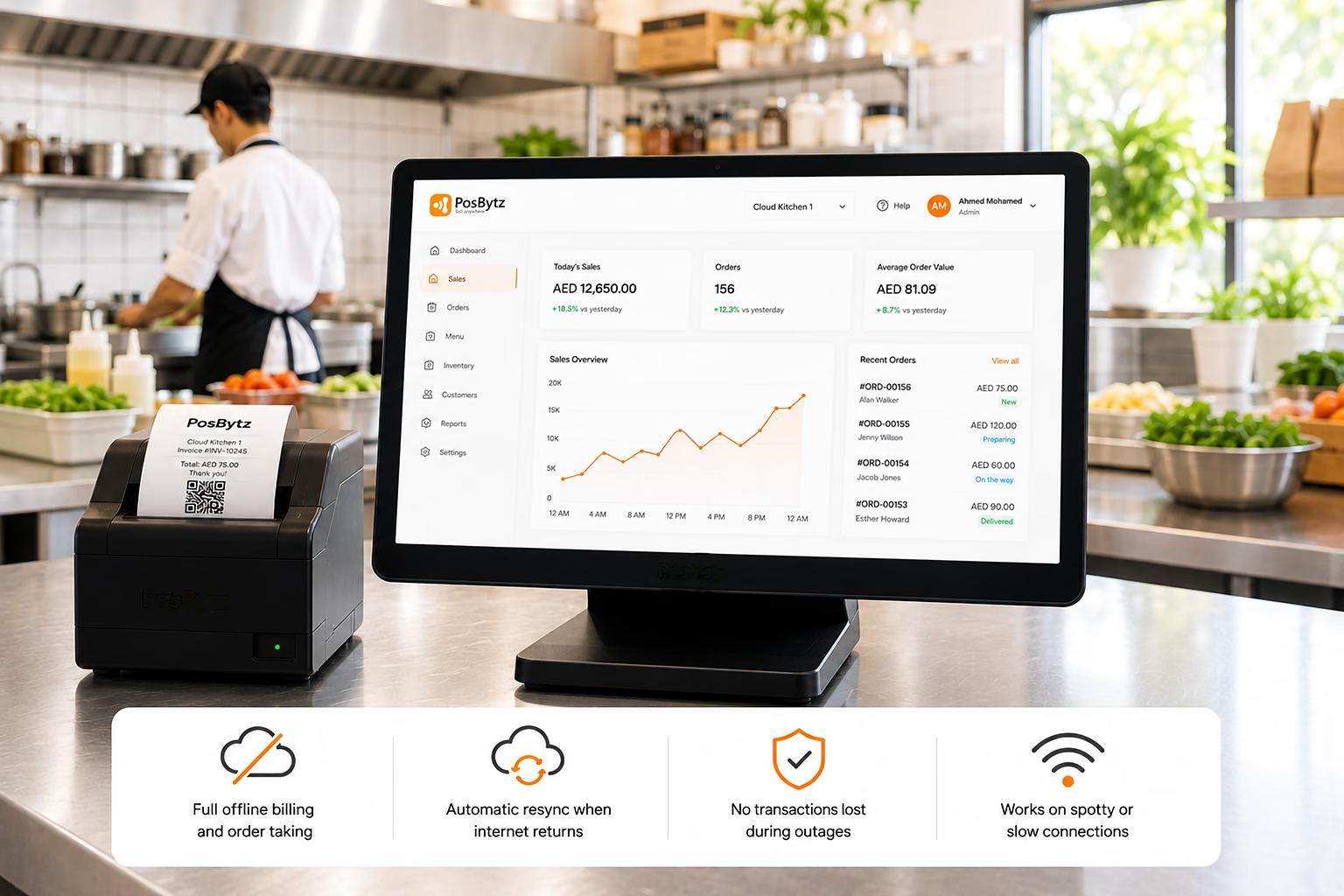
Cloud POS works offline and automatically resyncs all transactions when connectivity returns. No sales lost during outages.
- Full offline billing and order taking
- Automatic resync when internet returns
- No transactions lost during outages
- Works on spotty or slow connections
Integrations
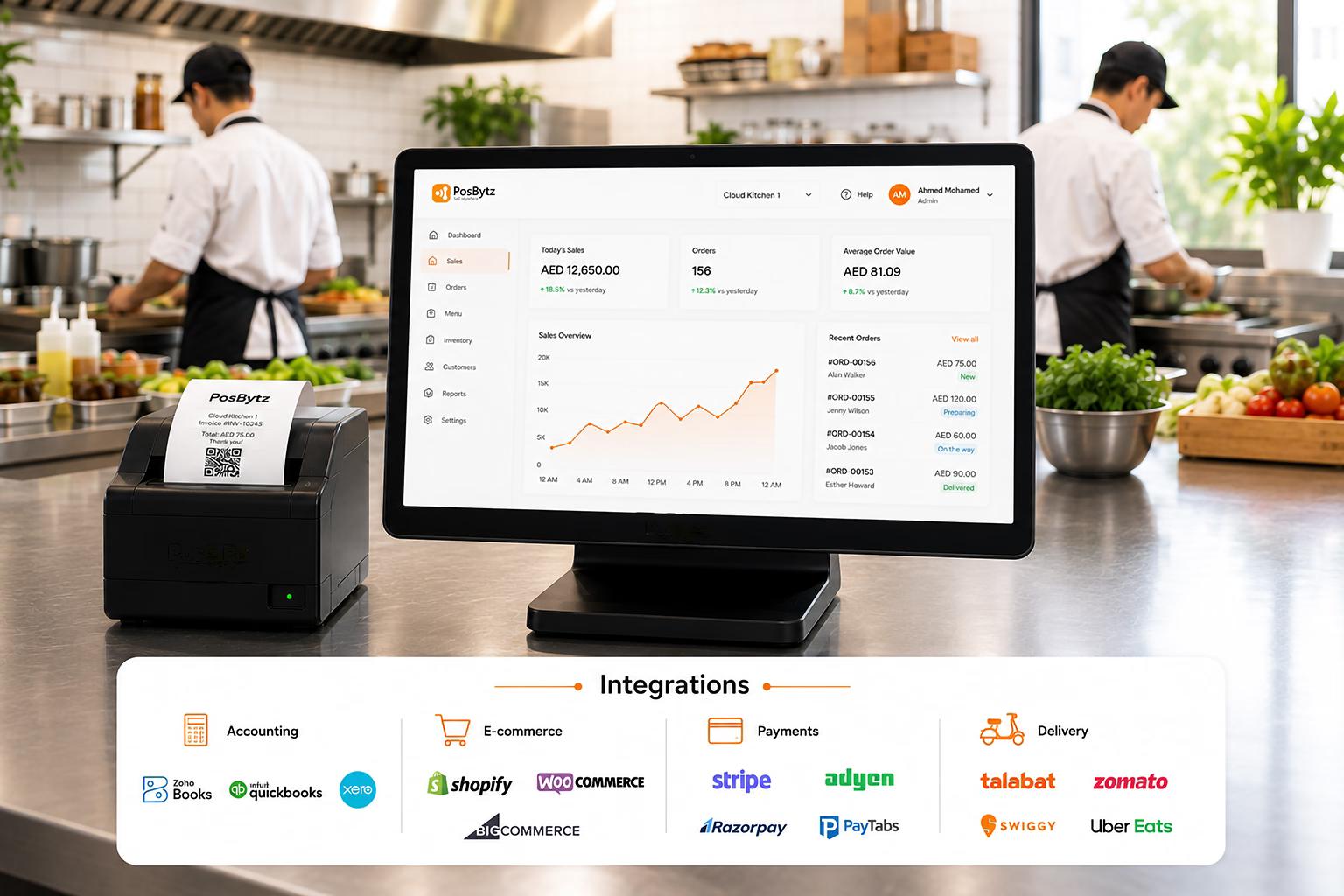
Cloud POS Software That Integrates with Your Business Tools
Native integrations with accounting (Zoho Books, QuickBooks, Xero), e-commerce (Shopify, WooCommerce), and payment gateways (Stripe, Adyen, Razorpay, PayTabs).
- Accounting: Zoho Books, QuickBooks, Xero
- E-commerce: Shopify, WooCommerce, BigCommerce
- Payments: Stripe, Adyen, Razorpay, PayTabs
- Delivery: Talabat, Zomato, Swiggy, Uber Eats
Cloud POS Features
Everything You Need in a Cloud POS System
Inventory
Real-time stock tracking, low-stock alerts, and cost of goods reporting.
Accounting
Double-entry bookkeeping, P&L, balance sheets, and cash flow reports.
CRM
Customer history, personalized campaigns, and loyalty programs.
HR & Payroll
Time tracking, attendance, leave management, and payroll processing.
Multi-Language
English, Arabic, French, German — switch languages per outlet.
Reports
Sales, inventory, shift, customer, and employee performance reports.
Their inventory management system helps manage all our inventory accurately and correct leakages. We are running profitably with PosBytz.
Operations Manager
Operations · JazzCafe, KSA
FAQ
Cloud POS FAQ
What is a cloud POS system?
A cloud POS system runs entirely in the cloud — you sign in from any web browser to manage billing, inventory, and reports. There is no software to install or maintain, and all data is stored securely online with automatic backups.
Get the POS that grows with you
Cloud POS for every device, every outlet, every channel.