Android POS for Faster Billing & Daily Operations
Looking for an Android POS System for your business? Run fast billing, manage inventory, and streamline daily operations with PosBytz Android POS — built for restaurants, cafes, and retail stores on cost-effective Android tablets from Sunmi, iMin, and more.
Android POS workflow
Android POS System for Billing, Inventory & Business Management
Manage Android billing, integrations, dual-screen checkout, inventory, accounts, CRM, and reporting from one POS system.
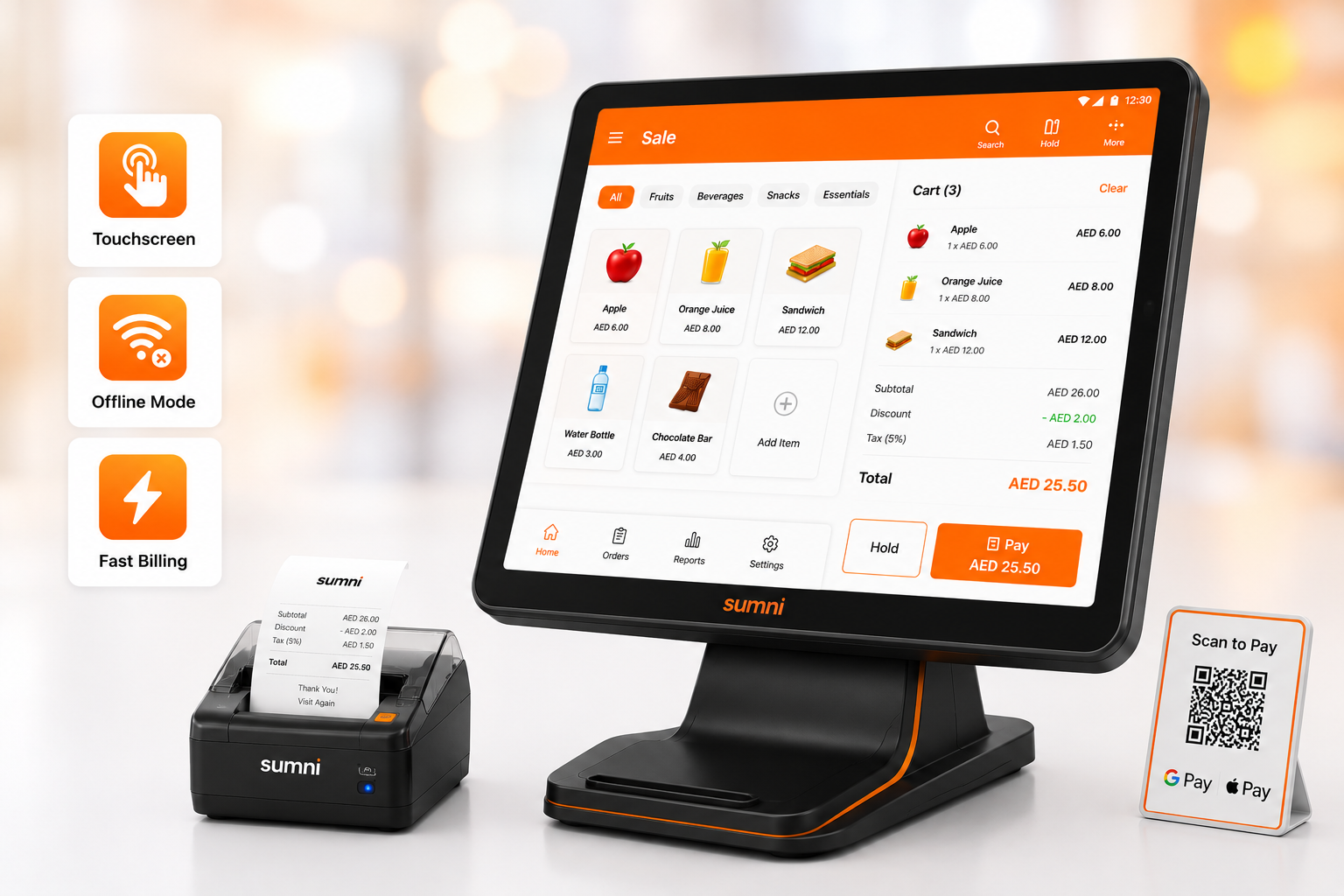
Android POS offers Intuitive Interface: User-friendly design for easy navigation
Touchscreen Interface: Intuitive, user-friendly interface for easy navigation Offline Mode: Operate during internet outages, syncing data when online, Fast billing with just few clicks
- Touchscreen Interface: Intuitive, user-friendly interface for easy navigation
- Offline Mode: Operate during internet outages, syncing data when online,
- Fast billing with just few clicks
Affordable
Affordable Android POS System with Full POS Capabilities
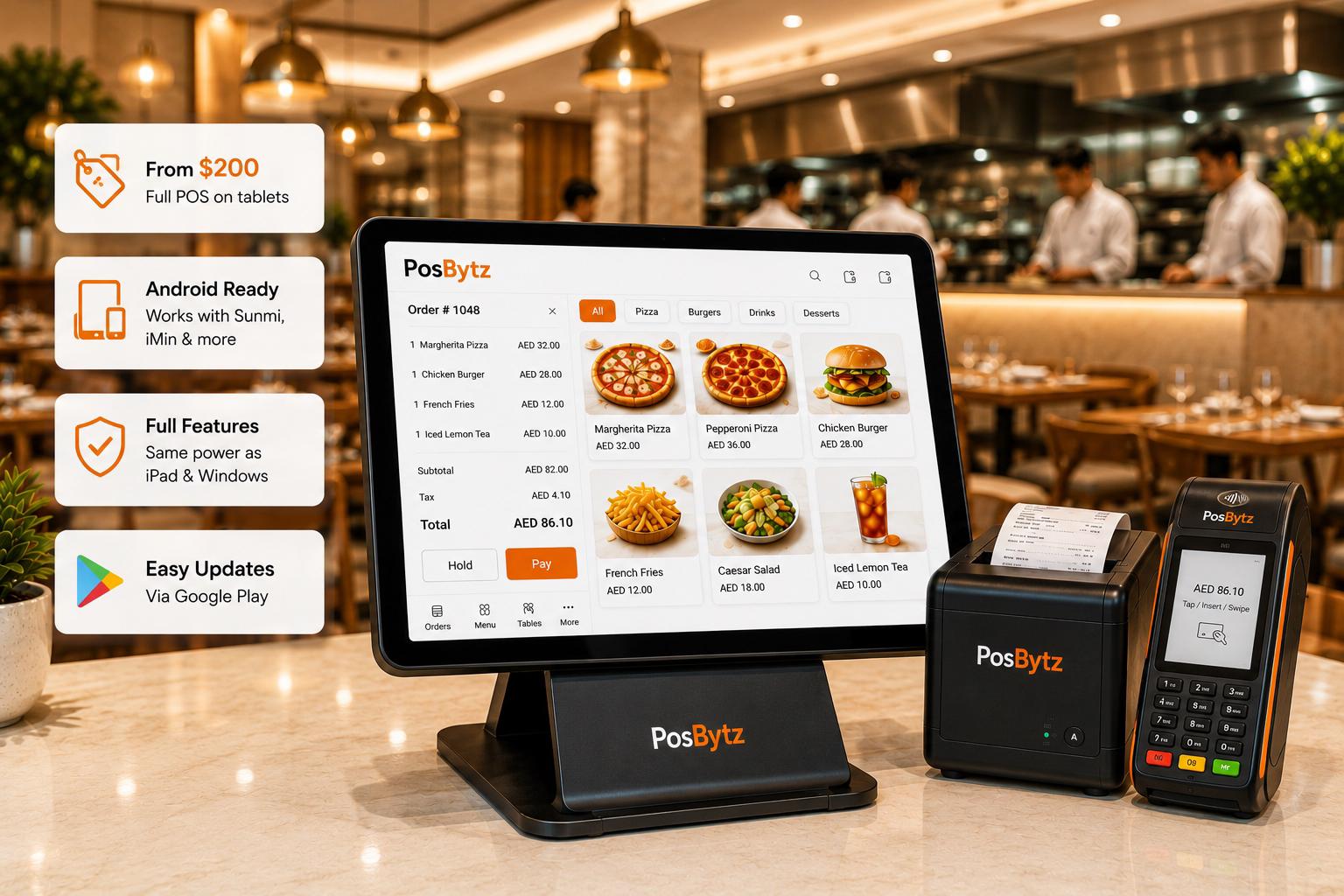
Android tablets cost a fraction of iPad or Windows terminals. Run the same full-featured POS on hardware starting under $200.
- Full POS on tablets starting under $200
- Compatible with Sunmi, iMin, and generic Android devices
- Same features as iPad and Windows — no compromises
- Google Play ecosystem for easy updates
Touch & Print
Touchscreen billing with integrated printing
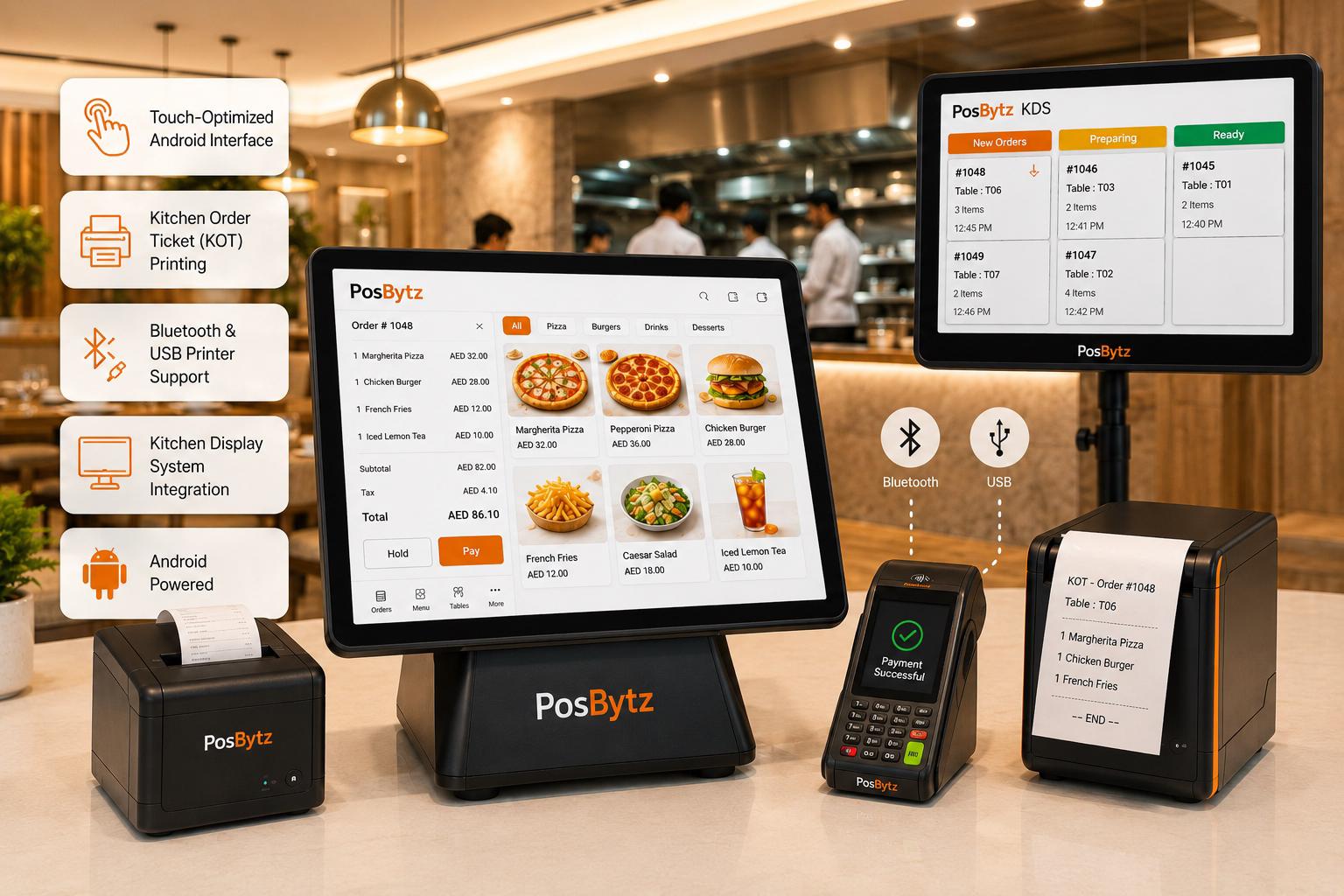
Intuitive touch interface optimized for Android, with KOT printing to kitchen displays and receipt printers — all via Bluetooth or USB.
- Touch-optimized Android interface
- Kitchen order ticket (KOT) printing
- Bluetooth and USB printer support
- Kitchen Display System integration
Offline-First
Offline Android POS System for Reliable Operations
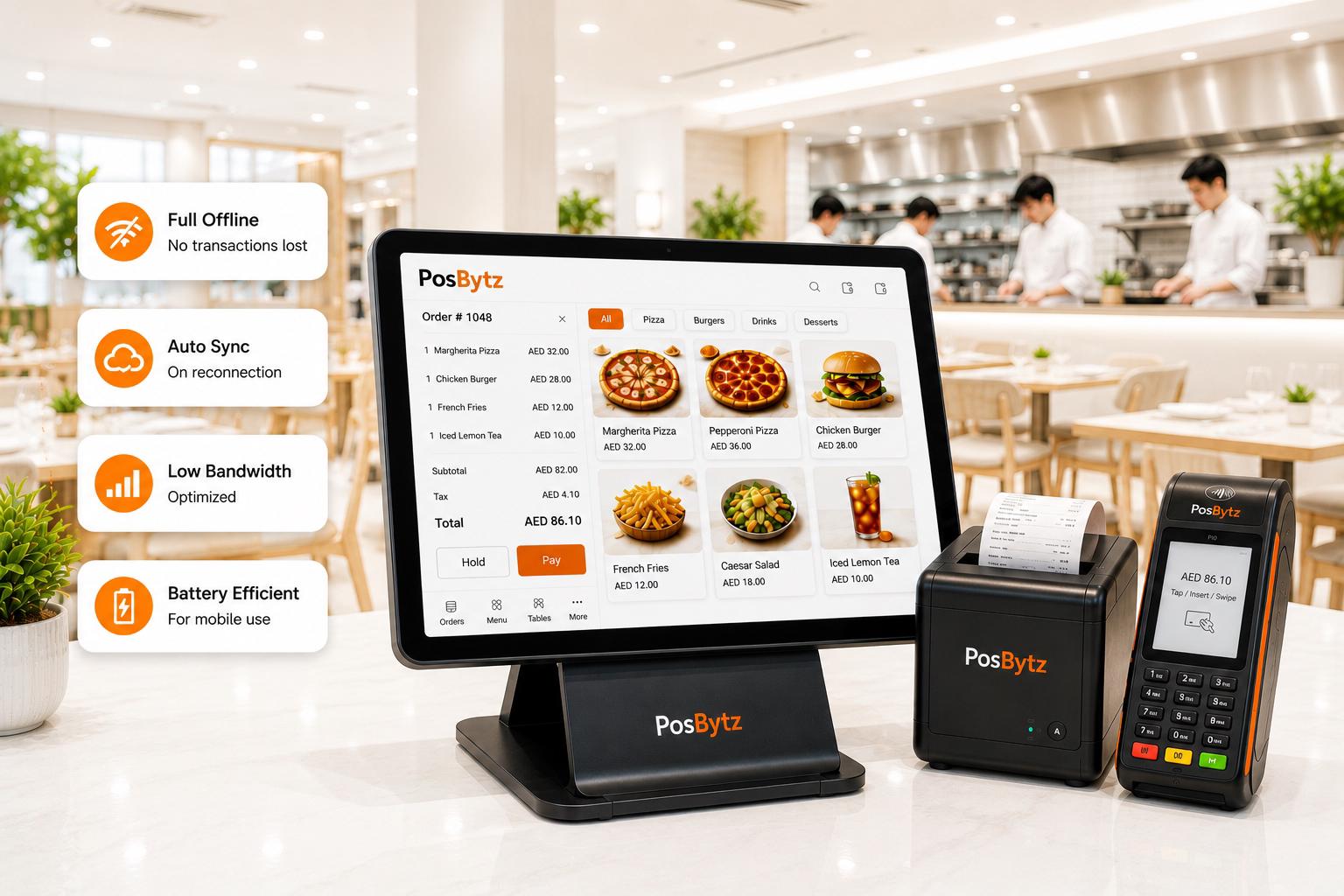
Android POS works fully offline. All transactions, orders, and inventory updates sync automatically when connectivity returns.
- Full offline mode — no transactions lost
- Automatic sync on reconnection
- Optimized for low-bandwidth environments
- Battery-efficient for mobile use
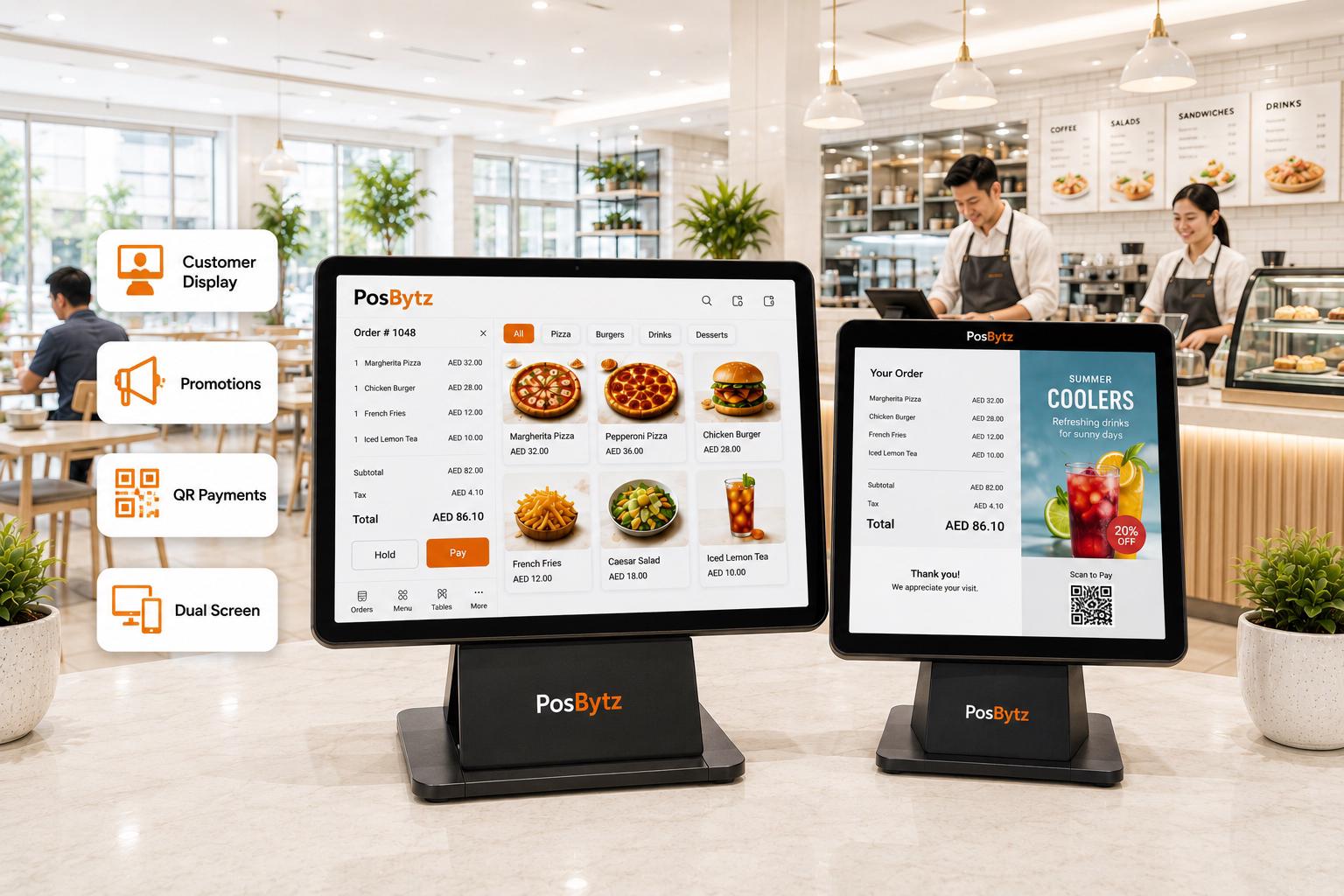
Dual Screen
Customer display and advertising
Transparent transaction details for customers, inventory and promotional visibility on a secondary Android display.
- Customer-facing transaction display
- Promotional content during checkout
- QR code payment display
- Supports dual-screen Android devices
Android POS Features
Android POS Features for Complete Business Management
Inventory
Real-time stock tracking, low-stock alerts, and multi-location management.
Accounting
Built-in bookkeeping, P&L, and tax compliance reporting.
CRM
Customer profiles, order history, and loyalty program management.
Reports
Sales, inventory, shift, and employee performance dashboards.
Multi-Language
English, Arabic, French, German — switch languages per device.
Customizable
Configurable POS layout, receipt templates, and workflow settings.
Our operations have been automated from auto PO to POS billing, online ordering. We recommend PosBytz to all cafe and boba tea shops.
Operations Head
Operations · Tabiboba, Qatar
Related Solutions
FAQ
Android POS FAQ
What is an Android POS system?
An Android POS system is point-of-sale software that runs on Android tablets and smartphones. It provides full billing, inventory, and business management capabilities on affordable, widely available hardware.
Get the POS that grows with you
Cloud POS for every device, every outlet, every channel.