Windows POS Software for Retail & Restaurants
Looking for a Windows POS System for your business? PosBytz Windows POS delivers fast billing, robust inventory management, and seamless hardware integrations for retail stores and restaurants.
Windows POS workflow
Windows POS System for Billing, Inventory & Business Management
Manage faster billing, hardware integrations, dual screen promotions, inventory, accounts, CRM, and reporting from one Windows POS system.
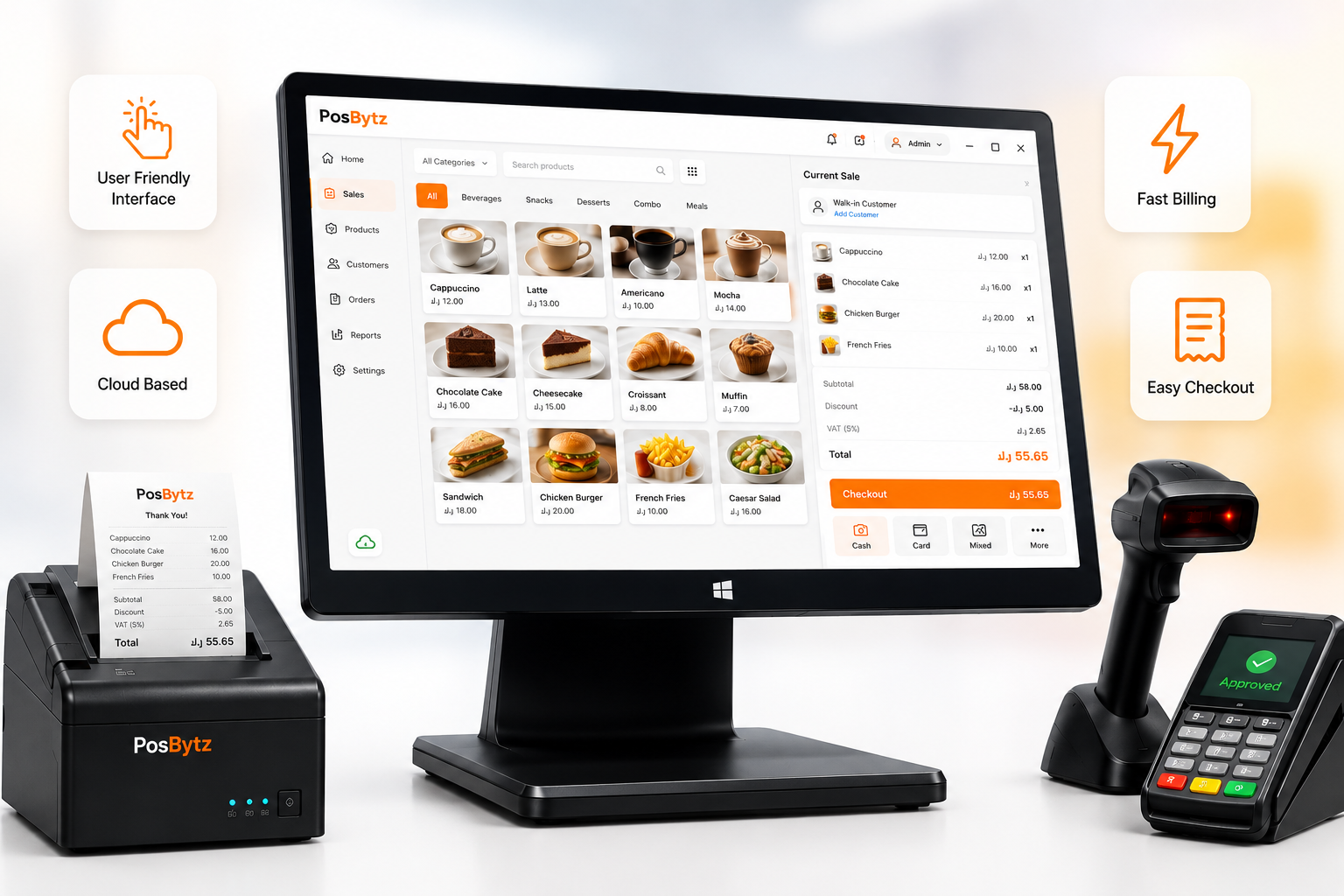
Windows POS systems offer various features to manage faster billing, streamlined operations
User friendly Interface: Intuitive design for easy navigation and quick training. Cloud based: Manage all your operations on the cloud Fast billing with just few button clicks on Check out.
- User friendly Interface: Intuitive design for easy navigation and quick training.
- Cloud based: Manage all your operations on the cloud
- Fast billing with just few button clicks on Check out.
Desktop Power
Windows POS System with Full Keyboard Workflows
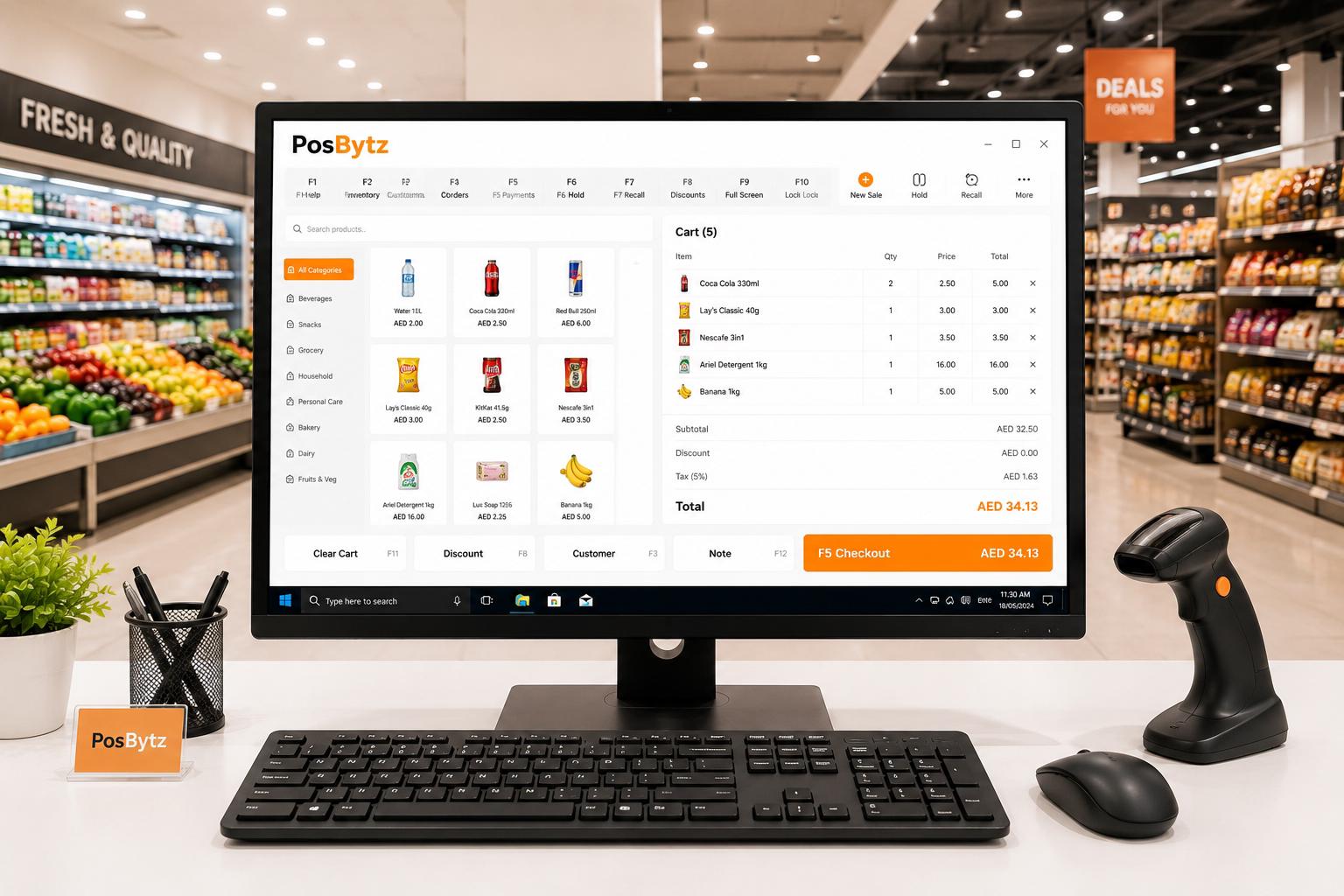
Fast checkout with keyboard shortcuts, full-screen mode for dedicated terminals, familiar Windows environment that staff already know.
- Keyboard shortcuts for rapid checkout
- Full-screen POS mode for dedicated terminals
- Familiar Windows interface — minimal training
- Runs on desktops, laptops, and touchscreen PCs
Hardware
Connect Hardware with Windows POS Software
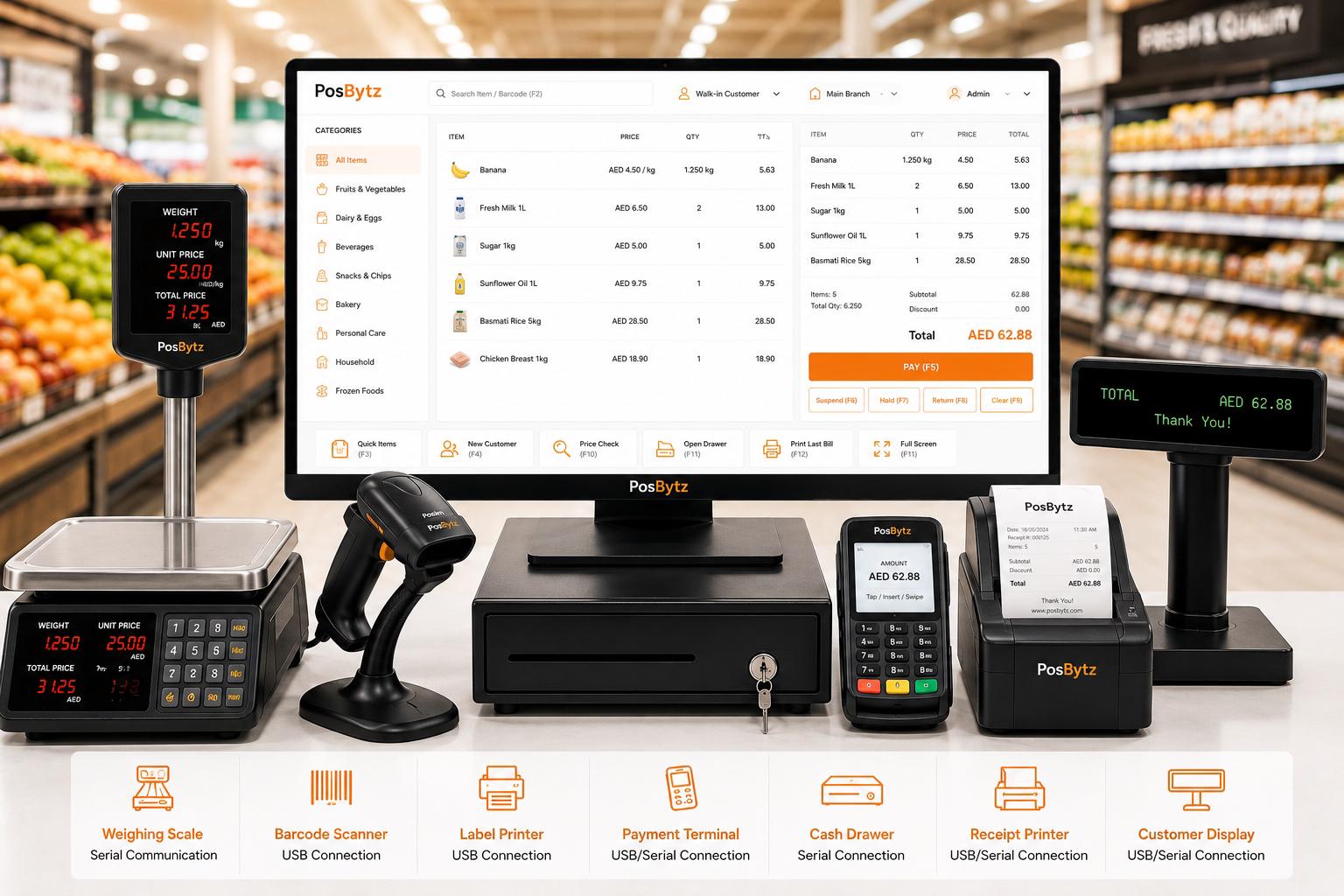
Weighing scales, barcode scanners, label printers, payment terminals, cash drawers, secondary customer displays — all integrate via serial or USB.
- Weighing scale integration via serial communication
- Barcode scanner and label printer support
- Payment terminal integration (USB/serial)
- Cash drawer, receipt printer, customer display
Dual Screen
Customer-facing display and advertising
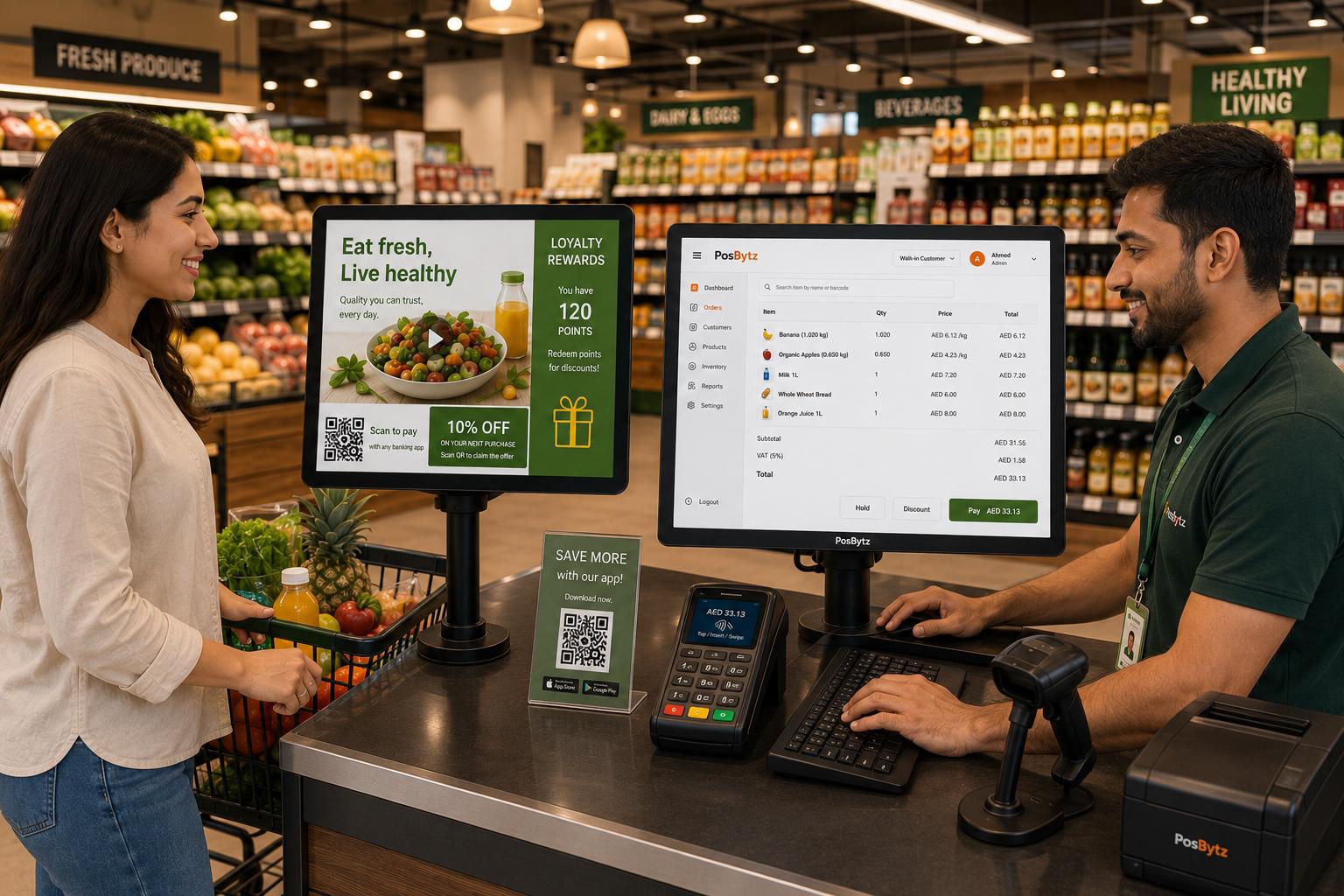
Secondary screen shows transaction details, promotional videos, QR code payments, and loyalty program information to customers during checkout.
- Customer-facing transaction display
- Promotional video playback during checkout
- QR code payment display
- Digital loyalty and discount promotions
Inventory
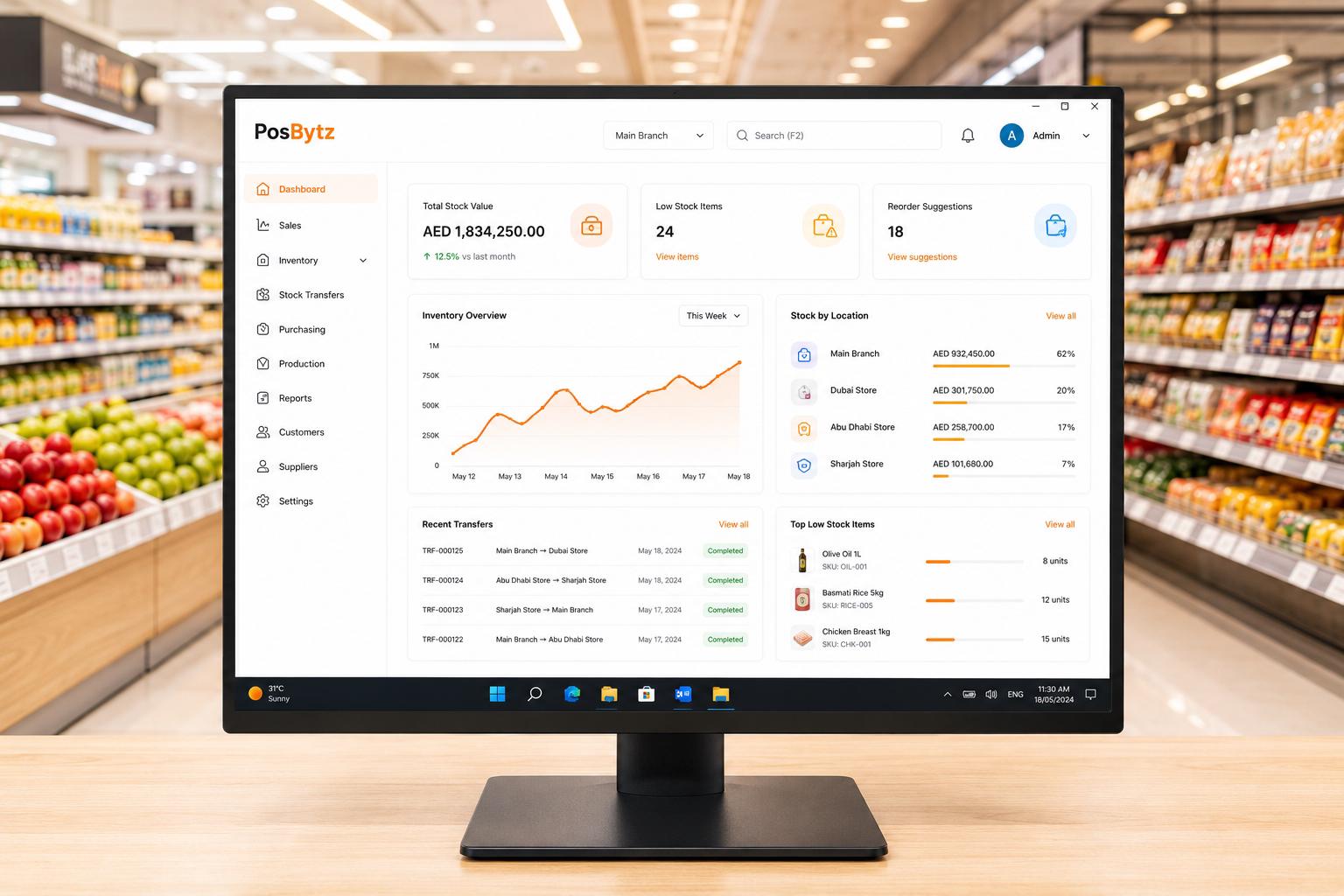
Enterprise Inventory Management with Windows POS Software
Multi-location tracking, automated reordering based on consumption, production flow management, and cost of goods reporting.
- Multi-location stock tracking and transfers
- Automated reorder processing
- Production flow and recipe management
- Cost of goods sold reporting
Windows POS Features
Windows POS Features for Back-Office Management
Accounting
Double-entry bookkeeping, P&L, balance sheets, and tax compliance.
CRM
Customer profiles, purchase history, and targeted promotions.
Reports
Sales, inventory, shift, and employee performance dashboards.
Label Printing
Barcode labels, shelf tags, and product stickers via thermal printers.
Multi-Language
English, Arabic, French, German — switch languages per terminal.
Offline Mode
Full billing and inventory updates offline — auto-sync on reconnection.
PosBytz is very easy to use for setting up menu, ingredients, recipes, POS, and inventory management. As an owner I can see my business online from anywhere.
Owner
Owner · Sam's Pasta Pizza, Qatar
FAQ
Windows POS FAQ
What is a Windows POS system?
A Windows POS system is point-of-sale software designed to run on Windows desktops, laptops, and touchscreen PCs. It leverages the full power of Windows for keyboard-driven workflows, peripheral hardware support, and back-office management.
Ready to Upgrade to a Cloud-Based Windows POS System?
Cloud POS for every device, every outlet, every channel.