Cloud-Based iPad POS System for Modern Businesses
Looking for the best iPad POS Software for your business? PosBytz transforms your iPad into a powerful point-of-sale terminal with a touch-optimized interface for fast billing, table-side ordering, and real-time inventory - with the premium feel your customers expect.
iPad POS workflow
iPad POS System for Billing, Inventory & Business Management
Manage iPad billing, kitchen integrations, inventory, accounts, QR ordering, CRM, and reporting from one touch-first POS system.
iPad POS systems offer various features designed to streamline business operations.
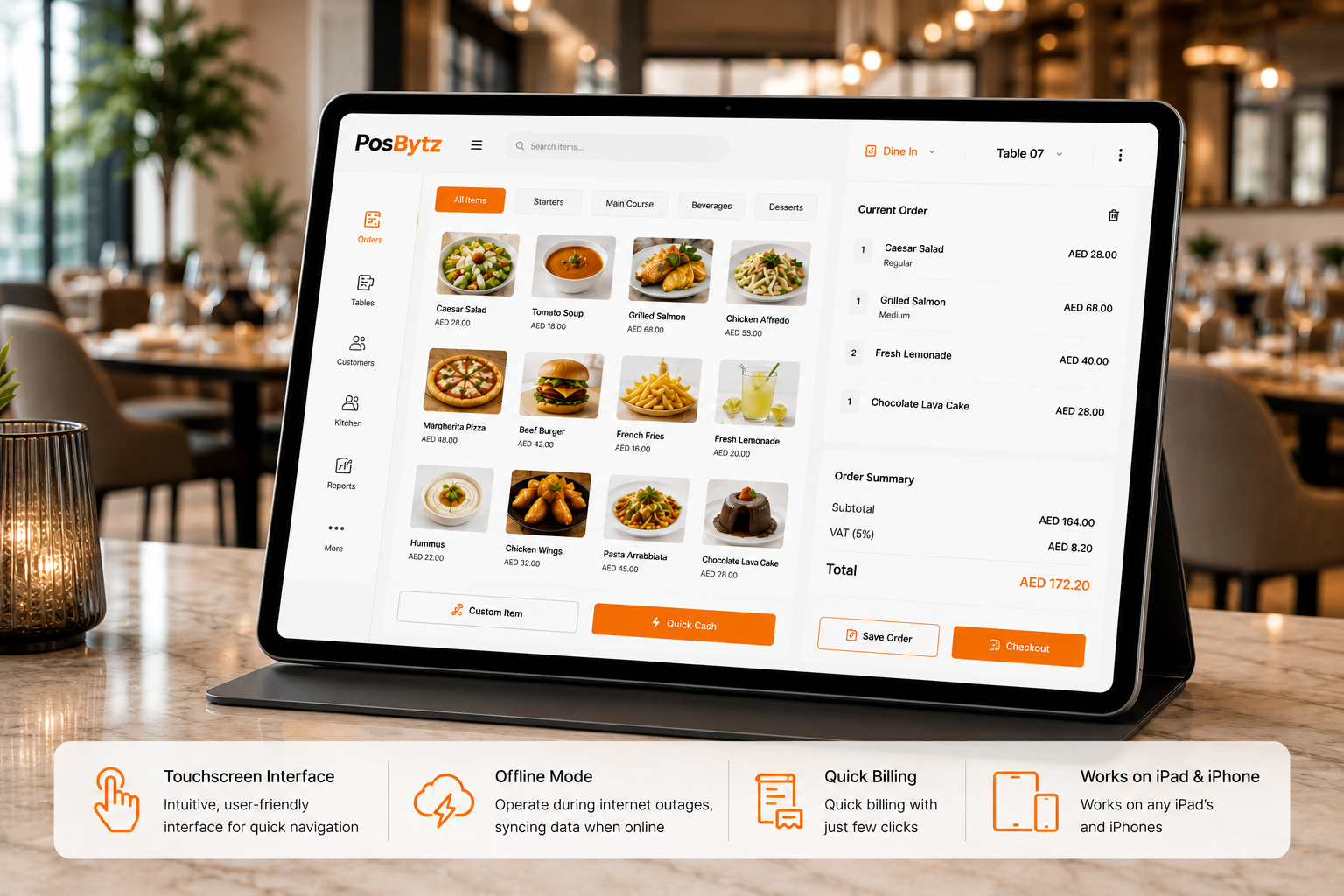
Touchscreen Interface: Intuitive, user-friendly interface for quick navigation Offline Mode: Operate during internet outages, syncing data when online, Quick billing with just few clicks Works on any iPAD’s and iPhones
- Touchscreen Interface: Intuitive, user-friendly interface for quick navigation
- Offline Mode: Operate during internet outages, syncing data when online,
- Quick billing with just few clicks
- Works on any iPAD’s and iPhones
Touch-First
Touch-Optimized iPad POS Software for Faster Operations
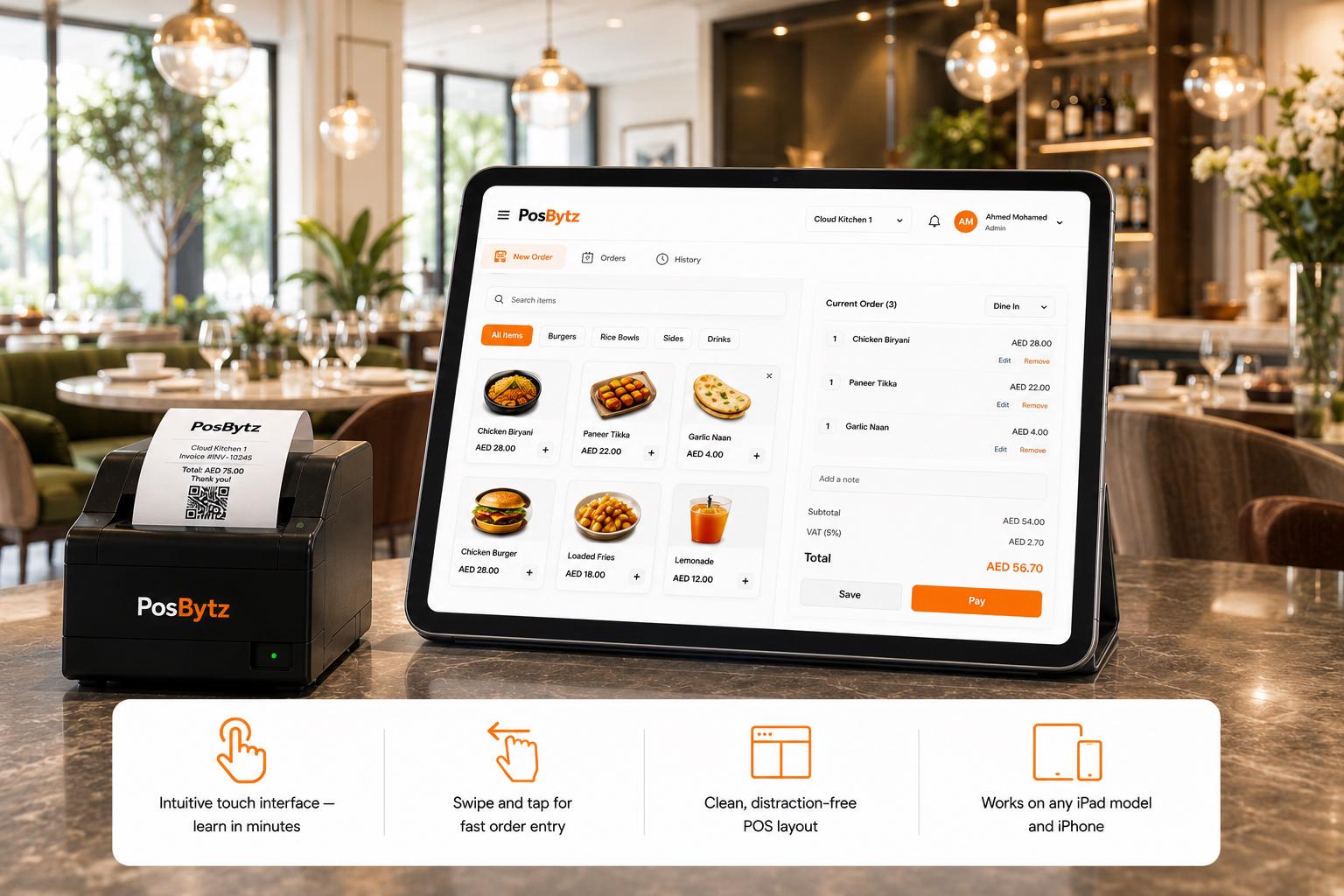
Intuitive touchscreen navigation, swipe gestures for quick actions, and a clean interface that new staff learn in minutes — not days.
- Intuitive touch interface — learn in minutes
- Swipe and tap for fast order entry
- Clean, distraction-free POS layout
- Works on any iPad model and iPhone
Mobility
Take the POS to the customer
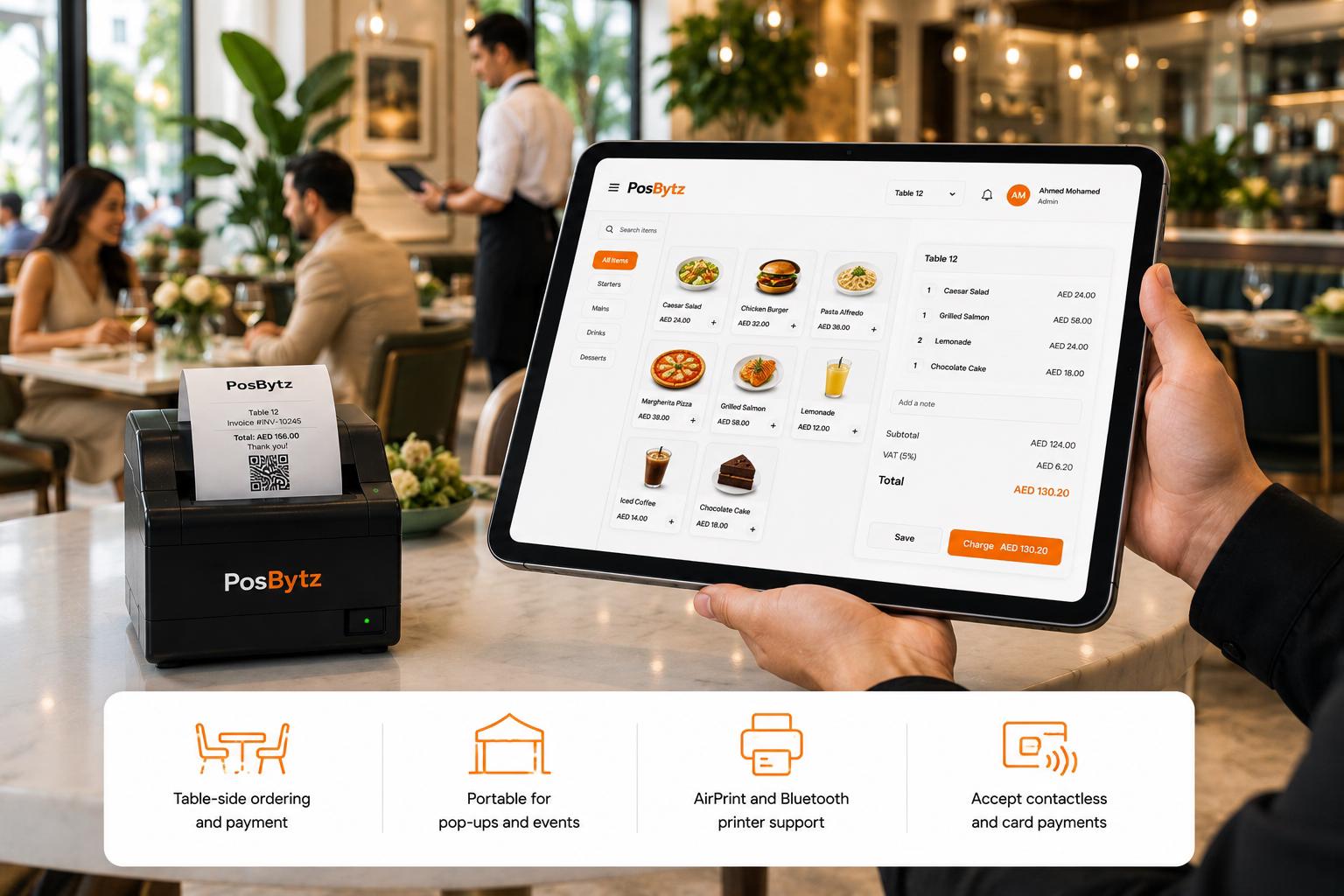
Carry your iPad to the table, the curbside, or the pop-up event. Take orders, process payments, and print receipts — all from the palm of your hand.
- Table-side ordering and payment
- Portable for pop-ups and events
- AirPrint and Bluetooth printer support
- Accept contactless and card payments
Kitchen
Direct to kitchen with cup labels
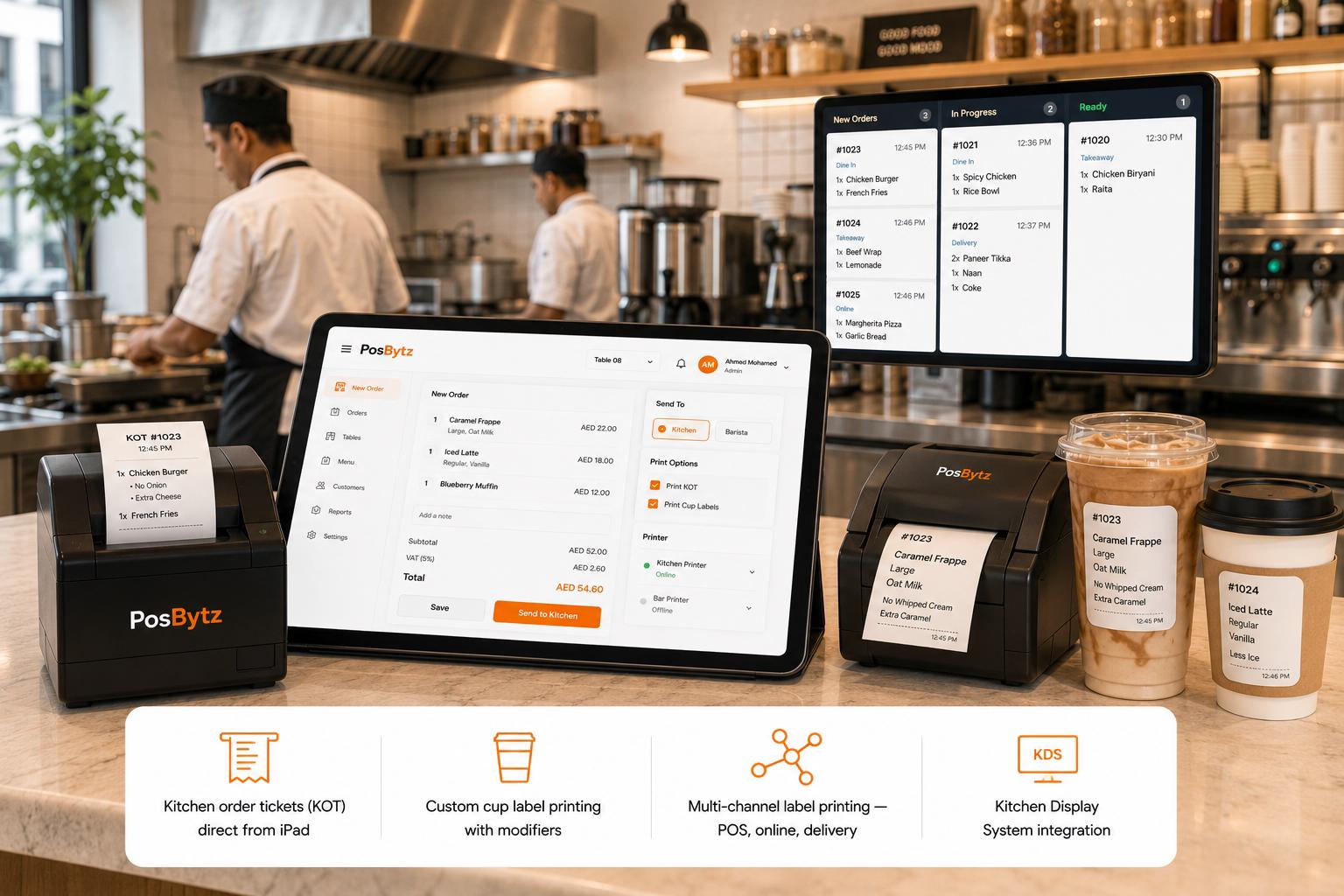
Orders route directly to kitchen printers or KDS. Custom cup label printing with modifiers for cafes and QSR — reduce errors and speed up preparation.
- Kitchen order tickets (KOT) direct from iPad
- Custom cup label printing with modifiers
- Multi-channel label printing — POS, online, delivery
- Kitchen Display System integration
QR Ordering
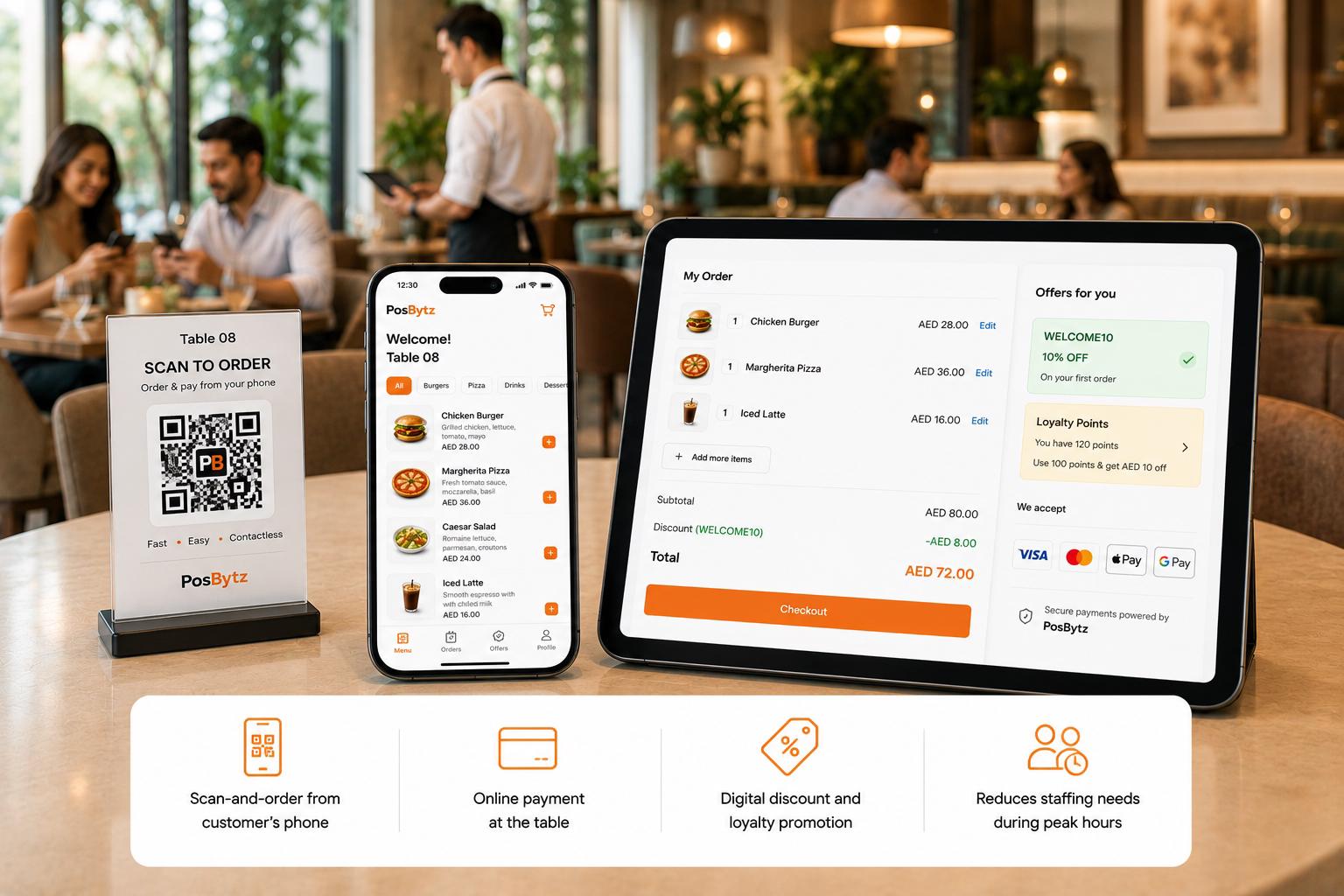
Contactless Ordering from the Table with an iPad POS System
Customers scan a QR code, browse your menu, and order from their phone. Payments, discounts, and loyalty points — all handled digitally.
- Scan-and-order from customer's phone
- Online payment at the table
- Digital discount and loyalty promotion
- Reduces staffing needs during peak hours
iPad POS Features
Everything You Need in One iPad POS System
Inventory
Real-time stock tracking, low-stock alerts, and multi-location management.
Accounting
Built-in bookkeeping, P&L, and tax compliance reporting.
CRM
Customer profiles, order history, and loyalty program management.
Reports
Sales, inventory, shift, and employee performance reports on your iPad.
QR Ordering
Contactless table ordering via QR code — customers order from their phone.
Offline Mode
Full billing and order taking even without internet — auto-sync on reconnection.
We have been using PosBytz for our entire operations with 12 outlets from procurement, preparing recipes, transferring stocks to multiple outlets, and accounting.
Operations Head
Operations · Tabiboba, Qatar
FAQ
iPad POS FAQ
What is an iPad POS system?
An iPad POS system turns your Apple iPad into a full point-of-sale terminal for billing, order management, inventory tracking, and customer loyalty — with a touch-optimized interface designed for speed.
Get the POS that grows with you
Cloud POS for every device, every outlet, every channel.