Wrong Orders in Restaurants: How to Reduce Order Errors in Dine-In, Takeaway and Delivery
Why restaurants get orders wrong at each stage, from order taking to delivery handoff, how to fix each one, and what to do when a guest gets the wrong order.
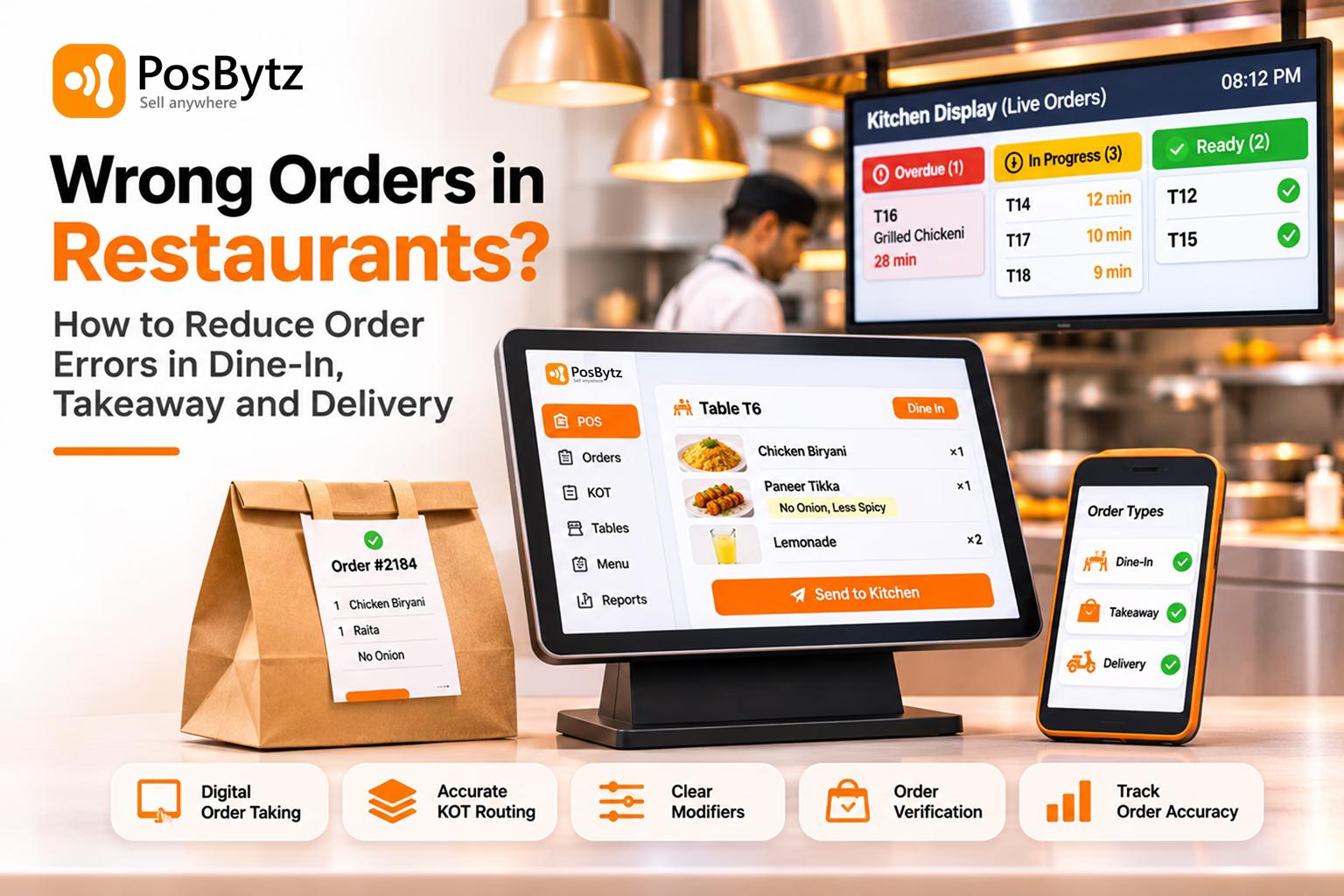


Quick answer: Restaurant order errors happen at handoffs: when an order is spoken, written, re-typed, routed to the kitchen, packed or handed over. The most effective fixes are taking orders digitally at the source, using fixed modifier options instead of free-text notes, sending tickets straight to the right kitchen station, checking every bag before it leaves, and bringing delivery app orders into the same system as dine-in. Track your order error rate weekly so you know which fix is working.
A guest asked for a paneer tikka without onion and got onion. A delivery customer opened the bag and found two burgers instead of three. A table waited 25 minutes because their KOT never reached the tandoor station. Each mistake looks small. Together they cost food, staff time, refunds, ratings and repeat visits.
Most wrong orders are not caused by careless staff. They come from the number of times one order changes hands, and from systems that make mistakes easy. This guide maps where restaurant order errors start in dine-in, takeaway and delivery, shows how to fix each one, and explains what to do when a customer has already received the wrong order.
What Counts as a Restaurant Order Error
A restaurant order error is any difference between what the guest ordered and what they received. Grouping errors by type helps, because each type has a different cause and a different fix.
- Wrong item: The guest gets a different dish from the one they ordered, for example chicken biryani sent instead of mutton biryani. This usually starts at order taking or KOT punching.
- Missing item: Something is left out of the order, for example raita or a drink missing from a delivery bag. This usually starts at packing and handoff.
- Wrong modifier or special instruction: A request such as “less spicy” or “no onion” is ignored. This usually starts with free-text notes or an unclear ticket.
- Allergy or dietary miss: The dish doesn’t match a dietary need, for example nuts in a dish marked nut-free, or non-Jain food for a Jain order. This usually starts with a missing flag on the ticket or poor kitchen communication.
- Wrong quantity: The guest gets the wrong number of items, for example one naan instead of four. This usually starts at order entry.
- Wrong customer or table: The food goes to the wrong person, for example Table 6’s food served to Table 9, or a driver given another customer’s order. This usually starts at expo, pickup and handoff.
- Lost order: An order is accepted but never reaches the guest, for example a delivery order that was accepted but never cooked. This usually starts with disconnected tablets, a printer failure or a network failure.
- Wrong price or offer: The bill doesn’t match what was promised, for example a combo or discount that wasn’t applied. This usually starts with the menu being out of sync across channels.
Allergy and dietary misses deserve special attention. They are not just a service problem; they can harm a guest. Treat them as a separate, higher-priority process.
Restaurant Order Accuracy Benchmarks: How Often Orders Go Wrong
Few independent restaurants measure order accuracy, but large mystery-shopper studies show how common errors are even at major chains:
- In Intouch Insight's 2025 drive-thru study, AI-taken orders were accurate 83% of the time versus 87% for staff-taken orders, with misses most often traced to order customisation. When staff stepped in to support the AI, accuracy rose to 95%.
- The same study found accuracy was much higher when shoppers rated the service as friendly (89% versus 70%).
- Intouch Insight's 2026 study reported drive-thru order accuracy of 89.3%, which still means roughly one order in ten had a mistake.
- In Intouch Insight's 2025 delivery research, restaurant orders placed through third-party apps were 89% accurate, and first-party (restaurant-run) delivery orders were more accurate than third-party app orders (90% versus 85%).
- In an Intouch Insight consumer survey, 66% of consumers said they prioritise confidence that an order will be accurate over having more customisation options.
These studies are US-based and focus on chains, so treat them as a reference point, not your target. The useful lesson is consistent: customisations, handoffs and staff interaction drive most of the difference.
What a Wrong Order Really Costs Your Restaurant
Every wrong order has visible and hidden costs:
- Food cost: the remade dish, which usually cannot be resold.
- Labour: kitchen time for the remake, server or manager time to handle the complaint.
- Refunds and comps: free dishes, discounts or aggregator refunds for missing items.
- Ratings and visibility: low ratings on delivery apps and Google reviews.
- Lost repeat business: the guest who quietly does not come back.
A simple way to see your own number: count remakes and refunds for one week. Multiply the number of remakes by your average plate cost, add refunds and comps, and multiply by 52. Most owners are surprised by the result.
Where Restaurant Order Errors Start: 6 Stages From Order to Guest
An order passes through up to six handoffs before the guest eats. Each handoff is a chance for the order to change.
- Stage 1: Order taking. The server, cashier or phone staff hears the order. Common errors: mishearing in a noisy room, unclear dish names, and missed questions about spice or allergies.
- Stage 2: Order entry (KOT punching). The order is written or typed into the POS. Common errors: the wrong item tapped, a modifier skipped, the wrong quantity, or an order typed in again from a delivery tablet.
- Stage 3: Kitchen routing. The ticket reaches the station that cooks it. Common errors: the ticket printed at the wrong station, a paper KOT lost, or the printer offline.
- Stage 4: Cooking and plating. The cooks read and prepare the order. Common errors: misread handwriting, free-text notes missed, or an allergy flag that isn’t visible.
- Stage 5: Expo, packing and serving. Plates are checked and bags are packed. Common errors: missing sides, sauces or drinks, a wrongly labelled bag, or the wrong table served.
- Stage 6: Handoff and delivery. The guest, driver or rider receives the order. Common errors: the wrong order given to a driver, a bag left open, or items lost in transit.
Order-Taking Errors: Mishearing and Unclear Menus
Noise, accents, similar dish names and long menus make it easy to mishear an order. Menus with creative dish names and short descriptions add confusion, because guests and staff interpret them differently. Phone orders are the riskiest, because there is no visual check at all.
KOT Punching and Order Entry Errors
Every time an order is written down and typed in later, it can change. Servers taking notes on paper and walking to a terminal, cashiers typing phone orders, and staff re-keying orders from an aggregator tablet into the POS all create chances for a wrong tap or a skipped modifier.
Free-Text Modifiers and Special Instructions
Notes like "pls less oil no onion" are read differently by different cooks, especially in multilingual kitchen teams. Without standard options, the same request reaches the kitchen in five different forms. Intouch Insight's drive-thru research traced most AI ordering misses to customisation, which shows how risky modifiers are whether a person or a machine takes the order.
Kitchen Ticket and Routing Errors
A correct order can still go wrong if the ticket prints at the wrong station, a paper KOT falls off the rail, or a printer runs out of paper mid-rush. Handwritten or faded tickets add misreads.
Packing and Expo Errors in Takeaway and Delivery
Missing items are a frequent delivery complaint because packing happens fast and the guest is not there to check. Small add-ons such as raita, sauces, extra roti, cutlery and drinks are the easiest to forget, because they are often prepared at a different station from the main dish.
Delivery App and Multi-Channel Errors
When dine-in, website, phone and aggregator orders each arrive on a different screen, staff have to watch several devices and often re-type orders into the POS. Menu changes made in one place but not another cause wrong prices, items that are no longer available, and missing modifiers. Foodhub describes how an order can be confirmed to the customer but never reach the kitchen when channels and devices are not connected.
Peak-Hour Pressure and Staffing Gaps
Errors rise when staff are stretched: new team members during busy shifts, short staffing, and peak hours where speed beats checking. The answer is not asking people to try harder. It is building checks that still work when everyone is busy.
How to Reduce Order Errors in Restaurants: 10 Fixes by Stage
1. Take Orders at the Table With a Captain App or Handheld POS
When a server enters the order on a phone or tablet at the table, there is no paper note to re-type and no gap between hearing the order and sending it. The server can also check ingredients on the device when a guest asks.
2. Repeat the Order Back Before It Is Sent
Read the order back to the guest, including modifiers and quantities, for dine-in, counter and phone orders. Intouch Insight's 2026 drive-thru study highlights order confirmation (a confirmation board or a verbal read-back) as a practical place to focus for better accuracy.
3. Replace Free-Text Notes With Fixed Modifier Options
Turn your most common requests into buttons: spice level, no onion, no garlic, Jain, extra cheese, sauce on the side, gluten-free. Keep a free-text note only for rare requests. The kitchen then sees the same wording every time, in the same place on the ticket.
4. Simplify Menu Names, Descriptions and Combos
Use clear dish names, list key ingredients, and show what comes with each combo. Limit substitutions on dishes that often go wrong. A clearer menu helps both the guest and the server get the order right first time.
5. Flag Allergies and Dietary Requests as a Separate Step
- Ask about allergies when the order is taken, not only when the guest mentions it.
- Use an allergy modifier that prints or displays in a way the kitchen cannot miss.
- Agree a rule that allergy orders are confirmed verbally between server and chef.
- Keep an allergen list for every dish so staff can answer questions accurately.
6. Send Tickets Straight to the Right Kitchen Station
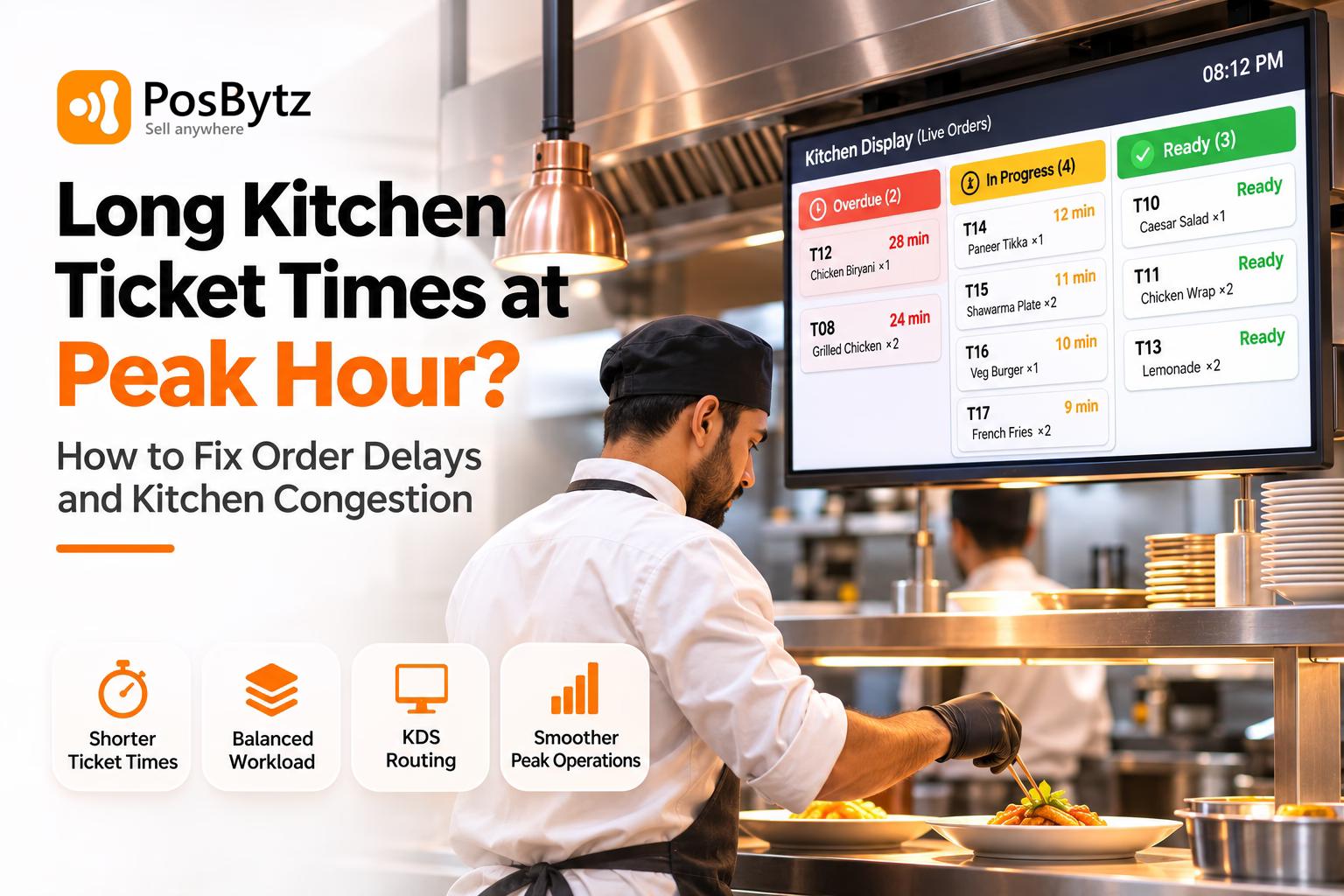
Route each item to the station that prepares it: tandoor, curry, Chinese, fryer, beverages, desserts. Use a kitchen display system or a dedicated KOT printer per station, so no one has to sort tickets during a rush. Check printers for paper and screens for connection before every service.
7. Bring Delivery App Orders Into One System
Re-typing aggregator orders into the POS is a common source of error. Integrate online and delivery orders so they arrive in the POS and kitchen automatically. Keep one menu that updates every channel, so a dish marked unavailable disappears everywhere at once.
8. Check Every Takeaway and Delivery Bag Before It Leaves
- Pack against the printed bill or order screen, not from memory.
- Tick off every item, including sides, sauces, drinks and cutlery.
- Label and seal each bag with the order number and customer name.
- Keep add-ons such as raita, chutneys and drinks at the packing station so they are not forgotten.
- Match the order number with the rider or customer before handing over.
9. Use Expo Checks to Catch Order Errors Before Food Leaves the Kitchen
One person at the pass checks every plate against the ticket, especially modifiers and allergy flags, before it leaves the kitchen. During peak hours, this role is worth more than an extra cook.
10. Track Your Order Error Rate Every Week
Log every error with the date, time, channel, stage and cause. Then calculate:
\text{Order error rate (\%)} = \frac{\text{Orders with an error}}{\text{Total orders}} \times 100
Review the log weekly. If most errors happen on one channel, one shift or one dish, fix that first.
Customer Received the Wrong Order? A 6-Step Recovery Process
Even with good systems, mistakes will happen. How you respond decides whether the guest returns.
- Listen and apologise without arguing. Thank the guest for telling you. Do not blame the kitchen or the rider in front of them.
- Confirm what went wrong. Check the bill or order screen so you fix the right thing.
- Put it right quickly. Remake or send the missing item as a priority, or offer a refund or replacement if the guest prefers. For allergy mistakes, check the guest is safe first and involve the manager immediately.
- Follow up on delivery orders. Respond to app ratings and reviews politely and, where the platform allows, explain what you have done.
- Record the error. Log it with the stage and cause, not just "wrong order".
- Fix the cause. If the same error appears twice, change the process, menu setup or training rather than just retraining one person.
How PosBytz Restaurant POS Helps Reduce Order Errors
PosBytz is a cloud restaurant POS and management system used by restaurants, cafés, cloud kitchens and QSRs. It runs on Windows, Android and iPad devices. The features below are the ones that remove handoffs where restaurant order errors start.
Content team: features below are taken from PosBytz's own published pages and app listings (sources at the end). Confirm the items marked (*) with the product team before publishing, and remove any that are not available.
Captain (Waiter) App for Table-Side Order Taking
Servers take orders on a phone or tablet at the table, and the order goes straight to the POS and kitchen. There is no paper note to re-type, which removes errors at stages 1 and 2.
QR Code Table Ordering Synced to the POS and Kitchen Display
Guests scan the table QR, browse the menu and place orders from their own phone. PosBytz states that orders placed through the QR menu sync immediately to the POS and kitchen display system, so the guest's own selection becomes the ticket.
KOT Printing and the PosBytz Kitchen Display App
Orders reach kitchen printers or the PosBytz Kitchen Display app without manual entry. Kitchens can use printed KOTs, screens, or both. Routing each item to its own station* keeps tickets with the cook who prepares them.
Online Order Management and Item Availability From the POS
PosBytz accepts and processes online orders inside the POS, and lets you switch items on or off from the POS so the ordering channels show what the kitchen can actually make. Confirm which delivery aggregators integrate directly in each country* (for example Swiggy and Zomato in India, or Talabat in the GCC).
Delivery Status and Rider Management
The POS can manage delivery riders with delivery status updates, so staff know which orders are ready, out for delivery or completed, and which rider has each order.
Table Management and Dining Options
Table management across floors and clear dining options (dine-in, takeaway, delivery) help staff serve the right food to the right table or customer.
Modifiers and Standard Order Notes*
Set up fixed modifier options for common requests such as spice level, no onion or Jain, so they appear the same way on every ticket.
Offline POS Billing That Prevents Handwritten Order Errors During Outages
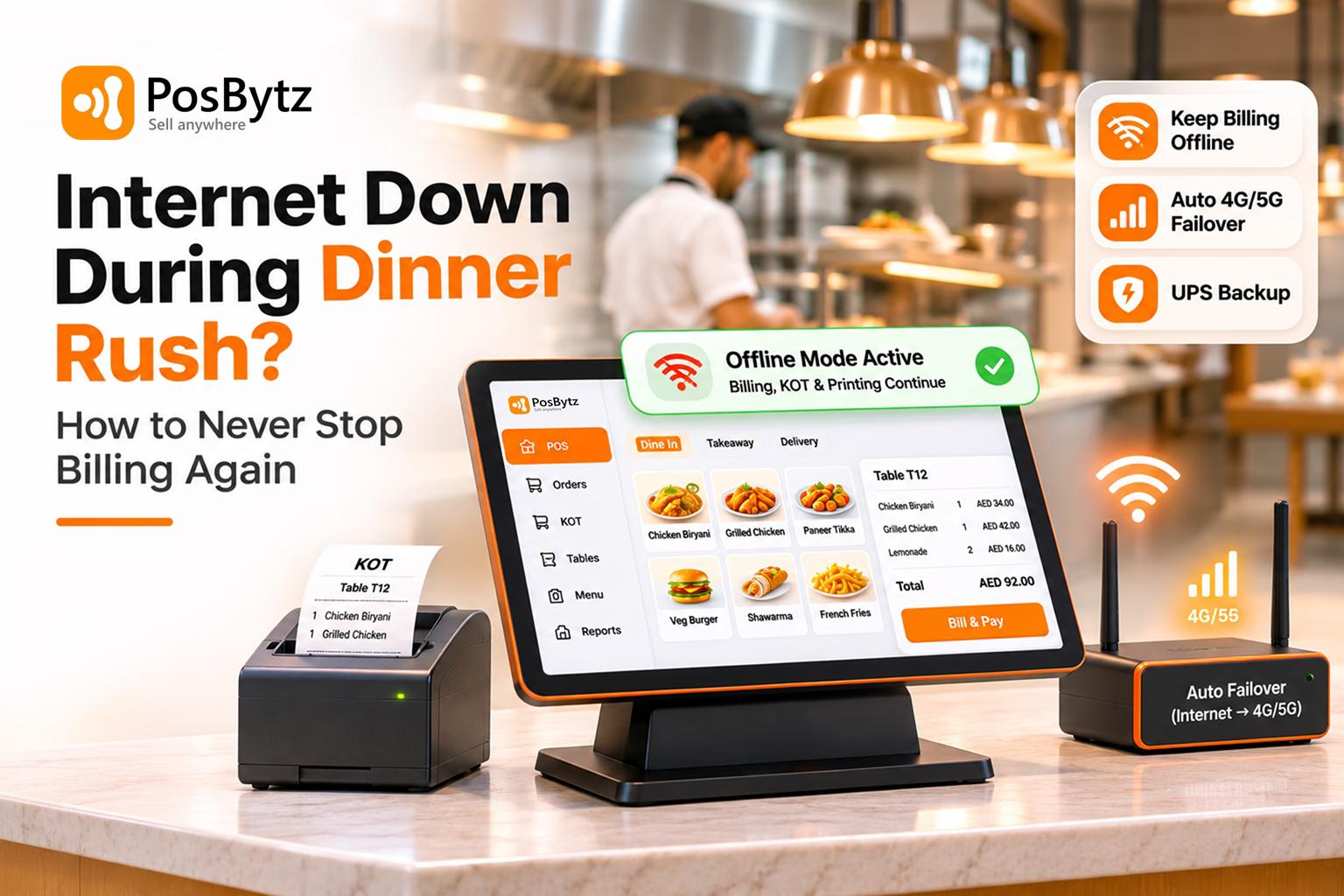
The PosBytz POS app keeps recording sales while offline, so a network drop at peak hour does not push staff back to handwritten orders.
Item and Channel Reports That Reveal Repeat Order Errors
Sales and order reports by item, channel and outlet help managers spot patterns, such as one dish or one channel causing repeated refunds.
Order Errors and the PosBytz Feature That Addresses Them
- Mishearing and handwritten orders: Solved by the Captain app and QR table ordering.
- Re-typing orders from paper or delivery tablets: Solved by the Captain app and by online orders accepted directly in the POS.
- Lost or misread KOTs: Solved by KOT printing and the Kitchen Display app.
- Items sold that are unavailable: Solved by item on/off availability from the POS.
- Wrong table or wrong customer: Solved by table management, dining options and delivery status.
- Network drop at peak hour: Solved by the offline POS app.
- Repeated errors with no clear cause: Solved by item and channel reports.
Restaurant Order Errors FAQ
What is the most common cause of wrong orders in restaurants?
Most wrong orders start at a handoff: an order misheard at the table, re-typed from paper or a delivery tablet, written as an unclear free-text note, or packed without checking. Taking orders digitally at the source and using fixed modifier options removes many of these errors.
How do you calculate restaurant order accuracy?
Divide the number of orders without any error by total orders and multiply by 100. For example, 1,000 orders with 30 errors gives 97% accuracy. Track it weekly, and by channel, so you can see whether dine-in, takeaway or delivery needs attention.
What is a good order accuracy rate for a restaurant?
There is no single official standard. US mystery-shopper studies of major chains report drive-thru accuracy of roughly 87% to 89% and third-party delivery accuracy for restaurants of about 89%. Use these as a reference and aim to improve your own rate every month.
How can restaurants prevent missing items in delivery orders?
Pack against the printed bill or order screen, tick off every item including sides and drinks, keep add-ons at the packing station, seal and label each bag, and match the order number with the rider before handing it over.
What should a restaurant do when a customer gets the wrong order?
Apologise, confirm what went wrong, and fix it quickly with a remake, the missing item or a refund. For allergy errors, check the guest's safety first and involve the manager. Then log the error and fix the cause so it does not repeat.
Can a POS system reduce order errors?
Yes, when it removes manual steps. A captain app or QR ordering captures the order at the source, fixed modifiers make instructions consistent, KOT printers or a kitchen display send tickets to the right station, and online orders arriving directly in the POS remove re-typing.
How do you reduce order errors from delivery apps?
Avoid re-typing aggregator orders by integrating them with your POS where possible, keep one menu updated across every channel, mark unavailable items immediately, and check every bag before it is handed to the rider.
About the author

Thaniyeal
Technical Content Writer & SEO Specialist, PosBytz
Thaniyeal is a Technical Content Writer and SEO Specialist on the PosBytz Marketing team, focused on turning complex POS and ERP topics into clear, practical guides for restaurant and retail businesses.