Retail ERP Software for Supermarkets: A Complete Guide
Transform your retail business with ERP software to streamline operations, enhance customer experience, and drive growth.
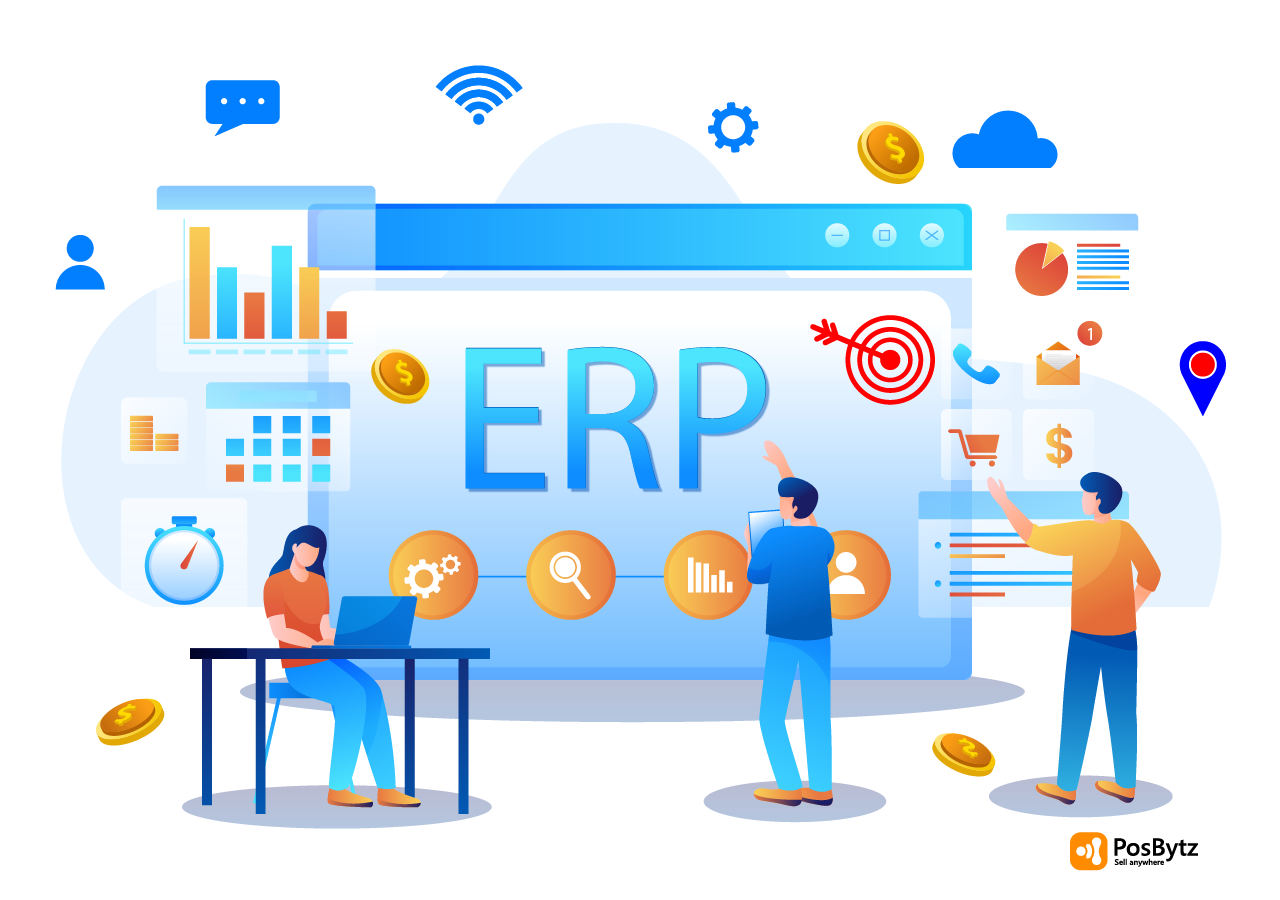


Running a supermarket means juggling inventory across aisles and warehouses, fast checkout counters, perishable stock, staff schedules, and increasingly, online and delivery orders too. When these pieces sit in separate spreadsheets or disconnected apps, small errors turn into stockouts, pricing mismatches, and cash flow blind spots.
Retail ERP software solves this by bringing billing, inventory, accounting, and customer data onto one connected platform. PosBytz is a cloud-based retail ERP software built for supermarkets and retail businesses, and this guide covers what retail ERP software actually does, the features that matter most for supermarkets, and what to check before you choose one.
What Is Retail ERP Software?
Retail ERP (Enterprise Resource Planning) software is a business management system that connects the different functions of running a store, billing, inventory, purchasing, accounting, customer relationships, and reporting, into a single platform instead of scattered tools that do not talk to each other.
For supermarkets specifically, this matters more than most retail formats. Supermarkets carry hundreds or thousands of SKUs, deal with perishable goods that expire, run thin margins that punish stock wastage, and often sell through multiple counters and channels at once. ERP software for retail business is designed to handle exactly this kind of complexity from a single dashboard, whether that is one store or a chain of outlets.
Why Retail ERP Software Matters for Supermarkets
Supermarket operations have changed. Customers now expect accurate stock availability, fast checkout, and in many markets, the option to order online or get items delivered. At the same time, supermarkets are moving away from spreadsheets and standalone billing tools toward cloud-based, connected systems that give owners one accurate view of sales, stock, and cash across every location.
ERP Software for Supermarkets addresses this shift directly by tying together the front counter, the back-of-store inventory, and the accounts team, so decisions are based on the same real-time numbers instead of three different reports that do not match.
Key Features to Look for in Retail ERP Software
Not every retail ERP is built the same way. Here are the core modules worth evaluating when comparing options for a supermarket.
Inventory Management
Real-time inventory tracking across multiple locations, from central warehouses to individual outlets, is the foundation. Look for automated stock replenishment, reorder points, low-stock alerts, purchase orders and GRNs, vendor and vendor payment tracking, batch and expiry management, support for both wholesale and retail customers, and barcode scanning.
Sales and Omnichannel Management
Supermarkets increasingly sell through more than one channel. A retail ERP should let you manage point-of-sale (POS) billing, online ordering and ecommerce, and in-store sales from one platform, with consolidated sales reporting instead of separate numbers for each channel.
Financial and Accounting Management
Look for built-in accounting covering bookkeeping and invoicing, cash flow tracking, accounts payable and receivable, balance sheet and trial balance reports, and general ledger management, so the finance team is not re-entering sales data by hand.
Customer Relationship Management (CRM)
A retail CRM keeps customer profiles, purchase history, and feedback in one place, so you can run promotions, launch loyalty programs, and win back customers who have not shopped in a while, instead of managing customer data separately from sales data.
Business Intelligence and Reporting
Customizable dashboards, key performance indicator (KPI) tracking, top-selling items, category-wise and brand-wise sales, and business intelligence tools turn raw transaction data into decisions you can act on. Real-time reporting also means an owner does not have to wait until month-end to spot a problem.
Discounts and Promotions Management
Supermarkets run frequent promotions, order-level discounts, item-level discounts, category-level offers, and combo deals like buy-one-get-one. A retail ERP should let you configure and track all of these without manual workarounds at the till.
Benefits of Retail ERP Software for Supermarkets
Implementing a retail ERP system delivers benefits across the business, not just at the checkout counter.
Improved Operational Efficiency
Automating manual processes, from stock counts to invoice entry, reduces errors and frees up staff time for tasks that actually need a person, like customer service.
Enhanced Decision-Making
Real-time data and analytics mean decisions are based on what is actually happening in the store right now, not a report that is a week old.
Increased Profitability
Better inventory control, fewer stockouts and less wastage, streamlined checkout, and tighter financial processes all contribute directly to the bottom line.
Better Customer Experience
Understanding customer preferences and purchase patterns through a connected CRM makes it easier to personalize offers and keep shoppers coming back.
Room to Grow
A retail ERP built to add outlets, channels, and users as the business expands means you are not forced onto a new system every time you open a new location.
How to Choose the Right Retail ERP Software for Supermarkets
When evaluating retail ERP software for your supermarket, weigh these factors alongside your specific business requirements and growth plans.
Feature Coverage
Check that the platform genuinely covers inventory management, cloud point-of-sale (POS) integration, CRM, loyalty management, and financial management, rather than offering a thin version of each.
Ease of Use
A cluttered or overly technical interface slows down staff training and daily operations. Look for a system your team can actually learn quickly.
Integration Capabilities
Your retail ERP should connect cleanly with the tools you already use or plan to use, such as ecommerce platforms, marketing automation, and delivery partners, instead of forcing you to rebuild your tech stack from scratch.
Reliable Support
Implementation issues and day-to-day questions come up. A responsive support team makes the difference between a smooth rollout and a stalled one.
What PosBytz Offers Supermarkets
PosBytz is a cloud-based retail ERP software built for supermarkets and retail businesses. Here is what it covers for supermarket management:
- Inventory management: Track stock across multiple locations, manage reorder points and low-stock alerts, and handle batches and expiry dates from one system.
- Dashboards and reporting: Real-time dashboards give owners visibility into sales trends and inventory status, accessible from the PosBytz Owner App on mobile so decisions are not tied to a back-office desktop.
- Online and offline billing: As a cloud-based, offline-capable POS, PosBytz keeps billing running during internet outages and syncs transactions automatically once connectivity returns.
- Batch and expiry management: Purpose-built for supermarkets handling perishable goods, so stock stays fresh and compliant with health regulations.
- Online ordering and ecommerce: Extend the supermarket online with a branded ecommerce store, managing both online and in-store orders together.
- Omnichannel sales management: Sell in-store and online through one unified system, so pricing and stock stay consistent across channels.
- Accounting: Manage cash flow, payables, receivables, VAT reporting, and financial statements like balance sheet, trial balance, and P&L, including ZATCA-compliant e-invoicing for businesses operating in Saudi Arabia.
- Delivery management: Track order deliveries in real time when using your own delivery staff.
- Hardware-agnostic POS: PosBytz runs on Android POS or Windows POS devices, so you can use existing hardware instead of buying new equipment.
- Customer Relationship Management (CRM): Manage customer data, collect feedback, and run personalized marketing and loyalty campaigns to build repeat business.
PosBytz also extends to other retail formats beyond supermarkets, including grocery stores, boutiques, butcheries, vegetable shops, fish stores, and liquor stores, each with format-specific features like weight-based pricing or age verification where relevant.
Frequently Asked Questions
What is retail ERP software and why do supermarkets need it?
Retail ERP software connects billing, inventory, accounting, and customer data into one platform instead of separate tools. Supermarkets need this because they manage high SKU counts, perishable stock, thin margins, and often multiple sales channels at once, all of which are hard to track accurately with spreadsheets or standalone systems.
How does retail ERP software improve the customer experience?
It gives staff real-time visibility into stock and pricing at checkout, and gives the business insight into customer purchase history and preferences through CRM. That combination supports faster billing, fewer out-of-stock disappointments, and more relevant promotions and loyalty offers.
Can retail ERP software for supermarkets integrate with other systems?
Yes. A well-built retail ERP should integrate with ecommerce platforms, marketing tools, accounting systems, and delivery partners, so data flows between systems automatically instead of requiring manual re-entry.
How does retail ERP software handle batch tracking and expiry dates?
Retail ERP systems built for supermarkets track products by batch and expiry date, alerting staff before stock nears its expiry so it can be sold, discounted, or removed in time. This is especially important for supermarkets carrying fresh produce, dairy, and packaged perishables.
Does retail ERP software work for retail formats besides supermarkets?
Yes. The same core modules, inventory, billing, CRM, and accounting, apply across grocery stores, boutiques, butcheries, and other specialty retail formats, often with format-specific add-ons such as weight-based pricing for butcheries and fish stores.
Conclusion
Retail ERP software gives supermarkets a single, accurate view of inventory, sales, and finances instead of piecing together data from disconnected tools. Choosing the right one comes down to matching features to your actual operations: multi-location inventory, batch and expiry tracking, omnichannel sales, and financial reporting that does not require manual reconciliation.
PosBytz is built specifically for supermarkets and retail businesses, covering inventory, POS, accounting, CRM, and online ordering from one cloud-based platform that works both online and offline.
Explore PosBytz for Your Supermarket
If you are evaluating retail ERP software for your supermarket, see how PosBytz retail management software covers POS, billing, inventory, and CRM in one platform.
Related Reading
- The Ultimate Guide to Choosing the Best Retail ERP Software
- ERP for Retail Stores: Transforming Operations and Profitability
- Automating Retail Operations with a Retail ERP
- Top 16 Supermarket Billing Software Solutions
- Supermarket Billing Software: The Key to Supermarket Operations
- Best POS System for Grocery Stores in 2026
About the author

The PosBytz Marketing Team
Editorial Team, PosBytz
The PosBytz Marketing Team shares practical insights on running smarter restaurants and retail stores from POS best practices to inventory management, online ordering, and customer loyalty strategies.