How Much Does a Restaurant POS System Cost?
How Much Does a Restaurant POS System Cost? You will have different answers on your mind. In this article, we explained in detail.



Restaurant POS cost is one of the first questions any owner asks before choosing a system, and the honest answer is: it depends. Between hardware, software subscriptions, add-on features, and setup, the total restaurant pos price can range from a few hundred dollars a month for a single counter to several thousand dollars for a multi-location, full-service setup.
Running a restaurant already means juggling staff, customer service, and inventory at the same time. A restaurant POS system is built to take some of that weight off your shoulders, tracking inventory and flagging reorders before you run out of key ingredients. When you evaluate the cost of restaurant pos system options as an investment rather than a line-item expense, your bottom line benefits far more than if you operated without one.
This guide breaks down exactly what makes up restaurant pos cost, hardware, software, add-ons, and training, so you know what you are paying for and how to judge whether a quote is fair.
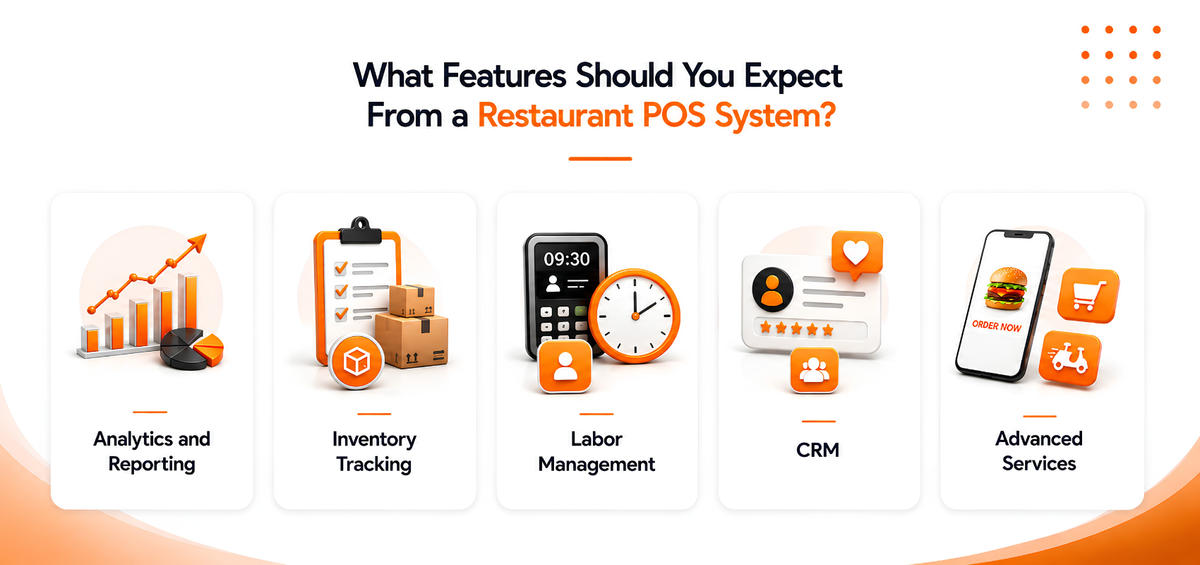
What Features Should You Expect From a Restaurant POS System?
The POS system is the heart of any restaurant; its primary function is to take customer orders and process payments. However, with current technological advances, POS systems have become much more sophisticated in what they can do. Now, the POS is a computerized system that records and tracks sales, inventory, customer orders, employee time, and pay—all in one centralized location.
- Analytics and Reporting: Deep insights into business performance.
- Inventory Tracking: Automated stock and menu management.
- Labor Management: Time clocks, hour tracking, and earnings tracking.
- CRM: Integrated Customer Relationship Management.
- Advanced Services: Loyalty programs, online ordering, and delivery.
How Much Does a POS System Cost for a Restaurant?
The restaurant pos cost varies greatly depending on the size of your restaurant, the features you need, and the provider you choose. A small pizza place with a few employees will have a much different restaurant pos price than a large multi-location brand needing robust security.
The entire price tag depends on hardware, software, and additional costs. A more expensive system does not always indicate better quality; you can’t compare vendors like apples to oranges because of varying capabilities. Let’s look at the cost of restaurant pos system components.
1. POS Hardware
A Restaurant POS system’s price will depend on the hardware system. There are two main types: Cloud-Based Systems (Remote servers accessed via the internet) and Legacy Systems (Local servers on-site). Cloud systems are often the perfect fit for budget and efficiency.
Hardware Approximate Cost Full terminal package (Terminal, stand, printer, drawer)$1000 – $1500 Router$400 Handheld POS system with card reader$300 Kitchen display system (KDS)$800 – $1200
2. POS Software
Consider whether the software can handle your cash flow and reporting needs. To calculate the cost of restaurant pos system software, look for lightning-fast functionality and low monthly fees. Average costs are:
- $75 per device/month
- $25 for KDS software
3. Additional POS Features
Features like online ordering apps, gift cards, and CRM integrations can take your business to the next level. Typical monthly costs for these include $50 for inventory tracking, $25 for loyalty hosting, and $25 for third-party integrations.
4. Training and Installation Cost
Installation and training are crucial. Not every vendor offers these, leading to risks if things go wrong. By choosing PosBytz, you can cut down the additional restaurant pos cost of installation and training, as it is handled for you.
What Should You Consider When Evaluating Restaurant POS Pricing?
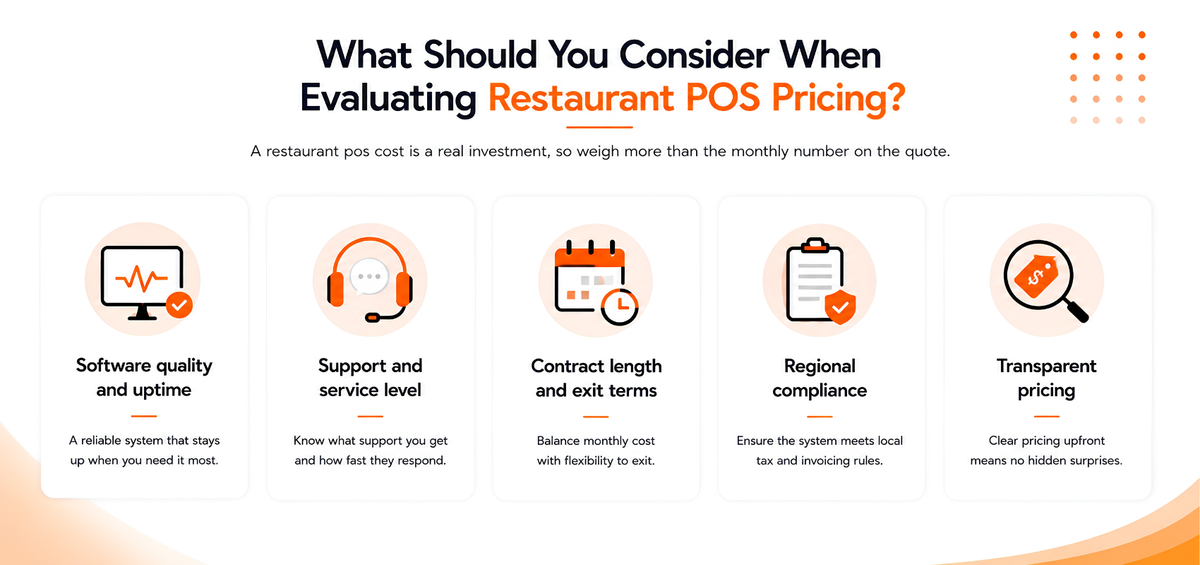
A restaurant pos cost is a real investment, so weigh more than the monthly number on the quote:
- Software quality and uptime: A cheap system that goes down during service costs you more in lost orders than it saves.
- Support and service level: Confirm what support is included and how fast you can reach someone during a live outage.
- Contract length and exit terms: Month-to-month plans cost more per month but avoid lock-in; annual plans are usually cheaper but harder to leave.
- Regional compliance: If you operate in a market with specific tax or invoicing rules, confirm the system supports them out of the box.
- Transparent pricing: Check whether the vendor publishes clear pricing or requires a sales call to get a number, vague pricing usually means hidden fees later.
If you are comparing options for a specific region, it also helps to see how providers price locally, for example our breakdown of restaurant POS software in the UAE.
How to Keep Your Restaurant POS Cost Under Control
You do not need every feature on day one. A few practical habits keep restaurant pos price predictable as you grow:
- Start with the essentials. Add loyalty programs, advanced reporting, or multi-outlet tools once your core billing and kitchen workflow is stable.
- Ask for per-device versus flat pricing upfront. Per-device fees add up fast once you scale to more terminals.
- Get the full quote in writing. Confirm hardware, software, add-ons, and installation are all itemized before you sign anything.
- Review your inventory setup separately. A weak inventory module leads to stockouts or over-ordering; see how different POS inventory systems compare before committing.
- Revisit your plan annually. Your restaurant's needs change, and so should your subscription tier.
Frequently Asked Questions
How much does a POS system cost for a small restaurant?
A small, single-counter restaurant can expect to pay roughly $1,000 to $1,800 upfront for basic hardware (terminal, printer, cash drawer) plus around $75 to $100 per month for core POS software. Costs rise with each additional device or feature you add.
What is usually included in the restaurant POS price?
Most restaurant POS pricing covers the core terminal software, order taking, and payment processing. Inventory tracking, KDS, online ordering, CRM, and loyalty programs are commonly priced as separate add-ons, so always ask for an itemized quote.
Are there hidden costs in restaurant POS pricing?
Yes, common hidden costs include per-device software fees, payment processing rates, installation charges, and paid support tiers. Ask vendors directly whether installation, training, and updates are included before you sign a contract.
Is a monthly subscription cheaper than a one-time restaurant POS software cost?
It depends on your cash flow. Monthly subscriptions spread the cost of restaurant pos system software over time and usually include updates and support, while one-time licenses cost more upfront but may have lower long-term fees. Cloud-based monthly plans are more common today because they scale easily across locations.
Does installation and training add to the total restaurant POS cost?
It can, depending on the vendor. Some providers charge separately for onboarding and staff training, which adds to your restaurant pos cost in the first month. PosBytz includes installation and training as part of setup, so it is not billed as an extra line item.
Conclusion
Restaurant pos cost is not a single number, it is the sum of hardware, software, add-on features, and setup, and each of those varies with your restaurant's size and needs. Understanding these components before you buy is what turns a POS system from an expense into a tool that protects your margins. Compare quotes line by line, ask what is included versus billed separately, and weigh support quality alongside the sticker price.
Launch your POS with transparent restaurant pos price built for your business. Start your free trial with PosBytz.
Related Resources
View Guide: Best POS for UAE
Learn More: Inventory Systems
Explore Reports: POS Reports
About the author

Saravana Damodaram
Co-Founder & CEO, PosBytz
Saravana Damodaram is the Co-Founder & CEO of PosBytz, a cloud-based POS-ERP platform built for F&B and retail businesses since 2018. He focuses on unified commerce, inventory, and multi-location operations, and has helped over 5,000 merchants across 25+ countries move off fragmented, disconnected tools and run their entire operation, billing, inventory, kitchen, and accounting on one platform.



