QR Code Table Ordering System: Boost Efficiency & Sales for Restaurants
Discover how QR code table ordering system improve restaurant efficiency, reduce wait times, boost sales and enhance the dining experience.
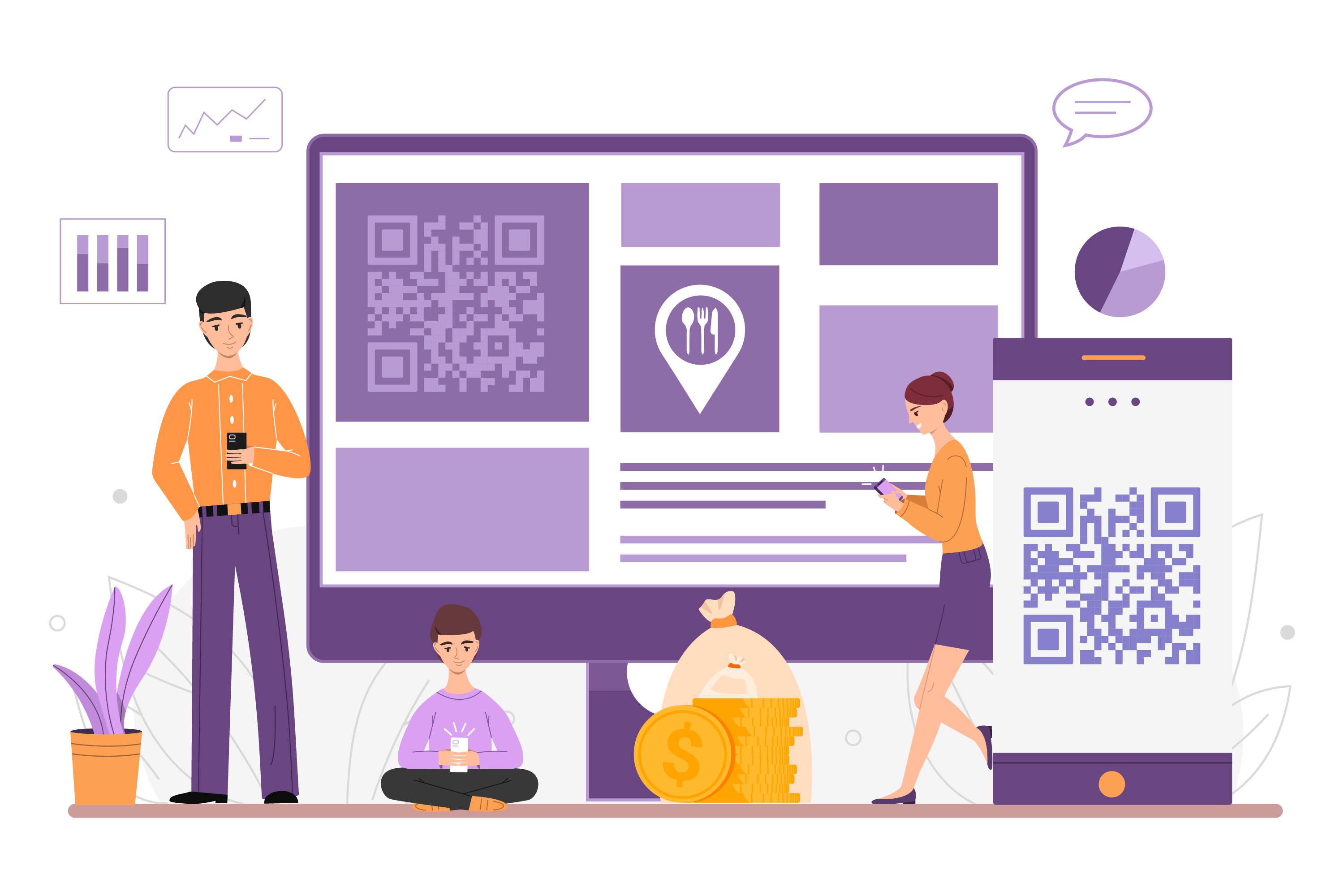


If you're considering a QR code table ordering system for your restaurant, you're looking at one of the simplest ways to speed up service, cut down on errors, and give guests more control over their dining experience. What started as a pandemic-era workaround has become a standard part of how restaurants operate in 2026, and the reasons go well beyond convenience.
A QR code table ordering system lets guests browse the menu, place orders, and pay from their own phone, without waiting on a server to take their order or bring the check. For restaurant owners, that means fewer bottlenecks during peak hours, more accurate orders reaching the kitchen, and a leaner front-of-house team that can focus on hospitality instead of order-taking.
This guide covers what a QR code table ordering system actually does, the core benefits of QR code menus for both guests and staff, and what to look for before you roll one out.
What Is a QR Code Table Ordering System?
A QR code table ordering system replaces printed menus with a digital menu that guests access by scanning a code placed at their table. Once scanned, the menu opens directly on the guest's phone, no app download required.
From there, guests can browse the full menu, customize their order with modifiers or add-ons, submit the order directly to the kitchen, and pay the bill when they're ready. Because the system connects to your restaurant's POS integrations, the digital menu reflects what's actually available in the kitchen in real time, so items that are sold out or unavailable don't appear as options.
The result is a self-service model that doesn't sacrifice the dine-in experience. There are no sticky laminated menus to sanitize, no waiting for a server to become free, and no risk of a handwritten order getting lost between the table and the kitchen.
How a QR Code Table Ordering System Works
The process is straightforward for both guests and staff:
- A guest sits down and scans the QR code on the table, table tent, or receipt.
- The digital menu opens in their phone's browser, showing live pricing, availability, and item descriptions.
- The guest selects items, adds modifiers, and submits the order.
- The order routes directly to the kitchen or POS, cutting out manual entry by staff.
- The guest can request the bill and pay online, or continue ordering more rounds from the same table.
Because orders go straight from the guest's phone to the kitchen, there's no verbal relay through a server, which is one of the biggest sources of order errors in traditional table service.
Key Benefits of QR Code Table Ordering Systems
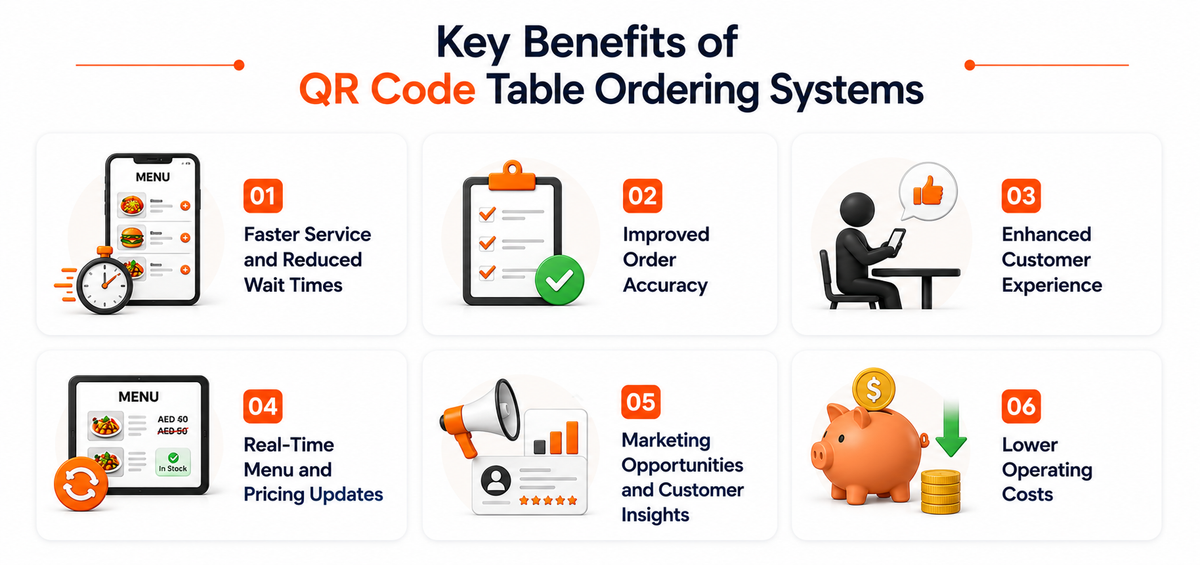
Faster Service and Reduced Wait Times
Whether guests are in for a quick lunch or a long dinner, a QR code table ordering system removes the wait for a server to take the order. Orders go to the kitchen the moment they're submitted, which shortens ticket times and lets a smaller front-of-house team manage more tables without guests noticing a drop in service.
Improved Order Accuracy
Order accuracy has a direct impact on both revenue and customer satisfaction. When guests enter their own order, including modifiers and special requests, there's no room for mishearing or miswriting an order. That reduces kitchen waste, comps, and the back-and-forth that comes with fixing a wrong dish.
Enhanced Customer Experience
Guests increasingly expect to control the pace of their own meal. QR ordering lets them browse, decide, and reorder on their own schedule instead of flagging down a server. It also frees up staff time that would otherwise go toward taking orders, so they can focus on food delivery, checking in on tables, and other hospitality touches that guests do notice.
Real-Time Menu and Pricing Updates
Digital menus update instantly across every table, so guests never see an item that's already sold out or priced incorrectly. Since the menu is connected to your POS integrations, stock changes in the kitchen are reflected on the guest-facing menu in real time, keeping inventory and sales in sync.
Marketing Opportunities and Customer Insights
A branded QR code with your restaurant's logo reinforces brand recognition at every table. Paired with a restaurant CRM, the order data collected through QR ordering can be used to personalize promotions and target repeat guests based on their past orders, which supports better retention over time.
Lower Operating Costs
With fewer staff needed to manage order-taking at each table, restaurants can run efficiently during peak hours without over-scheduling. Combined with reduced order errors and less wasted food, the system pays for itself through operational savings as much as through faster table turns.
Is a QR Code Table Ordering System Right for Your Restaurant?
QR code table ordering fits well in full-service restaurants, casual dining, cafes, bars, and cloud kitchens with a dine-in component. It works best when paired with a POS system that can sync menu, inventory, and pricing changes automatically, rather than as a standalone tool that needs to be updated manually. If you're evaluating options, look for QR code ordering built into your existing POS rather than a separate app, since that keeps your menu, inventory, and reporting in one place.
Conclusion
Whether your goal is faster service, reduced waste, or a better customer experience, a QR code table ordering system addresses all three at once. It shifts control to the guest without adding friction, and it gives your kitchen and front-of-house team more accurate, real-time information to work with. Both outcomes come together through PosBytz's integrated restaurant management software, which connects QR ordering with your POS, inventory, and CRM in a single platform.
Frequently Asked Questions
Do guests need to download an app to use QR code table ordering?
No. Guests simply scan the QR code with their phone's camera, and the menu opens directly in their browser. No app installation is required.
Can guests still pay their bill through a QR code table ordering system?
Yes. Most systems, including PosBytz, let guests pay directly from their phone once they're done ordering, in addition to traditional payment methods at the table.
Does QR code ordering work for both dine-in and takeaway?
QR code ordering is primarily designed for dine-in table service, but the same underlying technology can support table-side ordering and pre-orders for takeaway pickup, depending on how the system is configured.
How does a QR code table ordering system connect to the kitchen?
The system integrates with your POS, so orders placed by guests are sent directly to the kitchen or kitchen display system, cutting out manual order entry by waitstaff.
Is a QR code table ordering system expensive to set up?
Setup costs vary by provider, but most cloud-based systems, including PosBytz, are priced to scale with your restaurant and don't require new hardware beyond printed QR codes at each table.
Ready to Modernize Your Table Service?
A QR code table ordering system helps you serve more guests accurately and efficiently, without adding pressure on your staff.
Start Your Free Trial with PosBytz
Related Resources
Best POS for UAE Restaurants
Top-rated restaurant management systems optimized for the UAE market.
8 Best POS Inventory Systems
Automate your stock tracking and optimize your COGS effectively.
Read More: Cloud Kitchen POS Software
Manage multiple virtual brands with a single integrated POS solution.
About the author

Saravana Damodaram
Co-Founder & CEO, PosBytz
Saravana Damodaram is the Co-Founder & CEO of PosBytz, a cloud-based POS-ERP platform built for F&B and retail businesses since 2018. He focuses on unified commerce, inventory, and multi-location operations, and has helped over 5,000 merchants across 25+ countries move off fragmented, disconnected tools and run their entire operation, billing, inventory, kitchen, and accounting on one platform.