What Is a Cloud Based POS System? A Complete Guide
Streamline your business operations with a cloud based POS system. Enjoy seamless sales, real-time inventory and analytics from anywhere.


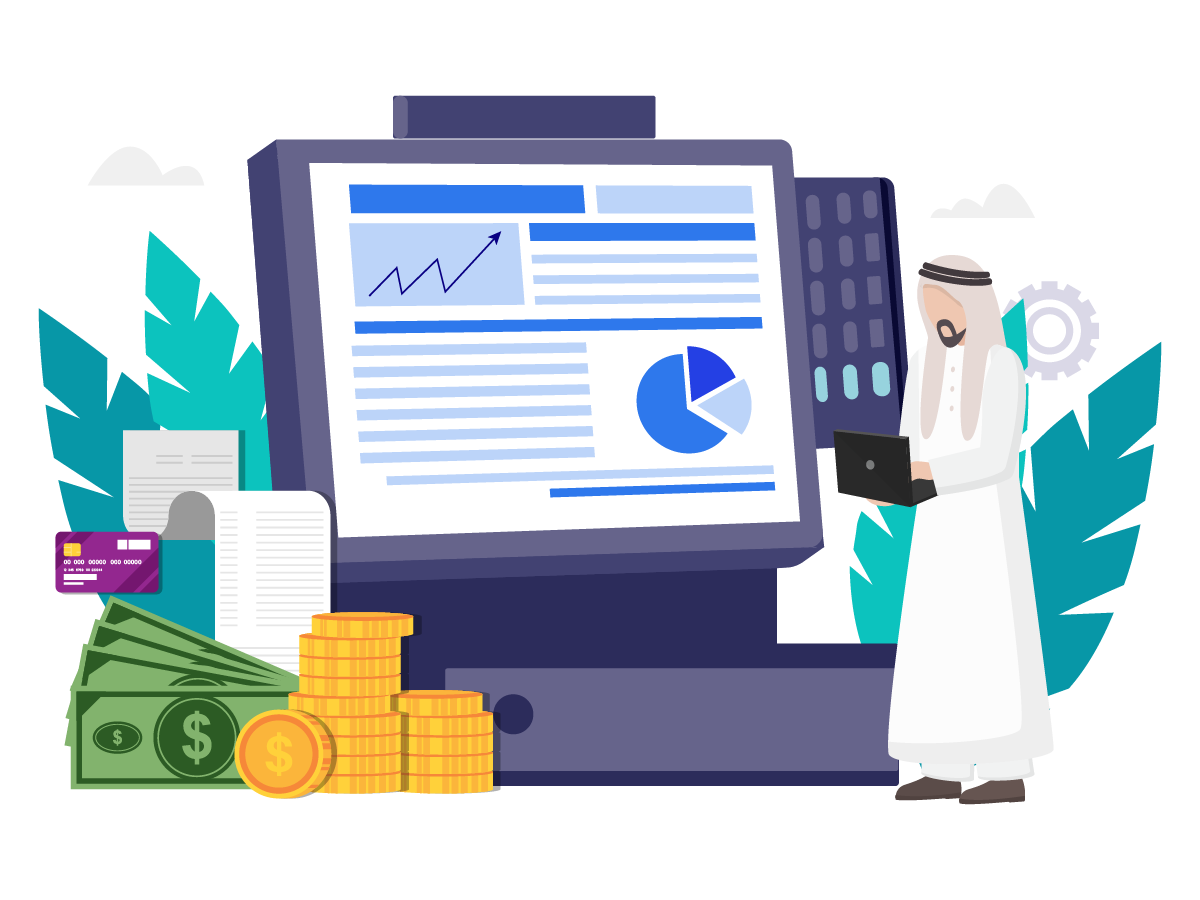
A cloud based POS system is a point of sale platform that runs over the internet instead of a local, in-store server. Your sales, inventory, and customer data live in the cloud, not on a single till, so you can bill customers, check inventory, and pull up reports from a browser or app on any device, from anywhere you have an internet connection.
If you're weighing a cloud POS system against a traditional, server-based one, this guide covers what a cloud based point of sale actually is, who benefits most from one, how it compares to on-premise POS, and what to check before you switch.
What is Cloud POS System?
A cloud based point of sale system enables you to process payments via the internet without the need for bulky, costly servers or pricey software that requires you to buy a new version every time you want to upgrade.
All updates are done online rather than on your local computer system from cloud. Your transaction and sales history can be safely kept in the cloud like POSBytz.
Cloud based POS system will run on any device, such as Laptops, Desktops, Tablets, IPADS, and smartphones as opposed to being restricted to a countertop configuration like a typical traditional POS operating on a desktop computer. This works great for on-the-go enterprises.
Furthermore, it helps brick-and-mortar stores to be connected with one solutions for all their technology needs from sales, inventory, CRM, Accounting, HR & payroll and many more.
You can handle business operations remotely in addition to completing sales from any location using any device and logging into your point of sale.
How a Cloud Based POS System Works
- A customer places an order or makes a purchase, whether at the counter, at the table, or online.
- The POS captures the sale and sends the details to the cloud server over the internet.
- Payment is authorized through the connected payment terminal.
- Sales, inventory, and customer data are updated and stored centrally.
- Reports and dashboards refresh in real time and are viewable from any authorized device.
Most cloud POS providers, PosBytz included, also keep billing running during an internet outage. The system stores transactions locally on the device and syncs them to the cloud automatically once the connection returns, so a dropped connection doesn't mean a stalled queue at the counter.
Who requires Cloud based POS System?
Depending on the business segment, all firms can benefit for a variety of reasons.
Restaurants and cloud kitchens
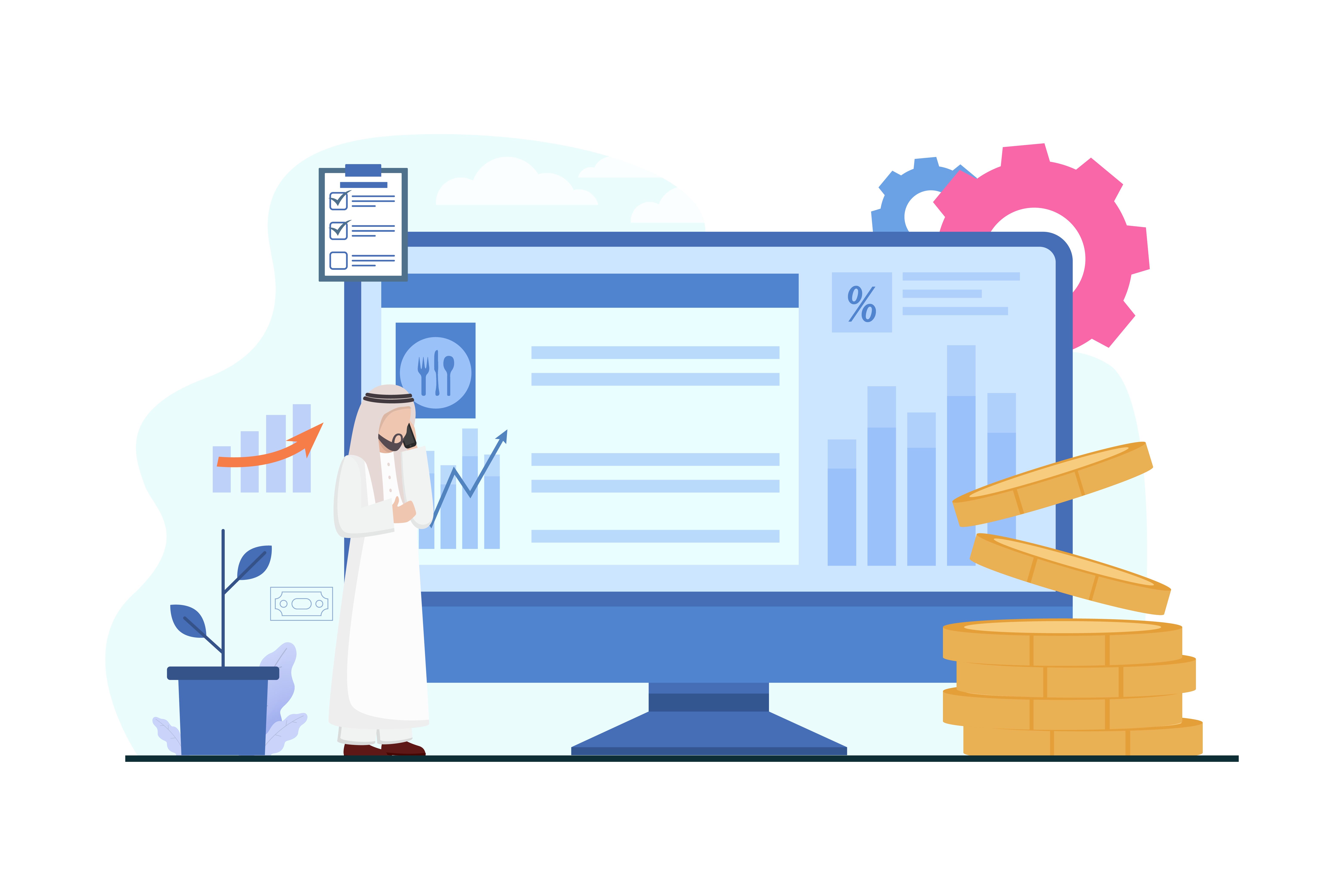
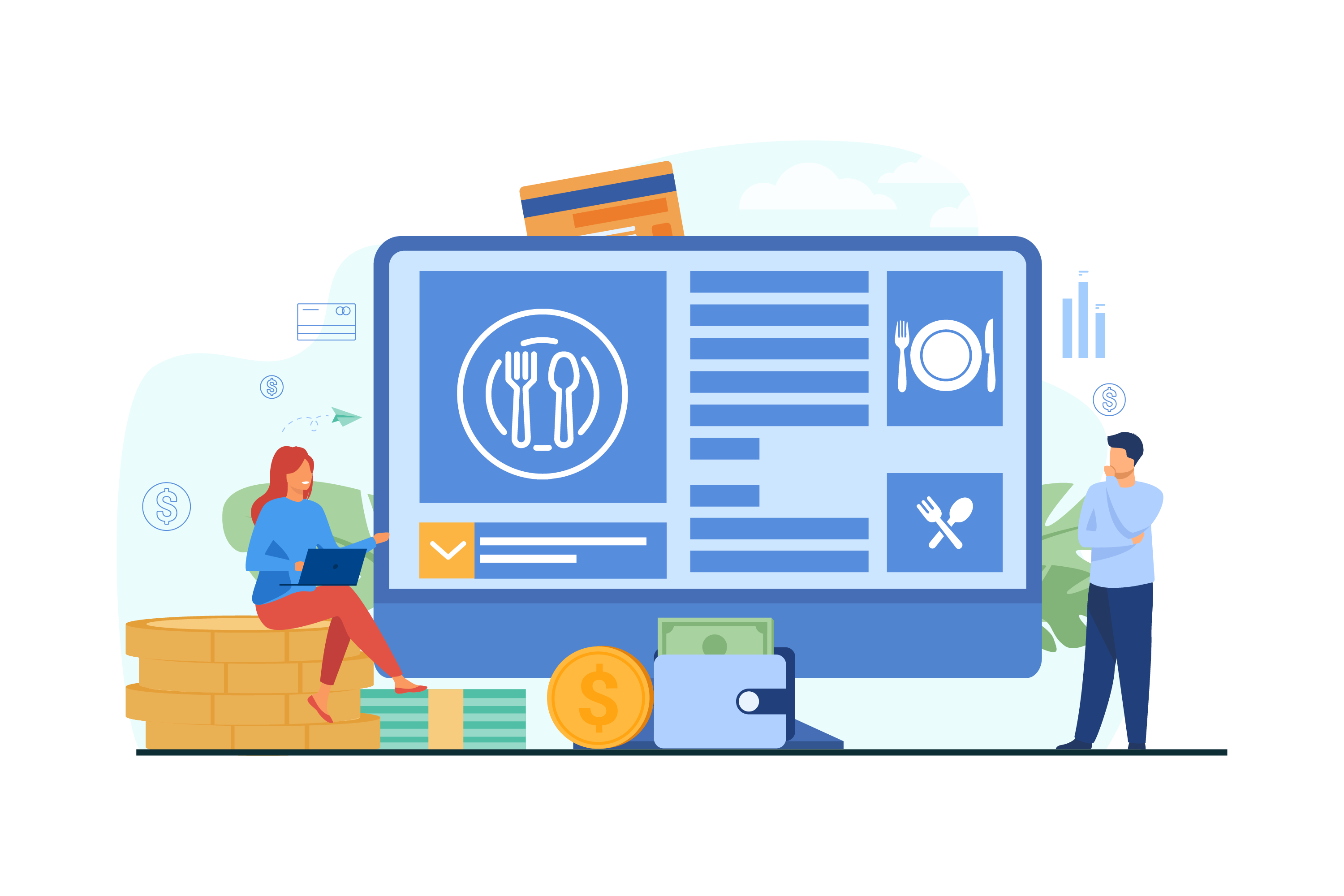
Multi-location restaurant groups have the most to gain from a restaurant POS software that runs in the cloud. Instead of checking in with each branch separately, owners can push menu or price changes to every outlet at once, and view sales, online orders, inventory, and purchasing for the whole business from a single restaurant management system.
Retail stores
Retail businesses often struggle to keep inventory counts accurate across a shop floor, a back room, or multiple stores. A retail management system built on cloud POS syncs every sale against stock the moment it happens, cutting down on manual recounts and keeping accounting, CRM, and reporting in one place.
Small and growing businesses
Because a cloud POS system doesn't require expensive on-site servers, it also suits smaller operators who need a POS system for small business that can scale without a large upfront hardware investment.
Difference Between Cloud Based POS And Traditional POS System:
A traditional POS system can be software or a physical device that is installed on a local server or computer system, and it is used to manage inventory, process transactions, and generate reports.
On the other hand, a cloud based point of sale is a software application that is hosted on remote servers and accessed via the internet.
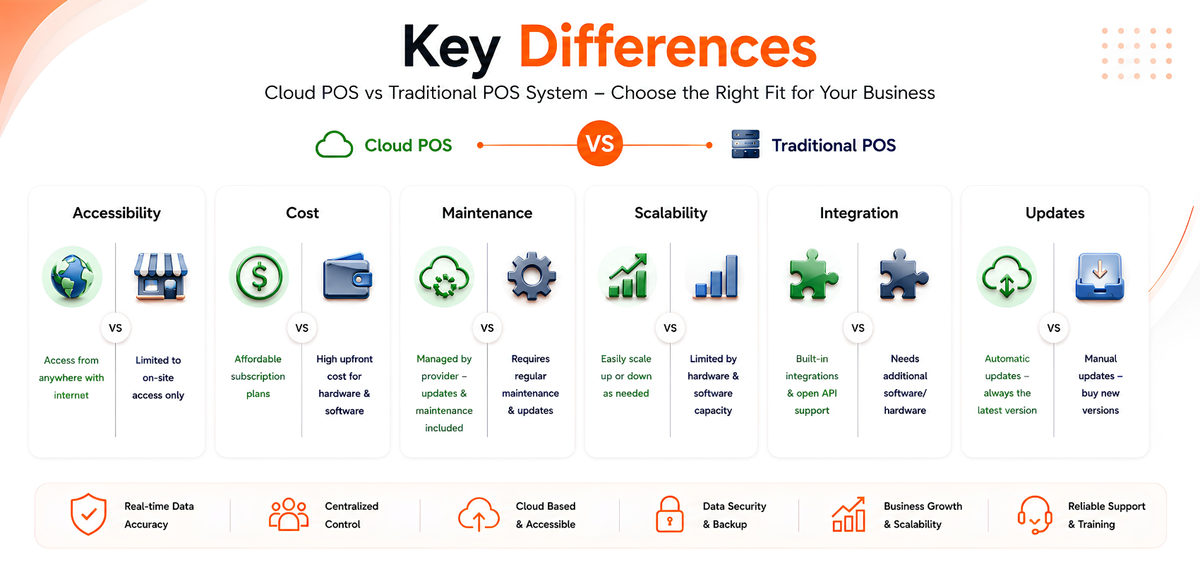
Here are some of the primary differences between the Point of Sale systems:
Accessibility:
Traditional POS systems require a physical connection to the computer or server where the software is installed, meaning that users are limited to using the system on-site.
Cloud based point of sales software can be accessed from anywhere with an internet connection, making them more flexible and mobile.
Cost:
Traditional POS systems require upfront costs for software, hardware, and installation, which can be expensive.
Cloud POS system will typically require a subscription fee that can be more affordable, especially for small firms or businesses.
Maintenance:
Traditional POS systems require regular maintenance and updates, which can be time-consuming and costly.
Cloud POS software will be maintained and updated by the provider, so businesses don’t have to worry about these tasks.
Scalability:
Traditional POS are limited by the software and hardware that they are installed on, which can make it difficult to scale up as a business grows.
Cloud based POS system can be easily scaled up or down as needed, making them more flexible for growing businesses.
Omni Channel Reporting And Integration:
Traditional POS does not integrate with e-commerce platforms, including Ecwid and BigCommerce;
Traditional POS systems may require additional software or hardware to integrate with other business systems, such as inventory management or accounting software.
Cloud POS often have built-in integrations or can easily integrate with other systems via APIs.
Updates:
It’s simple to update the software using a POS on Cloud, so you’re always using the most recent version.
On the other hand, traditional POS will have static software, and updating will require purchasing a new version.
Benefits Of using Cloud POS:
Cloud based Point of Sales system will offer several benefits that can help businesses run more efficiently and effectively.
The primary perks of employing cloud software are
Flexibility And Mobility:
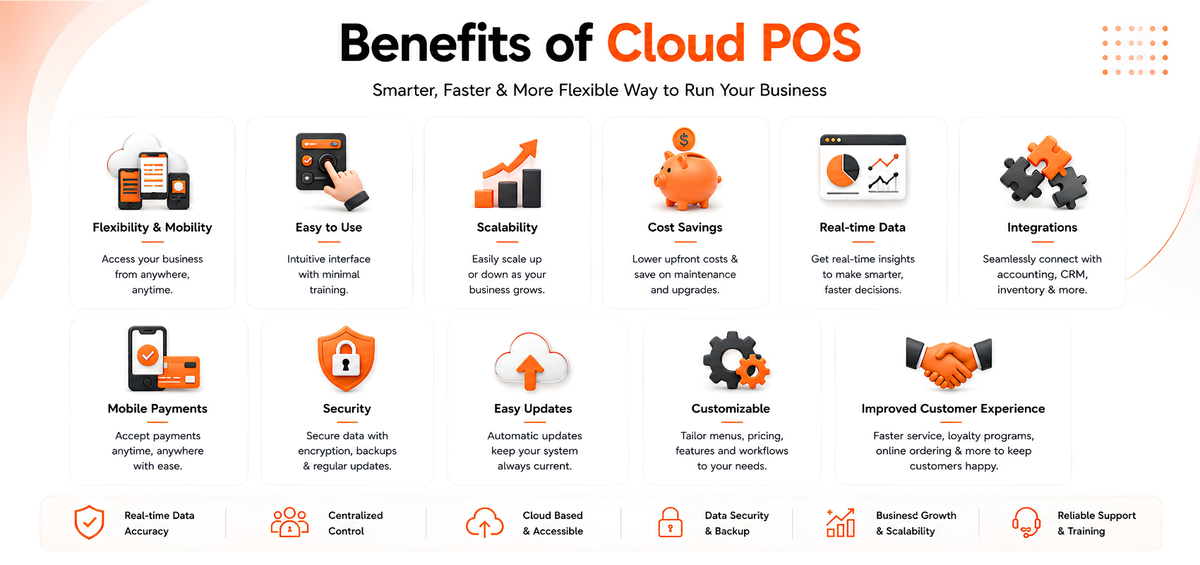
Can be accessed from any device with an internet connection, allowing employees and business owners to process transactions and manage inventory from anywhere.
It means that businesses shall be more flexible in terms of where and how they operate.
Easy To Use:
The POS systems that are cloud based will generally be intuitive and easy to use, requiring minimal training for employees.
Scalability:
Can be easily scaled up or down as a business grows or changes.
In a nutshell, businesses can add new users or locations without having to invest in new software or hardware.
Cost Savings:
Cloud POS system often has lower upfront costs than traditional systems, and businesses can avoid the costs associated with software and hardware maintenance and upgrades.
Additionally, can help businesses avoid costly downtime as the provider takes care of maintenance and updates.
Real-time Data:
Provides real-time data on inventory, sales, and customer behavior, allowing businesses to make informed decisions quickly. This data can help businesses manage inventory levels, optimize pricing and promotions, and improve customer engagement.
Integrations:
As mentioned earlier, offers integrations with other business software. This can help businesses streamline operations and reduce manual data entry errors.
Mobile Payments:
Can support mobile payment options, allowing businesses to accept payments from a wider range of customers.
Security:
Often have robust security measures in place, including regular backups and data encryption.
It helps businesses protect sensitive customer and financial data from loss or theft.
Easy Updates:
The point-of-sale systems on the cloud will be updated automatically by the provider, so businesses don’t have to worry about manually updating their software.
It ensures that businesses always have access to the latest features and security patches.
Customizable:
Can be customized to meet the unique needs of a business, including menus, custom pricing, and integrations.
In a nutshell, businesses can tailor their POS system to fit their specific requirements.
Improved Customer Experience:
Leading Retail and Restaurant cloud POS like POSBytz can help businesses provide a better customer experience by offering features such as online reservations, mobile ordering, and loyalty programs.
It can help businesses build stronger relationships with customers and drive repeat business.
Does a Cloud POS System Work Offline?
Yes, provided the software is built for it. PosBytz's cloud POS, for example, keeps working at the counter even when the internet drops, storing transactions locally and syncing them back to the cloud automatically once the connection returns. When evaluating a cloud based POS system, ask specifically how it handles outages. Not every provider handles offline billing the same way, and a system that simply stops taking orders during downtime defeats a big part of the appeal of cloud POS.
Is a Cloud Based POS System Secure?
Security depends on the provider, but a well-built cloud POS system layers in several protections: encrypted transactions, integration with certified payment terminals rather than storing raw card data on the device, and regular backups so a lost or damaged device doesn't wipe out your sales history. When comparing options, look for a provider that's specific about its security practices rather than vague about where and how your data is stored.
What to Look for When Choosing a Cloud POS System
- Offline support: can it keep billing without internet, and does it sync automatically afterward?
- Device compatibility: does it run on the hardware you already own, whether that's Android, iPad, or Windows?
- Integrations: does it connect to accounting, payment providers, and online ordering channels, or will you need separate tools?
- Multi-outlet support: if you operate more than one location, can you manage menus, pricing, and stock centrally?
- Pricing structure: is pricing based on outlets, users, or transaction volume, and does that match how you plan to grow?
- Compliance: if you operate in Saudi Arabia, check whether the system supports ZATCA e-invoicing and VAT reporting out of the box.
It's worth taking the time to compare the best POS software for restaurants and retail against this checklist before committing, since switching systems later is far more disruptive than choosing carefully the first time.
Conclusion
A cloud based POS system trades some of the on-premise control of a traditional setup for lower upfront costs, easier scaling, and the ability to run your business from anywhere. For most restaurants and retail businesses, especially those with more than one location, that trade-off is worth it. If you're still running on a legacy till or an ageing local server, moving to a cloud based point of sale is usually less disruptive than it sounds, and offline support is typically the concern owners raise first and stop worrying about once they see it working.
See how PosBytz's cloud POS system handles billing, inventory, and multi-outlet reporting, online and offline, and check pricing to find a plan that fits your business.
FAQs:
What components make up a cloud based POS system?
A cloud POS system pairs the front-of-house hardware you already know, such as a tablet or terminal, cash drawer, barcode scanner, and card reader, with software hosted on remote servers instead of an in-store server. The hardware handles the sale; the cloud handles the data.
How does a cloud based POS system work?
When a sale is made, the POS records it and sends the details to the cloud over the internet. The server authorizes payment, updates inventory and sales records, and makes that data available on every connected device and report in real time.
Can a cloud POS system work without an internet connection?
Yes, if it's designed to. PosBytz's cloud POS keeps billing at the counter during an outage and automatically syncs those transactions to the cloud once the connection is restored, so you don't lose sales data or stop serving customers.
Is a cloud based POS system secure?
A well-built cloud POS system encrypts transactions, routes card payments through certified payment terminals instead of storing card data locally, and keeps regular backups so hardware loss or damage doesn't erase your sales history.
Does PosBytz's cloud POS work on Android, iPad, and Windows devices?
Yes. PosBytz runs as an Android POS, an iPad POS, or on Windows POS systems, with the same offline billing and cloud sync on every device.
About the author

Saravana Damodaram
Co-Founder & CEO, PosBytz
Saravana Damodaram is the Co-Founder & CEO of PosBytz, a cloud-based POS-ERP platform built for F&B and retail businesses since 2018. He focuses on unified commerce, inventory, and multi-location operations, and has helped over 5,000 merchants across 25+ countries move off fragmented, disconnected tools and run their entire operation, billing, inventory, kitchen, and accounting on one platform.