Best Restaurant Bookkeeping software for your business
Looking for a best Restaurant booking software to manage your expenses, sales, inventory, Online sales, Bank entries and Financial reports
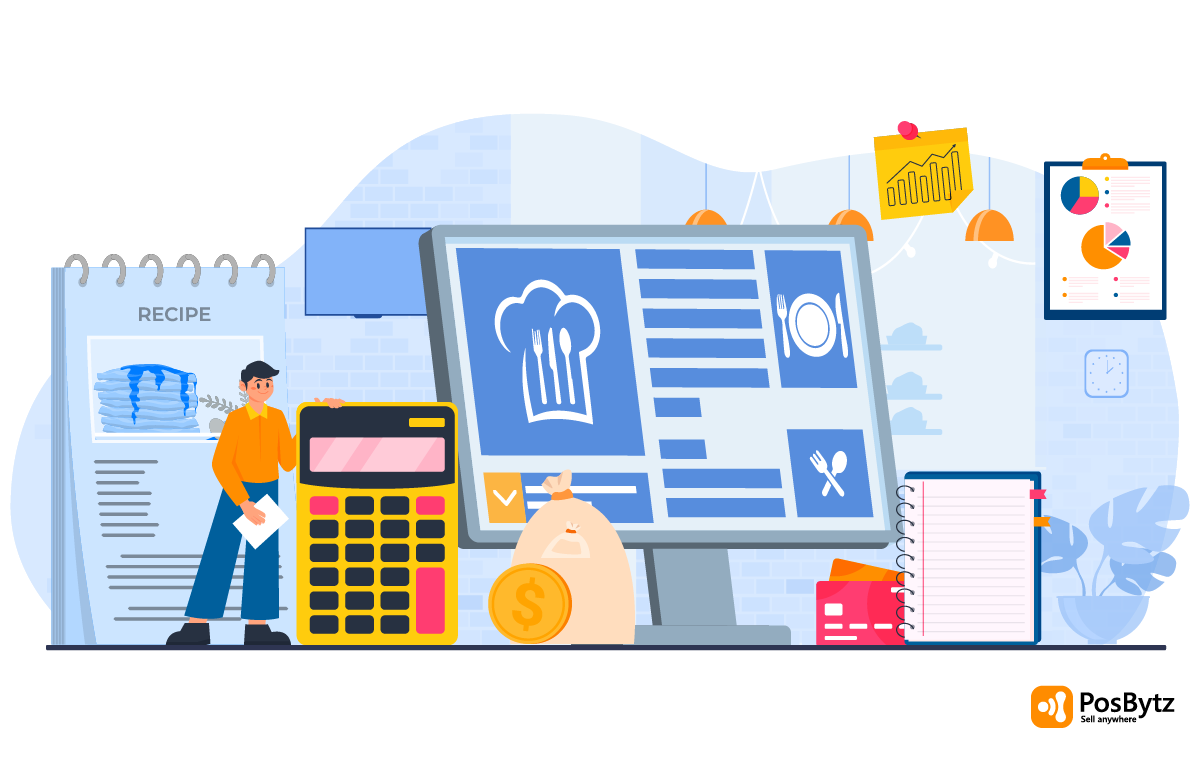


Are you struggling to keep your restaurant's books accurate and up to date? Restaurants deal with high transaction volumes, perishable inventory, tips, and multiple payment channels, which makes generic bookkeeping methods hard to sustain. Choosing the right restaurant bookkeeping software helps you track sales, expenses, and inventory in real time, so you can protect your margins instead of chasing spreadsheet errors.
This guide covers why dedicated bookkeeping matters for restaurants, the challenges of doing it manually, and how to pick the best bookkeeping software for restaurants based on your operation's size and complexity.
Why Restaurants Need Dedicated Bookkeeping Software
Restaurants manage multiple locations, several payment methods, and a high volume of daily transactions, which makes manual tracking risky. Without a proper bookkeeping software for restaurant operations, owners often struggle to see true margins until it's too late to act, which can lead to cash flow problems and, in the worst cases, closure.
Common Challenges of Manual Bookkeeping for Restaurants
- Inaccurate Financial Reporting: Manual methods lead to discrepancies from human error in calculations, which makes it harder to trust the numbers when making decisions.
- Time-Consuming Work: Managing books by hand takes hours that could go toward customer service, menu development, or marketing.
- Error-Prone Records: A single misplaced digit can compound over weeks, causing financial losses that are difficult to trace back.
- No Real-Time Visibility: Spreadsheets and manual ledgers are updated after the fact, so owners rarely see an accurate, current picture of profitability.
The Importance of Accurate Restaurant Bookkeeping Software
Accurate bookkeeping is vital for any business, but it is particularly essential for restaurants. Establishments have to manage multiple locations, various payment methods, and a high volume of transactions, making manual tracking a liability. Without a dedicated restaurant bookkeeping software, owners can struggle to maintain margins, leading to financial instability and potential closure.
Challenges of Manual Bookkeeping for Restaurants
- Inaccurate Financial Reporting: Manual methods often lead to discrepancies due to human error in calculations. This hinders owners from making informed decisions based on reliable data.
- Time-Consuming: Managing books manually consumes significant hours that could be used for customer service, menu development, or marketing.
- Error-Prone: Simple misplaced digits can accumulate over time, causing financial losses and impacting the restaurant’s reputation for reliability.
Benefits of Using Restaurant Bookkeeping Software
- Accuracy: Modern bookkeeping software for restaurant needs ensures precise reporting by automating data entry from the point of sale.
- Efficiency: Automated processes streamline management tasks, allowing staff to focus on delivering exceptional dining experiences.
- Scalability: Supporting multiple locations and high transaction volumes, the software accommodates growth as the business evolves.
How to Choose the Best Bookkeeping Software for Restaurants
Key Features to Look For
- Ease of Use: Opt for user-friendly software that simplifies navigation, ensuring staff can adapt without extensive training.
- Customization: Select software that can be tailored, such as integrating directly with your Restaurant POS.
- Integration: Ensure compatibility with existing tools like Restaurant Online ordering and inventory management.
Steps to Choose the Right Software
- Assess Your Needs: Determine specific requirements, such as payroll management, inventory tracking, or multi-location support, to identify the right fit for your bookkeeping software for restaurant operations.
- Research Options: Compare pricing, features, and customer reviews to find a solution that fits your operational needs and budget.
- Read Reviews: Check feedback from other restaurant owners to gauge software performance and support quality before committing.
- Prioritize Integration: Choose an all-in-one system where a completed sale automatically reduces inventory and updates the books in real time, rather than requiring a manual export and import step.
Popular Restaurant Bookkeeping Software Options
PosBytz
A cloud-based Restaurant mini ERP with integrated POS, inventory, accounting, and HR & Payroll. PosBytz is arguably the best bookkeeping software for restaurants due to its seamless integration of front-of-house sales with back-of-house accounting, removing the need for manual data transfer.
- QuickBooks: Robust accounting capabilities including financial reporting and payroll tracking.
- Zoho Books: Provides real-time financial insights and inventory management for small to mid-sized venues.
- Xero: Offers automated bank reconciliation and invoicing to streamline bookkeeping accuracy.
Final Thoughts
Using the best bookkeeping software for restaurants helps you keep accurate financial records, cut down on manual work, and plan for growth with real numbers instead of guesswork. A dedicated bookkeeping software for restaurant operations should connect sales, inventory, and accounting so your reports reflect what's actually happening on the floor and in the kitchen.
Frequently Asked Questions
1. What are the benefits of using restaurant bookkeeping software?
It offers precision, saves hours of manual labor, and provides the scalability needed for multi-branch growth.
2. How do I choose the best bookkeeping software for my restaurant?
Identify your needs, research options, and look for an all-in-one ERP for your restaurant that includes POS, accounting, and payroll.
3. Can I use manual bookkeeping for my restaurant?
While possible, manual methods are error-prone and time-consuming, making them unsuitable for the complex financial requirements of 2026’s dining industry.
4. How do I ensure the accuracy of my financial reports?
Use automated software. When a sale occurs, your POS should automatically reduce inventory assets in your books and generate an instant P&L report.
Automate Your Restaurant Books
Experience the best bookkeeping software for restaurants. Connect your sales, inventory, and accounts in one click.
Start Your Free Trial Book a Live Demo
More Relevant Resources
READ STUDY: Best Accounting for Restaurants
A comparison study of top financial tools for the modern food industry.
LEARN MORE: Automating Operations with ERP
How integrated ERP systems drive growth and reduce financial errors.
Learn More: Saudi Revenue Management
The essential financial reports every KSA restaurant must track closely.
VIEW LIST: 8 Best POS Inventory Systems
Control your stock to ensure your bookkeeping reflects true profitability.
LEARN MORE: What are POS Reports?
A guide on translating your point-of-sale data into actionable financial plans.
About the author

Saravana Damodaram
Co-Founder & CEO, PosBytz
Saravana Damodaram is the Co-Founder & CEO of PosBytz, a cloud-based POS-ERP platform built for F&B and retail businesses since 2018. He focuses on unified commerce, inventory, and multi-location operations, and has helped over 5,000 merchants across 25+ countries move off fragmented, disconnected tools and run their entire operation, billing, inventory, kitchen, and accounting on one platform.