Complete Guide To Online Ordering For Restaurants
In this guide, we’ll cover all the basics of Online Ordering For Restaurants and show you how to start your own business using free systems.
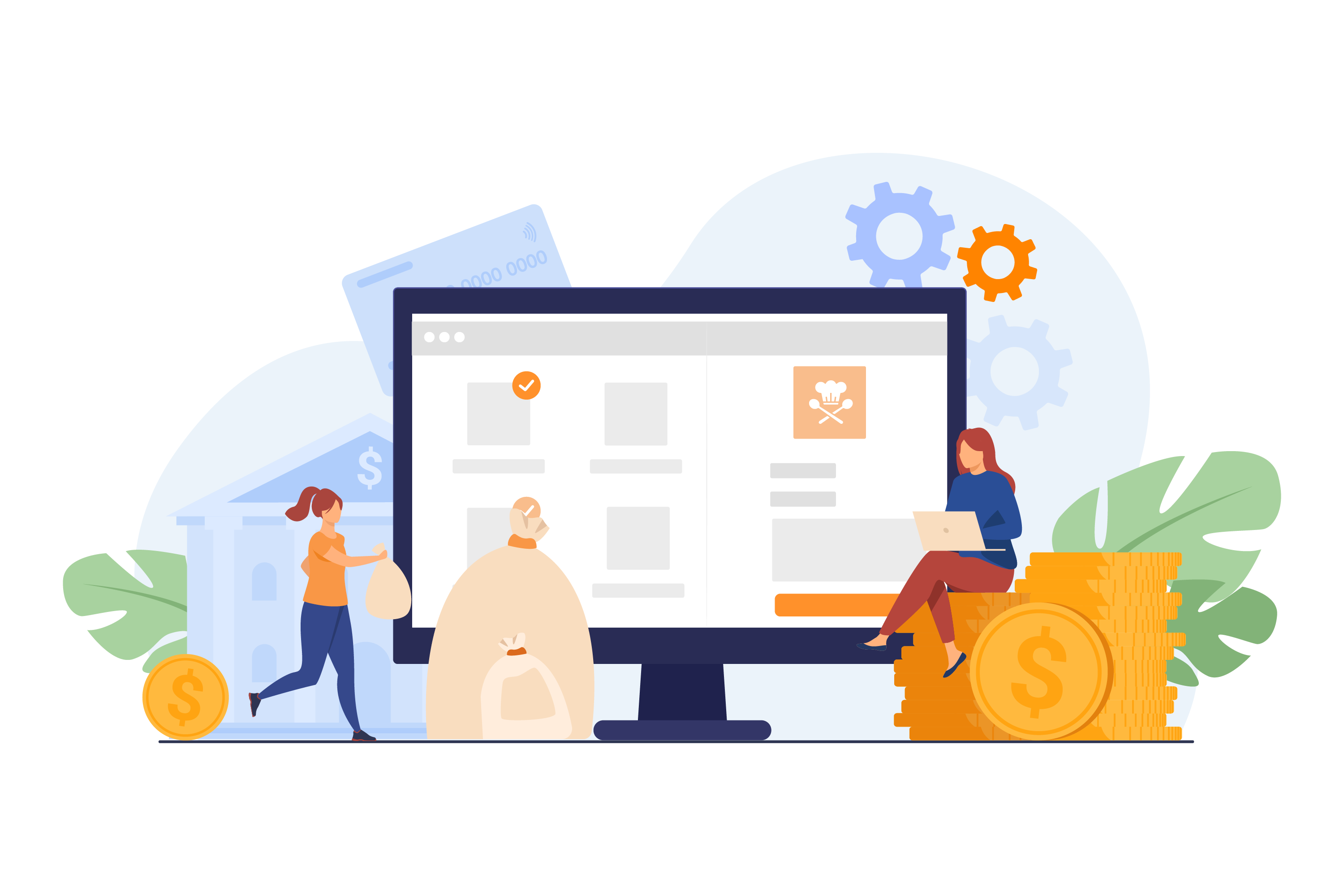


Online ordering for restaurants is no longer an add-on. It is one of the main ways customers choose where to eat, and one of the main channels restaurants use to grow revenue without adding more tables or staff. This guide covers what online ordering actually means, how a restaurant online ordering system works, when to use your own branded ordering page versus delivery aggregators, and how to set everything up correctly the first time.
Whether you run a single café or manage multiple outlets, the goal is the same: let customers order easily from any channel, keep your menu and stock accurate everywhere, and keep as much of the order value and customer data as possible.
What Is Online Ordering for Restaurants?
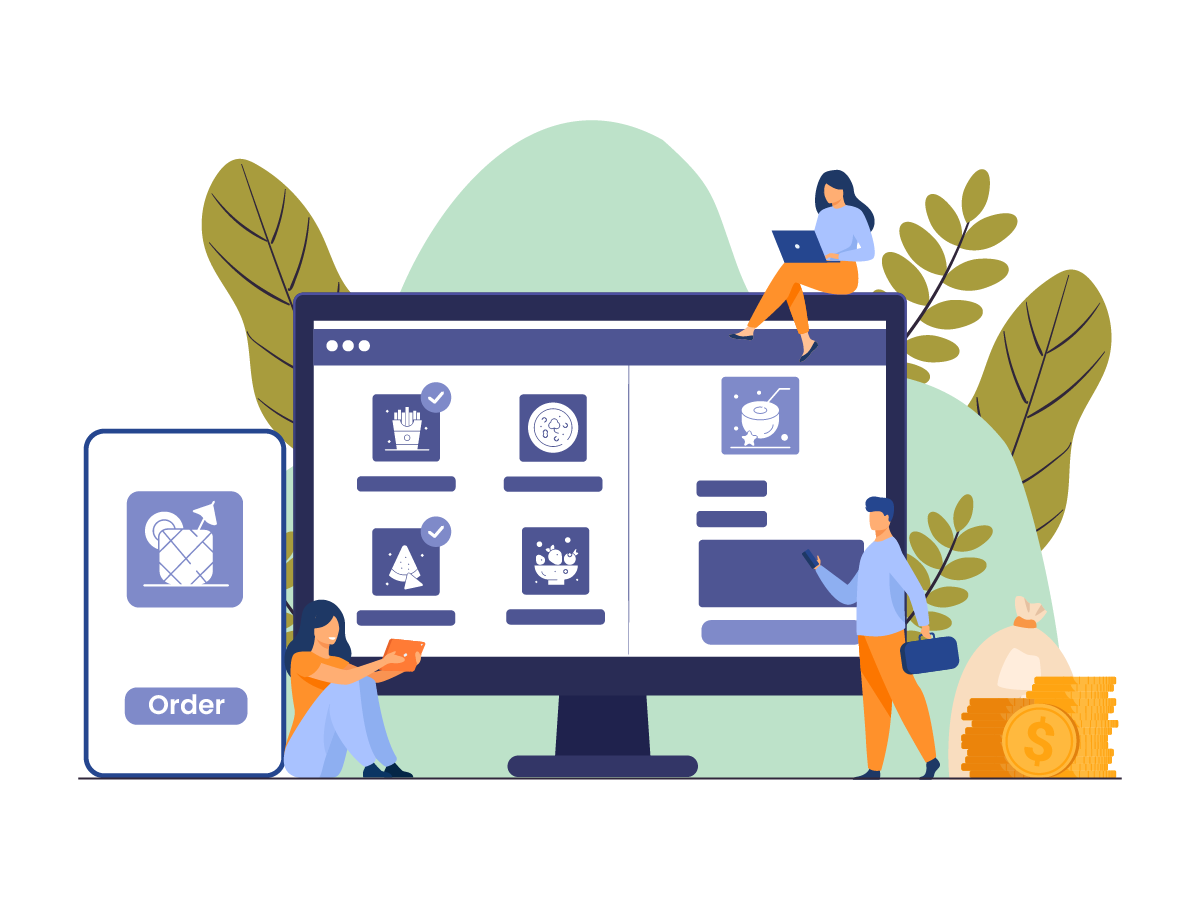
Online ordering for restaurants is any system that lets customers browse a menu, place an order, and pay digitally, without calling in or lining up at the counter. It covers dine-in, takeaway, delivery, and pre-orders, and it can run through several channels at once.
How a Restaurant Online Ordering System Works
A restaurant online ordering system sits between your menu, your kitchen, and your customer. When someone places an order on your website, app, QR code, or a delivery aggregator, the order should flow into a single system that:
- Shows the current menu, pricing, and item availability
- Accepts payment or records the payment method
- Sends the order to the kitchen or POS for preparation
- Updates inventory automatically once the order is confirmed
- Tracks the order status until it is picked up, delivered, or served
When these steps are connected, staff handle every order from one screen instead of switching between a tablet for each delivery app, a separate website dashboard, and a paper docket for phone orders.
Types of Online Ordering Channels
- Branded website ordering: customers order directly from your own site, with no third-party branding in the way
- Branded mobile app: a dedicated app for regular customers, useful for loyalty and repeat orders
- QR code ordering: customers scan a code at the table or counter to view the menu and order
- Delivery aggregators: marketplaces such as Zomato, Swiggy, Uber Eats, or Talabat that bring in new customers in exchange for a commission
- WhatsApp ordering: order taking through chat, useful in markets where WhatsApp is a primary communication channel
Why Online Ordering Matters for Restaurants Right Now
- Revenue diversification: online orders add a channel that does not depend on walk-in footfall or table turnover
- Customer data ownership: direct orders let you build a customer database you actually own, instead of relying entirely on aggregator platforms that keep guest data to themselves
- Operational flexibility: online ordering supports takeaway, delivery, and pre-orders during hours or seasons when dine-in traffic is slower
- Discovery: customers increasingly find restaurants through search engines, maps, and AI-powered search tools before they ever visit in person, so a well-built, fast-loading online ordering page also supports how customers discover you online
- Lower dependency on any single platform: restaurants that rely only on aggregators are exposed to commission changes, algorithm changes, and platform outages
Branded Online Ordering vs. Delivery Aggregators
This is the first real decision every restaurant faces, and most restaurants eventually need both. The two are not competitors so much as different jobs.
Branded (Direct) Online Ordering
Branded ordering happens through your own website, app, or QR code. Orders go straight to you.
Advantages:
- No or minimal commission on each order, depending on the platform
- You keep the customer's contact details, order history, and preferences
- Full control over branding, menu presentation, and checkout experience
- Easier to run loyalty programs, promo codes, and repeat-order campaigns
- Keeps customers on your own site rather than redirecting them elsewhere, which is also better for your website's search visibility
Trade-offs:
- You are responsible for driving traffic to your ordering page through marketing, SEO, and social channels
- You need your own delivery capability, or a delivery partner integration, if you offer delivery
Delivery Aggregators
Aggregators are third-party marketplaces where customers browse many restaurants in one app.
Advantages:
- Built-in customer base and discovery, useful for reaching new customers
- Delivery riders and logistics are often handled for you
- Fast to get started with minimal setup
Trade-offs:
- Commission fees on every order, which affects margins over time
- Limited or no access to customer contact details
- Your restaurant competes directly against others on the same screen
- Less control over how your menu and brand are presented
Why a Hybrid Approach Usually Works Best
Most restaurants keep aggregators for discovery and incremental volume, while building their own online ordering system for repeat customers who already know the brand. The practical goal is to run both channels from one dashboard so menu, pricing, and stock stay consistent everywhere, rather than updating each platform separately.
Essential Features to Look for in a Restaurant Online Ordering System
Not every online ordering tool is built the same way. When you compare options, check for these core capabilities:
- Centralized menu management: update an item, price, or photo once and have it reflect on your website, app, QR menu, and connected aggregators
- Real-time stock sync: when an ingredient runs out, the item should stop selling automatically across every channel, not just in one place
- Unified order dashboard: one screen to view and manage orders from your website, app, QR code, and aggregators like Zomato, Swiggy, Uber Eats, and Talabat, instead of juggling separate tablets
- Multiple payment options: cards, UPI, wallets, and cash on delivery where relevant
- Delivery zone and rider management: set delivery radius, pricing by distance, and track riders if you run your own delivery fleet
- Mobile-first, fast-loading design: most orders now come from phones, so checkout needs to be quick and simple
- POS and kitchen integration: orders should route straight to the kitchen display or POS without manual re-entry
- Customer data and loyalty tools: order history, repeat-order prompts, and loyalty points tied to a real customer profile
- Low or no commission on direct orders: a commission-free ordering page protects your margins on the orders you generate yourself
If you are evaluating platforms side by side, it helps to shortlist a few and compare them directly using a guide to choosing a restaurant online ordering system before committing.
QR Code Ordering: A Core Part of Modern Online Ordering
QR code ordering has grown from a pandemic-era workaround into a permanent part of how restaurants take orders, both for dine-in and quick-service formats.
How QR Code Ordering Works
A customer scans a code placed on the table, counter, or receipt using their phone camera. This opens a digital menu where they can browse items, choose modifiers or combos, place an order, and pay, all without downloading an app. Multiple orders from the same table can be tracked separately, which helps with split billing later.
Benefits of QR Ordering for Restaurants
- Reduces wait time for both taking orders and settling the bill
- Cuts down on order-taking errors since customers select items directly
- Frees up staff during peak hours, since fewer trips to the table are needed for order-taking
- Works well alongside a QR menu that supports promo codes, discounts, and online payment
- Complements a broader restaurant QR code ordering system that also handles takeaway and pre-orders
If your restaurant has not rolled out QR ordering yet, promoting it well at launch, on table cards, receipts, and social media, makes a noticeable difference in adoption. There are practical ways to promote QR codes for contactless ordering that go beyond just placing a code on the table.
How to Set Up Online Ordering for Your Restaurant
Setting up online ordering does not need to be complicated if you follow the steps in order.
- Choose your ordering platform. Decide between a standalone tool and a system that connects to your POS, inventory, and kitchen. A connected setup avoids duplicate menu entry and manual stock updates.
- Digitize and organize your menu. Add clear item names, accurate pricing, photos, modifiers, and combo options. Group items logically so customers can find what they want quickly.
- Set up payments. Enable the payment methods your customers actually use, cards, UPI, wallets, or cash on delivery, and make sure checkout takes only a few taps.
- Decide on your delivery model. Choose between your own delivery staff, a free delivery app for managing your own riders, a third-party delivery partner, or a combination, and set delivery zones and pricing accordingly.
- Connect delivery aggregators if relevant. Link platforms like Zomato, Swiggy, Uber Eats, or Talabat so orders, menu changes, and availability sync automatically instead of being updated by hand on each app.
- Add QR codes for tables and counters. Print and place codes where customers will naturally see them, and test the scan-to-order flow yourself before launch.
- Test the full order flow. Place a few test orders across every channel, website, app, QR, and any connected aggregator, to confirm orders reach the kitchen correctly and stock updates as expected.
- Promote your ordering channels. Share your ordering link on your website, Google Business Profile, social pages, and in-store signage so customers know they can order directly from you.
Managing Orders Across Multiple Channels
Once your online ordering for restaurants is live across several channels, the operational challenge shifts from setup to consistency. A few things matter most here:
- One dashboard, all orders. Staff should not need separate devices for each channel. A consolidated order view reduces missed orders and confusion during rush hours.
- Automatic menu and price sync. When you change a price or mark an item unavailable, it should update everywhere at once, on your website, app, QR menu, and every connected aggregator.
- Real-time order status. Customers and staff should both be able to see whether an order is being prepared, ready, or out for delivery.
- Multi-outlet and multi-brand support. If you run more than one location or more than one brand from the same kitchen, orders should route to the correct outlet or kitchen automatically, and reporting should let you compare performance across locations.
This kind of connected setup is also what makes a cloud kitchen or multi-brand operation manageable, since several virtual brands can share one kitchen and one order dashboard without staff mixing up which platform an order came from.
Using Online Ordering Data to Grow Your Restaurant
Every online order is also a data point. Restaurants that treat online ordering only as a transaction miss the bigger opportunity: building a customer relationship.
- Own your customer database. Direct orders give you names, contact details, and order history that you control, unlike aggregator orders where this data usually stays with the platform.
- Run loyalty programs. Points, stamps, or tier-based rewards give regular customers a reason to keep ordering directly instead of switching to whichever aggregator has the best discount that week.
- Send targeted campaigns. Birthday offers, win-back messages for lapsed customers, and repeat-order reminders work better when they are based on real order history rather than guesswork.
- Track what is actually selling. Item-wise and channel-wise sales data helps you spot which dishes perform best online versus in-store, and adjust your menu or pricing accordingly.
A CRM built around restaurant customers makes this practical instead of manual, since it ties loyalty, campaigns, and order history to the same customer profile. If you are still deciding on a CRM, this guide to choosing the best restaurant CRM breaks down what to look for.
Common Online Ordering Mistakes to Avoid
- Relying only on aggregators. Commission fees add up, and you never build a direct relationship with the customer.
- Updating menus manually on each platform. This leads to mismatched prices, items showing as available when they are sold out, and customer complaints.
- Ignoring mobile checkout speed. A slow or cluttered checkout on mobile is one of the most common reasons customers abandon an order.
- Not connecting online orders to inventory. Without real-time stock sync, restaurants keep selling items that are already out, which damages trust.
- Treating online ordering as a one-time setup. Menus, pricing, and delivery zones need regular review as costs and demand change.
- Skipping the promotion step. Even a well-built ordering system will not get used if customers do not know it exists. Table cards, receipts, social posts, and your Google Business Profile all help drive awareness.
Online Ordering Trends Worth Watching
A few shifts are shaping how restaurants approach online ordering going forward:
- Direct ordering as the priority channel. More restaurants are building up their own branded ordering pages first, and treating aggregators as a supplementary discovery channel rather than the main one.
- AI-assisted discovery. Customers are increasingly using AI-powered search and chat tools to find where to eat, which makes it more important that your restaurant's online listings, menu, and ordering page are accurate, fast, and easy to find.
- QR ordering expanding beyond payment. QR codes are being used for the full guest journey now, from browsing the menu and ordering to loyalty sign-up and feedback, not just splitting the bill at the end.
- Personalization based on order history. Systems that can show a returning customer their usual order or relevant suggestions are becoming more common, though this still depends on having accurate, connected order data to work from.
- Consolidation of channels. Rather than adding more standalone tools, restaurants are looking for one system that connects the website, app, QR ordering, and aggregators together.
Frequently Asked Questions
What is online ordering for restaurants?
Online ordering for restaurants refers to any system that lets customers browse a menu and place orders digitally, through a website, app, QR code, or delivery aggregator, instead of ordering by phone or in person. Orders typically flow into the kitchen or POS for preparation and are tracked until fulfillment.
Is a branded online ordering system better than delivery apps like Zomato or Swiggy?
They serve different purposes. A branded restaurant online ordering system lets you keep more of the order value and own the customer relationship, since there is no third-party commission and you retain customer data. Delivery aggregators are useful for discovery and reaching new customers who may not know your restaurant yet. Most restaurants use both, with branded ordering as the priority channel for repeat business.
Do I need QR code ordering if I already have a website for online orders?
Yes, they cover different moments. A website is typically used before a customer arrives or for delivery and takeaway. QR code ordering is used once a customer is already at the table or counter, letting them browse and order without waiting for a server. Both can connect to the same menu and order system so they stay consistent.
How much does it cost to set up online ordering for a restaurant?
Costs vary depending on whether you choose a free or paid platform, whether it charges commission per order, and whether you need hardware like printers or tablets. Many restaurant online ordering systems now offer commission-free direct ordering with a flat subscription instead of a per-order fee, which is usually more predictable for budgeting than commission-based pricing.
How do I choose the best restaurant online ordering system?
Compare platforms on commission structure, whether the menu and stock sync automatically across channels, POS and kitchen integration, mobile checkout speed, and whether you retain customer data. A system that connects your website, app, QR ordering, and delivery aggregators into one dashboard is generally easier to manage than stitching together several separate tools.
Conclusion
Online ordering for restaurants works best when it is treated as one connected system rather than a collection of separate apps and tablets. Getting the basics right, a synced menu, real-time stock, a simple checkout, and a mix of branded ordering and aggregators, does more for revenue and customer retention than adding more channels on their own. Once that foundation is in place, the data from every order becomes a tool for loyalty, marketing, and smarter menu decisions rather than just a record of a transaction.
If you are setting up or rebuilding your restaurant's online ordering, PosBytz brings your branded website, app, QR ordering, and delivery aggregator integrations into a single dashboard, with real-time menu and stock sync across every channel. Explore PosBytz online ordering to see how it fits your setup.
About the author

The PosBytz Marketing Team
Editorial Team, PosBytz
The PosBytz Marketing Team shares practical insights on running smarter restaurants and retail stores from POS best practices to inventory management, online ordering, and customer loyalty strategies.